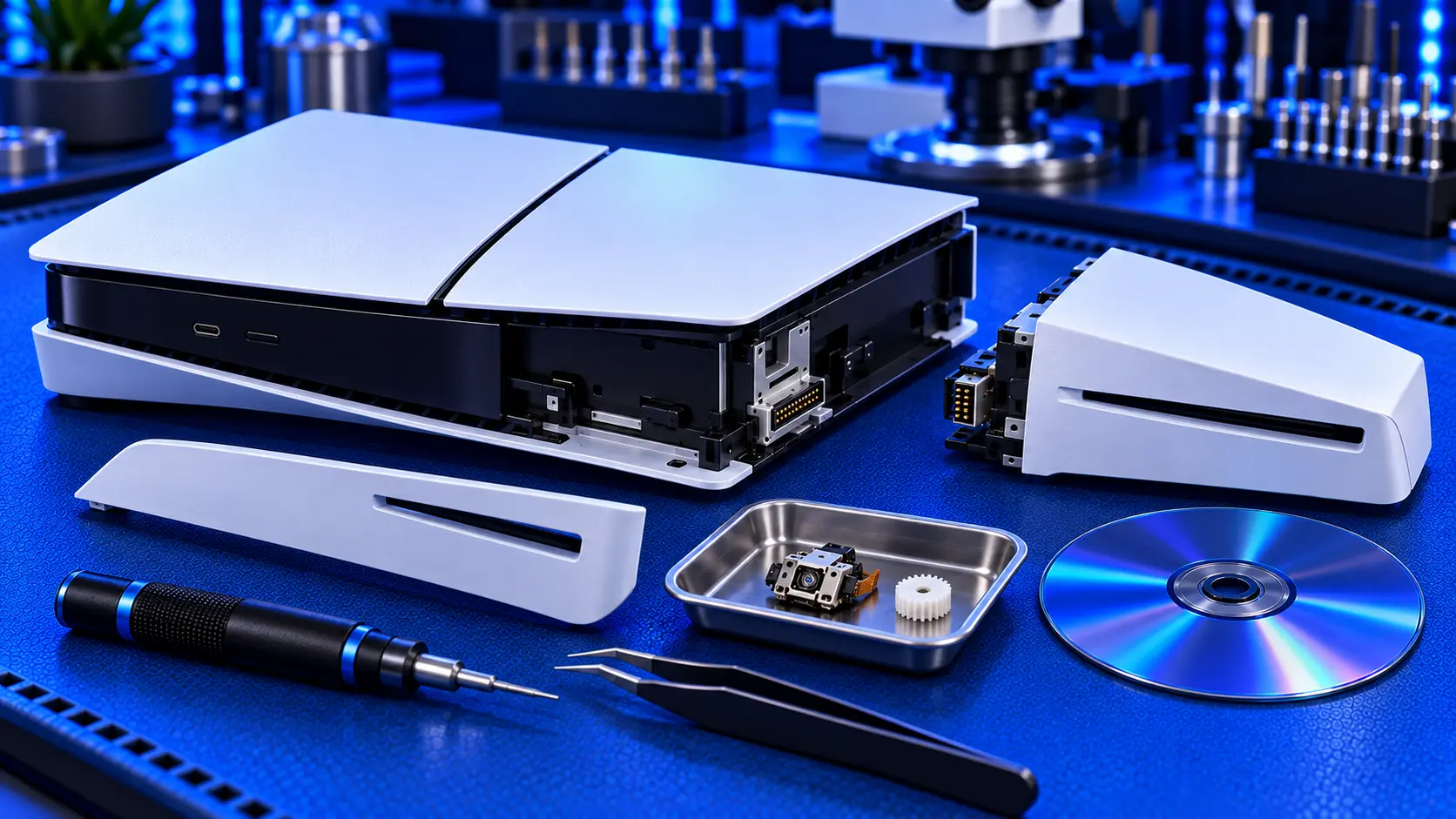
I repair original PS5 disc drives, and the PS5 Slim and PS5 Pro drives are a common question. So here's an honest answer that doesn't end in a booking with me: for most Slim and Pro owners, the best fix for a failed disc drive is a new drive from Sony, not a repair.
Here's why, and what to check before you buy anything.
How the Slim and Pro disc drive works
On the original PS5, the disc drive is built into the console and paired to its mainboard. The Slim and the Pro are different. The disc drive is a separate unit that clips onto the console. The Slim disc edition comes with one attached. The Slim digital edition and the Pro come without one, and you can add Sony's drive later.
When a drive is attached for the first time, the console needs an internet connection to pair with it. After that one-time check, it works offline. That's what makes the drive easy to replace: unclip the old one, clip in a new one, go online once, and it's ready.
Check these before you buy anything
Try different discs. One failing game is usually the disc, not the drive. Try another game you know works, and a Blu-ray or DVD film if you have one.
Clean the disc. Wipe it with a soft microfibre cloth in straight lines from the centre to the edge. Fingerprints and smudges stop PS5 discs reading surprisingly often.
Reseat the drive. With the console fully off and unplugged, remove the drive and clip it back in firmly. A drive that isn't fully seated can behave oddly.
Update the system software. Go to Settings, then System, then System Software. Some disc problems are fixed by an update, and new games sometimes need the latest version.
Check it's been paired. If you've recently reset your console or attached the drive for the first time, connect to the internet so the console can register it. Without that check, the drive won't work.
The free checks in PS5 unable to read disc apply to the Slim and Pro too, including rebuilding the database in Safe Mode.
Why I don't repair Slim and Pro drives
When a Slim or Pro drive won't read discs, the usual cause is the same as on the original: a worn laser. The difference is the cost. The replacement laser for the Slim drive is a different part from the original PS5's, and it currently costs more on its own than Sony's entire replacement drive, which retails at £69.99. I've compared the options in PS5 disc drive repair cost in the UK.
Add the labour and postage, and a laser repair would cost well over the price of a brand new drive. A new drive also comes with Sony's own warranty and pairs itself in minutes. I'd rather tell you that than sell you a repair that costs more than the alternative.
Buying a replacement drive
A few things to know:
Buy the official Sony drive. It's sold as the Disc Drive for PS5 Digital Edition Consoles, and it works with the Slim digital, the Pro, and as a replacement on the Slim disc edition.
Be wary of used drives. A second-hand drive will pair with your console once it's online, but you're buying a laser of unknown age, and it may fail again soon.
You'll need the internet once. Keep the console online the first time you attach the new drive.
Stock can vary. If the official drive is out of stock, it's worth waiting for it rather than paying well over the list price.
If you have an original PS5
The original PS5 is a different story. Its drive can't be swapped, because it's paired to the mainboard. I explain why in can you replace a PS5 disc drive? On an original PS5, the drive has to be repaired rather than replaced, and that's where a PS5 disc drive repair makes sense. It's £94 all-in with a new laser, a no-fix-no-fee promise and a 12-month warranty.
Your model number is on the label, starting CFI-. The original PS5 uses CFI-1000, CFI-1100 and CFI-1200, the Slim uses CFI-2000, and the Pro uses CFI-7000.
If something else is wrong with your Slim or Pro
The disc drive is one of the few PS5 faults where a repair isn't the best answer. If your Slim or Pro has no picture, overheats or won't power on, those are repairs I do on every model, including the PS5 HDMI port repair.
My recommendation
Work through the free checks first: other discs, cleaning, reseating the drive and updating the system. If discs still won't read, replace the drive rather than repairing it. Sony's own drive costs less than a laser repair, carries Sony's warranty, and pairs itself the first time you connect to the internet. It's the rare case where the honest advice is not to repair it.
The Repair Works is an independent UK repair service, run by me, Paul — 25 years of hands-on repair experience, working by post for customers across the whole country. Not affiliated with or endorsed by Sony.


