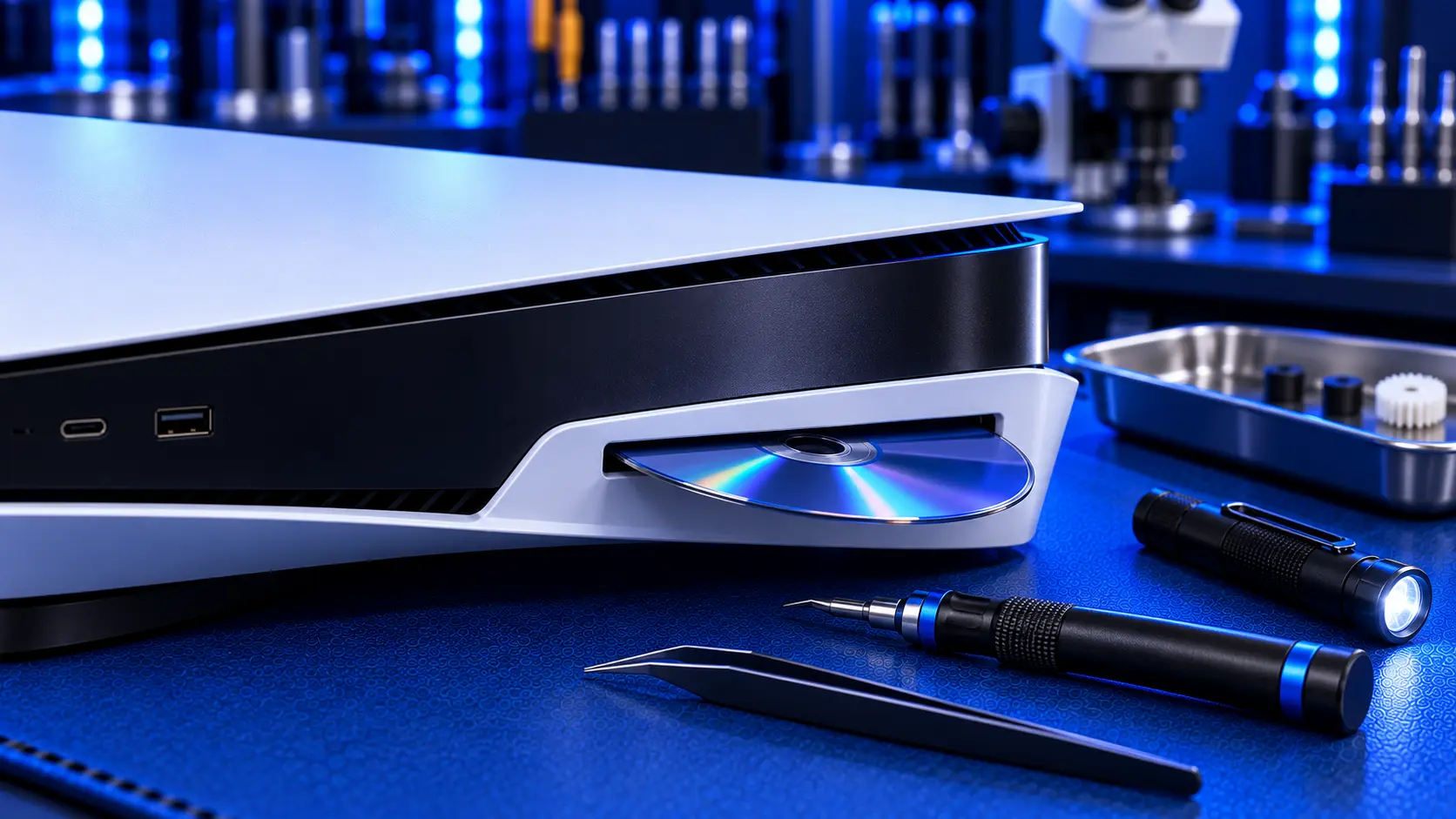
A disc that won't come out of your PS5 is worrying, especially if it's a game you want to play or a film you've borrowed. The good news is that most stuck discs come out without damage, as long as you don't force them. The bad news is that the forceful approach, prising at the slot or shaking the console, is the fastest way to damage both the disc and the drive.
Here's what to try, in order, and when to stop.
1. Try the eject button and the menu
Start with the obvious. Press the eject button on the console once, firmly, and wait a few seconds. Then try ejecting from the menu: on the home screen, select the game, press the Options button, and choose Eject Disc.
If the drive whirs but the disc doesn't come out, don't keep pressing. Give it a moment.
2. Restart the console properly
A drive can get stuck mid-operation, much like a computer freezing. Turn the PS5 fully off rather than putting it into rest mode, unplug it from the wall, and wait a couple of minutes. Plug it back in, turn it on, and try ejecting again once it's fully started.
3. Check for an update
If the drive is behaving oddly in other ways too, install any system update waiting under Settings, then System, then System Software, and try again.
4. The manual eject on the original PS5
The original PS5 has a manual eject point for exactly this situation. It's under the console's side cover, and it releases the disc mechanically without power. Sony's support pages describe how to use it. If you're comfortable removing the cover, it's the safest way to free a disc that won't eject electrically.
Follow Sony's instructions carefully, unplug the console first, and don't use force. If the disc still won't release, stop there.
On the PS5 Slim and Pro, the drive is a separate unit, so the approach is different. Check Sony's support pages for your model.
What not to do
Don't prise at the slot. Knives, cards and tweezers scratch discs and damage the slot and the loading mechanism.
Don't shake or tip the console. It won't free the disc, and it risks damaging the drive.
Don't keep pressing eject over and over. If the mechanism is jammed, repeated attempts can strip it.
Don't push a second disc in. If the drive says there's no disc but one is inside, a second disc can jam everything.
Discs that won't go in
The opposite problem is a drive that won't take a disc. The disc stops halfway, gets pushed back out, or won't feed in at all. The causes are the same parts: the loading mechanism that pulls discs in and pushes them out. Check that nothing is already inside, and that you're inserting the disc label side up, with the console the right way up. If a clean disc still won't go in, the mechanism needs repairing.
Why discs get stuck
The loading mechanism is a set of small motors, gears and arms that pull the disc in, clamp it in place and push it back out. Over time, parts wear or slip, debris gets in, and the mechanism can jam partway through. A console that has been moved or knocked while a disc was inside is more likely to have a jammed mechanism. It often starts with a disc that's slow to eject before it stops ejecting entirely.
If the drive is also grinding or clicking, PS5 disc drive grinding or clicking covers what those noises usually mean.
What the repair involves
On the original PS5, a stuck disc, a drive that won't eject and a drive that won't take a disc are all covered by a PS5 disc drive repair. It's £94 all-in, including parts and tracked return postage. I remove the disc safely, repair or replace what has failed in the mechanism, and test the drive with games, Blu-ray and DVD. I'll return your disc with the console.
If you can't get the disc out, send the console with it still inside. Don't force it. If the paired control board turns out to have failed, it can't be replaced, so it's no fix, no fee: I refund what you paid, less return postage. Every repair is covered by a 12-month warranty. For how that compares with other repairers, see PS5 disc drive repair cost in the UK.
My recommendation
Try the eject button, the menu option and a full restart first. Between them, they free a lot of stuck discs. On an original PS5, the manual eject is the safe last resort, if you're comfortable removing the side cover. If none of that works, stop, and resist the urge to prise it out. A stuck disc that's left alone can usually be removed undamaged on the bench. A disc that's been levered at rarely can. When you send it in, how to pack a PS5 for posting will help it arrive safely.
The Repair Works is an independent UK repair service, run by me, Paul — 25 years of hands-on repair experience, working by post for customers across the whole country. Not affiliated with or endorsed by Sony.


