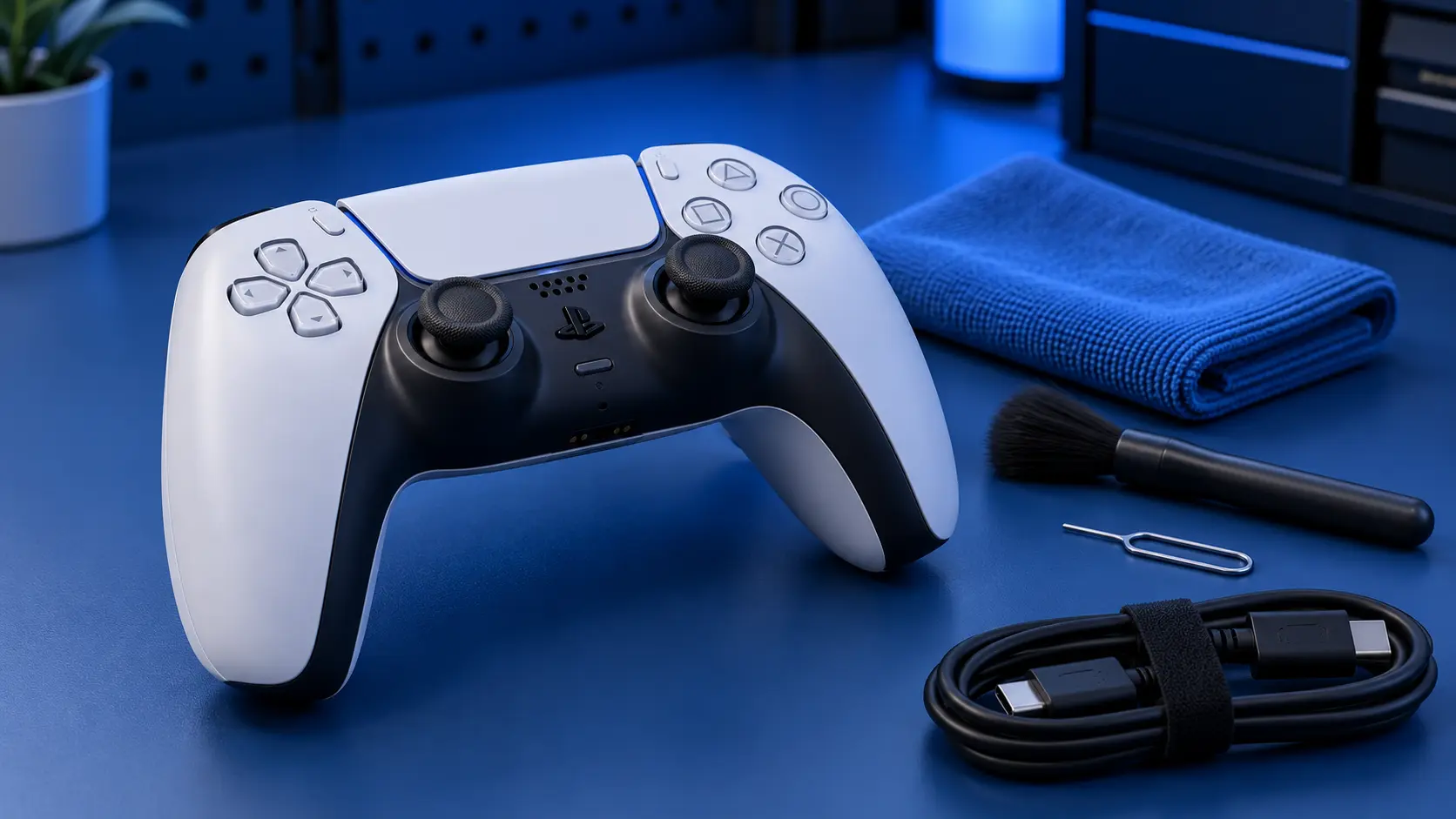
Short answer: you can make it better for a while, but you can't fix it, and there is no software update or hidden setting that will.
That's worth saying plainly because a lot of what's written about this implies otherwise.
Why there's no software fix
Drift is wear. Inside the stick, a contact arm has ground a worn patch into a resistive track, and the controller is reporting noise from that patch as movement.
Software can compensate for that reading. It cannot restore the track. Any fix that doesn't involve replacing the worn part is, by definition, working around a fault that's still there and still getting worse.
So everything below is a delay, not a repair. Some of it is a useful delay.
Recalibration
The most legitimate of the no-tools options.
There's a small reset button on the back of the DualSense. Press it with a paperclip, hold for about five seconds, then reconnect with a cable. That clears the controller's stored calibration and it re-learns where centre is.
If the drift came from a knock while the pad was connected, or a firmware hiccup rather than wear, this can genuinely clear it for good. That does happen.
If it's wear, you'll get a few days and then it's back — and that outcome is itself the diagnosis. What to try first covers this in more detail.
Compressed air
Worth a try, does no harm.
A short burst around the base of the stick, with the stick pushed to each side in turn, can shift grit sitting against the contacts. If contamination is the problem rather than wear, this fixes it for nothing.
Keep the can upright and don't hold the trigger down — tipping it can spray liquid propellant into the shell, which is a different and worse problem.
Contact cleaner — careful
The most commonly recommended and the one most likely to backfire.
Stick modules have a small amount of lubricant on the track to slow the wear. Most contact cleaners are solvents, and solvents dissolve lubricant. Flood a stick and you wash out the grease that was protecting it.
The usual result: brilliant for a week, then worse than before, permanently. Still drifting after cleaning covers why in full.
If you're going to use it, use a trace on a cotton bud, not a burst from the can.
Deadzone settings
The genuine workaround, and the only one that's honest about what it is.
Many games let you increase the stick deadzone — the area around centre where input is ignored. Widen it enough and mild drift disappears, because the game stops listening to that range.
What you lose is fine control. A wide deadzone means small stick movements do nothing, which matters most in exactly the games where drift bothered you in the first place. And it only works per-game; there's no system-wide setting on the PS5.
It's a reasonable stopgap if you're mid-way through something and don't want to post the controller this week. It's not a fix.
What about a firmware update?
Keep the controller updated — it's good practice and occasionally fixes connection oddities. But there has never been a firmware update that repaired stick drift, and there won't be, because firmware can't put material back on a worn track.
If a page tells you a system update fixes drift, that's a page to close.
The actual fix
Replacing the worn stick module. That means opening the controller, desoldering twelve joints, fitting a new part and recalibrating — which is why it's a bench job rather than something you do from the sofa.
£19 for one stick, £24 for both, including parts, tracked return postage and a 12-month warranty. If you'd rather not repeat the exercise, the Hall effect upgrade at £34, or TMR at £39, replaces them with contactless sticks that have no wear surface.
And if you fancy having a go yourself, that's fine — but read this first, because a lifted pad turns a £19 job into a longer one.


