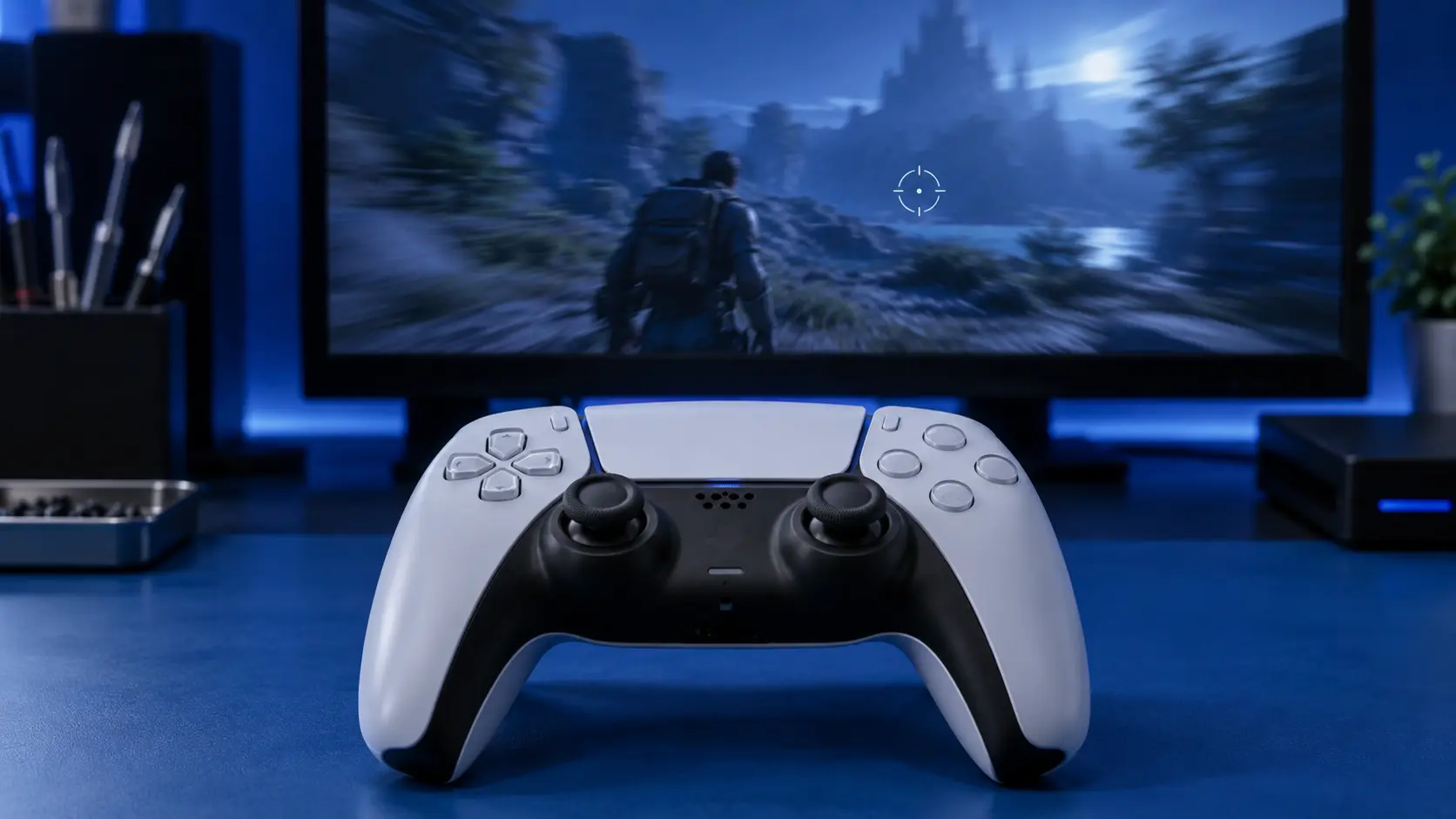
You put the controller down and your character keeps walking. Or you're aiming and the crosshair slides slowly to the left on its own. Or the camera spins gently while you're standing still, like someone else has the pad.
None of that is the game glitching and none of it is you imagining it. It's a hardware fault with a name — stick drift — and it's the single most common thing that goes wrong with a DualSense.
What's useful is that the exact way it shows up tells you which part has failed.
Your character walks or runs without input
That's the left stick. On almost every game the left stick handles movement, so when its resting position stops reading as centre, the game reads a small permanent push in one direction and your character obeys it.
It usually starts subtle — a slow drift in menus you half-notice — and gets worse over a few weeks until you can't stand still.
The camera pans or spins on its own
That's the right stick, which handles look and aim. Same fault, different stick.
Right stick drift is often noticed later than left stick drift, because a slowly rotating camera reads as "the game being weird" for longer than a character walking into a wall does.
Your aim slides in one direction
Also the right stick, and the direction tells you which axis. Sliding left or right is the X axis; creeping up or down is the Y axis.
This is the one that ruins shooters, because you're constantly correcting for a pull that isn't yours. Most people notice it in a game that rewards precision long before they'd notice it anywhere else.
It only happens in one game
Different situation, and worth ruling out before you assume the controller is broken.
Games apply a deadzone — a small area around centre where they ignore stick input, specifically so minor noise doesn't move your character. Some games set it tight for responsiveness. A controller with mild wear can behave perfectly in one game and badly in another purely because of that setting.
If it's one game only, check that game's controller settings first. If it happens everywhere, including on the console's home screen, it's the hardware.
Menus scroll by themselves
The home screen and menus have almost no deadzone, which makes them the most sensitive drift detector you own. If your menu selection creeps while the controller is sitting on the table, that's drift, and it's usually the first place it shows up.
So what's actually broken
Inside each stick there's a small resistive track with a contact arm sweeping across it. The arm is physically touching the track, so every hour of play wears it fractionally. After a few hundred hours there's a worn patch, the stick stops reporting a clean centre, and the console reads movement you didn't make.
It's wear, not a fault in the electronics and not something you did wrong. It happens to every controller eventually and to some much sooner than others.
What to do about it
Confirm it first. The console has a controller test that shows live stick readings — put the pad on a table, don't touch it, and watch. How to test a PS5 controller for stick drift walks through that and two other methods, and tells you which stick and which axis so you know what you're dealing with.
Try the free things. Recalibration and a careful clean occasionally fix a pad that's picked up grit rather than worn out. What to try first covers them honestly, including the one that can make things worse.
Then get it repaired. If the drift comes back within days of a reset, the stick is worn and nothing external will change that. A stick replacement is £19 for one or £24 for both, including parts, return postage and a 12-month warranty.
If you'd rather it didn't happen again at all, the Hall effect upgrade at £34, or TMR at £39, uses contactless magnetic sticks with no wear surface — the fault has nothing to develop from.
Is it worth fixing or should you just replace it?
A new DualSense is around £60, so a £19 repair is about a third of the price — and a new controller has exactly the same sticks in it, which will do exactly this again. Repair or replace has the full comparison.
Book a repair and tell me which stick and which direction when you send it in.


