Plenty of controllers get sent for drift repair when the problem is a game setting, a flat battery or a firmware hiccup. Five minutes of testing tells you which you've got, and it's worth doing before you post anything anywhere.
If you're not sure this is even what's wrong — your character walking on its own, the camera creeping, your aim sliding — here's what those symptoms usually mean before you run any of these.
There are three ways to check, in rough order of how definitive they are.
1. The PS5's built-in test
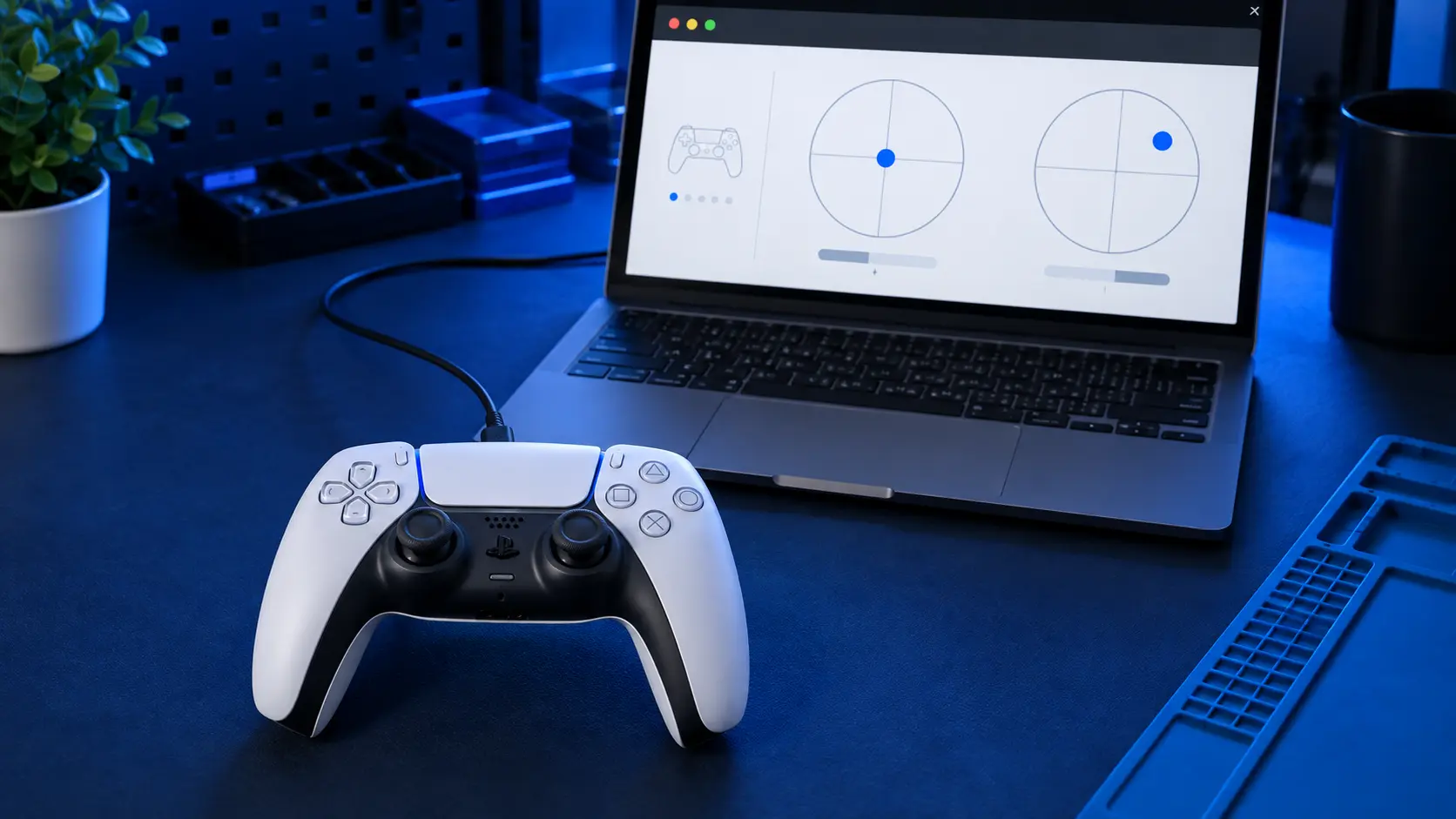
The console has a controller test built into its settings, under the accessories section — look for the controller options and a test or input-device screen. It shows a live readout of both analogue sticks.
Put the controller flat on a table. Don't hold it, don't rest a finger on a stick, don't have it on your lap. Then watch the readouts for thirty seconds.
If the values move while nothing is touching the sticks, that's drift and it's a hardware fault. If they sit perfectly still, the sticks are reading correctly and the problem is somewhere else.
The flat-surface part matters more than it sounds. A controller held in your hands has tiny constant pressure on the sticks from your thumbs, and that will produce movement that looks like drift and isn't.
2. A browser gamepad tester
If you want a clearer picture than the console gives you, plug the controller into a computer with a USB-C cable and open any browser-based gamepad tester. They read the controller's raw axis values through the browser's gamepad API and show them as numbers, usually from -1.00 to 1.00.
A stick at rest should read close to 0.00 on both axes. A tiny amount of movement — 0.01 or 0.02 flickering — is normal electrical noise and every controller does it. Sustained readings of 0.05 or higher, or a value that sits offset from zero and stays there, is drift.
The useful thing about the numeric view is that it tells you which stick and which axis. "Left stick, X axis, sitting at 0.18" is a much more useful thing to know than "it drifts sometimes", and it tells you whether you need the single-stick repair or the both-sticks one.
3. Test it in a game you know
The least scientific test but the one that matches how the fault actually bothers you. Load a game, stand still in an open area, and put the controller down.
If your character walks, your aim creeps, or the camera pans on its own, that's drift showing up where it matters.
Telling drift apart from a game setting
This catches people out. Most games have a stick deadzone setting — a small area around centre where input is ignored, specifically so that minor stick noise doesn't move your character. Some games let you adjust it, and some ship with it set very low for responsiveness.
So a controller with mild wear can behave perfectly in one game and badly in another, purely because the second game has a tighter deadzone. If the problem only happens in one title, check that game's controller settings before assuming the hardware is at fault.
The console's own test is the tiebreaker. It reads the controller directly with no deadzone applied, so if the console test is clean and one game misbehaves, it's the game.
Does it come back after a reset?
This is the test that decides whether it's worth repairing.
Reset the controller using the small button on the back, reconnect it with a cable, and test again. If the drift is gone, it was a calibration fault and you've fixed it for free. If it's gone and comes back within a few days, the stick is mechanically worn and calibration is just masking it temporarily.
That second outcome is the common one, and it's the point where cleaning and resetting stop being worth your time. There's more on the free fixes and where they stop working in what to try first.
What to do with what you found
One stick drifting: the single-stick repair at £19 is all you need.
Both sticks drifting: £24 covers the pair.
Drifted before, drifting again: the stick modules will keep wearing. The Hall effect upgrade at £34, or TMR at £39, uses contactless sticks with no wear surface, so drift is far less likely to come back.
Console test clean, one game bad: it's the game's deadzone. Nothing to repair.
Full pricing is in what drift repair costs. If you've tested it and it's drifting, book the repair and tell me which stick and which axis when you send it — it saves me diagnosing what you already know.


