Before you pay anyone anything, there are a couple of things worth trying. They're free, they take five minutes, and occasionally they work.
They also usually don't, and it's worth understanding why so you know when to stop.
First: work out whether it's actually drift
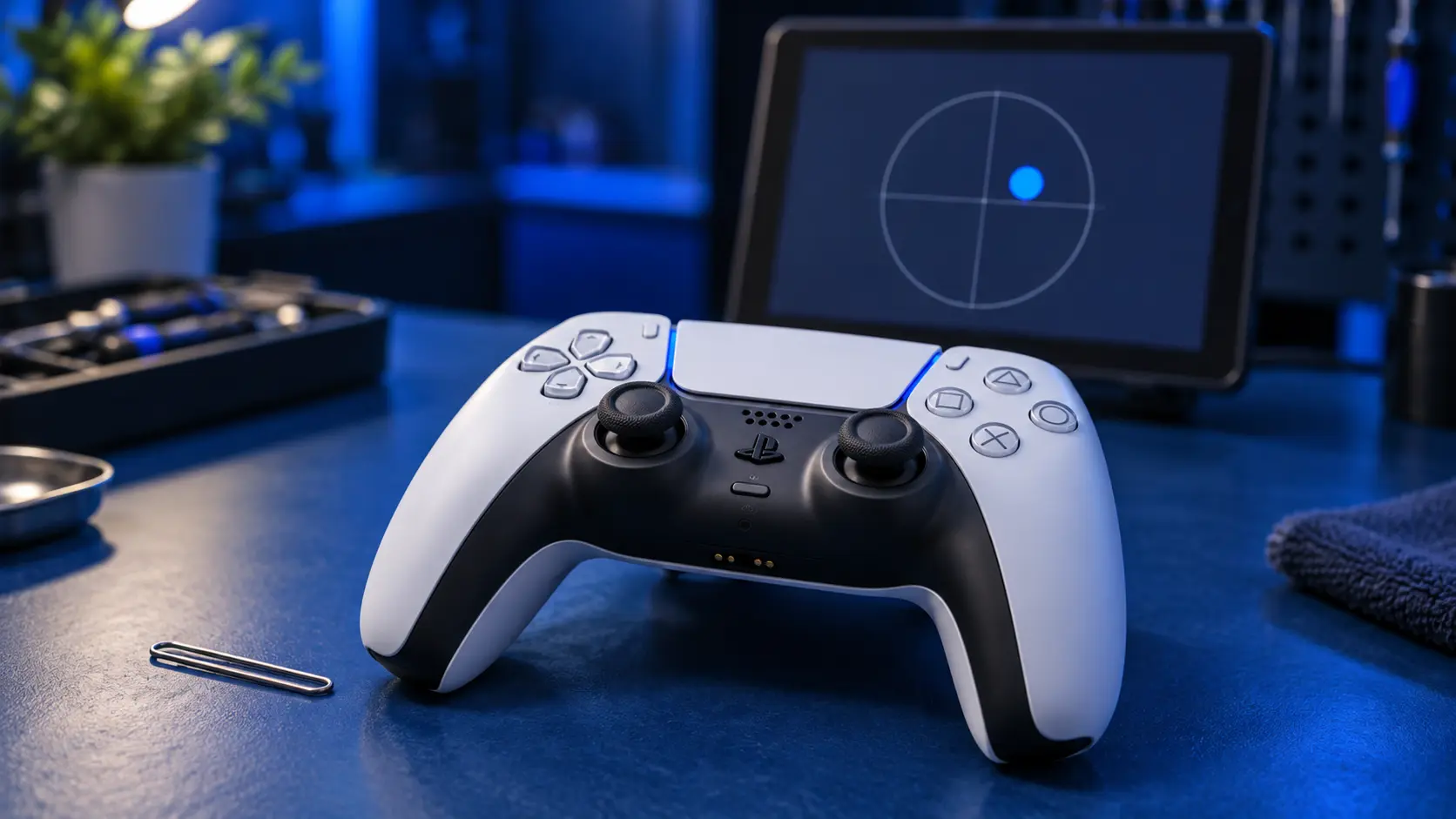
Go to Settings → Accessories → Controller → Test Input Device. Put the pad down, don't touch it, and watch the stick readouts. If the values move on their own, that's drift. If they sit still and the problem only happens in one game, it's probably a deadzone setting in that game rather than a hardware fault.
Worth doing first because it saves you posting a controller that's fine.
Second: reset and recalibrate
There's a small reset button on the back of the DualSense, beside the Sony logo near the screw. Press it with a paperclip, hold for about five seconds, then reconnect the pad with a cable.
This clears the controller's stored calibration. If the drift came from the pad being knocked while it was connected, or from a firmware hiccup rather than wear, a reset can genuinely clear it.
If it works, you're done and it cost you nothing.
Third: clean around the stick base
Dust and grit collect in the gap at the base of the stick and can sit against the contacts. A short burst of compressed air around the base, with the stick pushed to each side in turn, sometimes shifts it.
A word on contact cleaner, since it's the most common advice online: it can work, briefly. It can also seep into the module and degrade the lubricant on the track, which makes the wear worse in the medium term. Flooding a stick with cleaner can buy you three good weeks followed by a much worse fault. If you're going to try it, use almost none of it.
When none of this will work
Here's the part most guides leave out.
All three fixes above treat contamination or a bad calibration. None of them touch wear. And by the time someone is searching for this, the fault is nearly always wear — the resistive track inside the stick module has a worn patch, and the controller is reading noise from it.
So: if the drift comes back within a few days of a reset or a clean, the stick is worn. That's not a maintenance problem, it's a failed part, and nothing you can do from outside the shell will change it. You'll get the same few days back each time and the gaps will get shorter.
At that point cleaning it again is just delay.
If you want a stopgap rather than a fix — there's one game-side workaround this doesn't cover — see can you fix drift without opening it.
A word on opening it yourself
You can replace a stick module at home if you solder. It's four layers of board, twelve joints per module, and the pads lift easily if the iron is too hot or sits too long.
If you've already tried and it's gone wrong — lifted pad, torn ribbon, stripped screw — that's fixable and it's not an unusual job. Send it in anyway; I'd rather sort it than have you bin a pad over a torn cable.
If it's worn
A stick replacement is £19 for one, £24 for both, including parts, return postage and a 12-month warranty. If you'd rather it didn't come back, the Hall effect upgrade is £34 and TMR is £39 — both use contactless sticks with no wear surface.
Full prices are in what drift repair costs, and the choice between the two is in Hall effect vs standard.


