If your Mega Drive has no sound, or the sound is quiet or crackly, start with the simple things: the volume slider and headphone socket on a Model 1, then the cables and the TV. If those check out, ageing capacitors on the board are a well-known cause, and a recap is the usual fix.
Below is the order I'd work through it, so you don't pay for a repair you might not need.
Check the volume slider and headphone socket (Model 1)
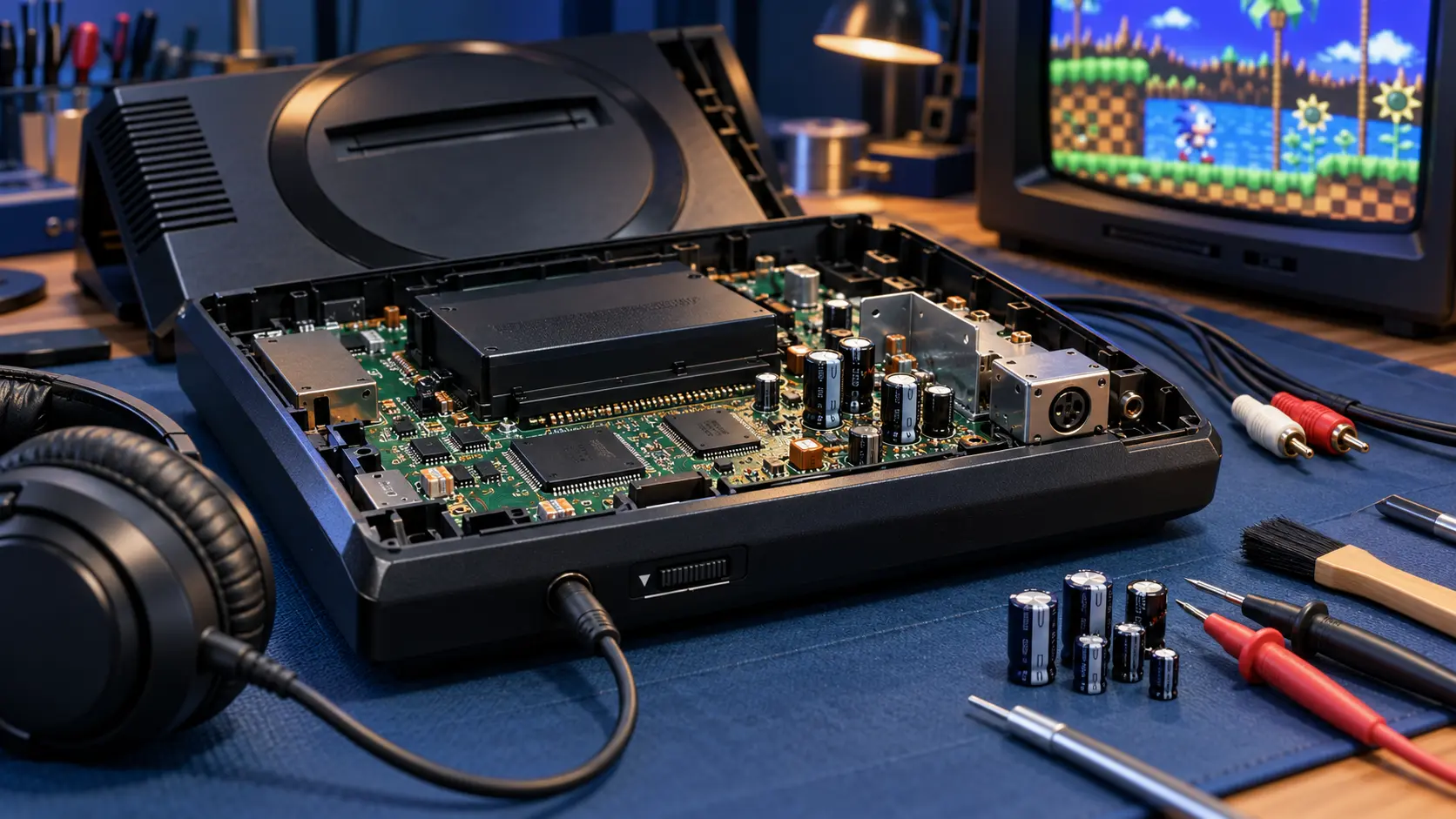
The UK had two main versions of the Mega Drive: the Model 1 and the Model 2. The Model 1 has a headphone socket and a volume slider on the front. They're easy to forget about, and both can affect what you hear through the TV.
- Volume slider: slide it up and down a few times with a game running. A worn or dirty slider can cut the sound out or make it crackle at certain positions.
- Headphone socket: the Model 1 sends sound to the headphone socket when something is plugged in. If the socket's internal switch is dirty or worn, the console can behave as if headphones are still connected. Plug a pair of headphones in and out a few times and see whether the TV sound comes back.
- Headphones as a test: if you get clean sound through headphones but not through the TV, the problem is more likely to be the cable or the TV side than the sound chips.
The Model 2 doesn't have the front slider or headphone socket, so you can skip straight to the cables.
Check the cables and the TV
Cable faults are cheap to rule out, so do this before anything else.
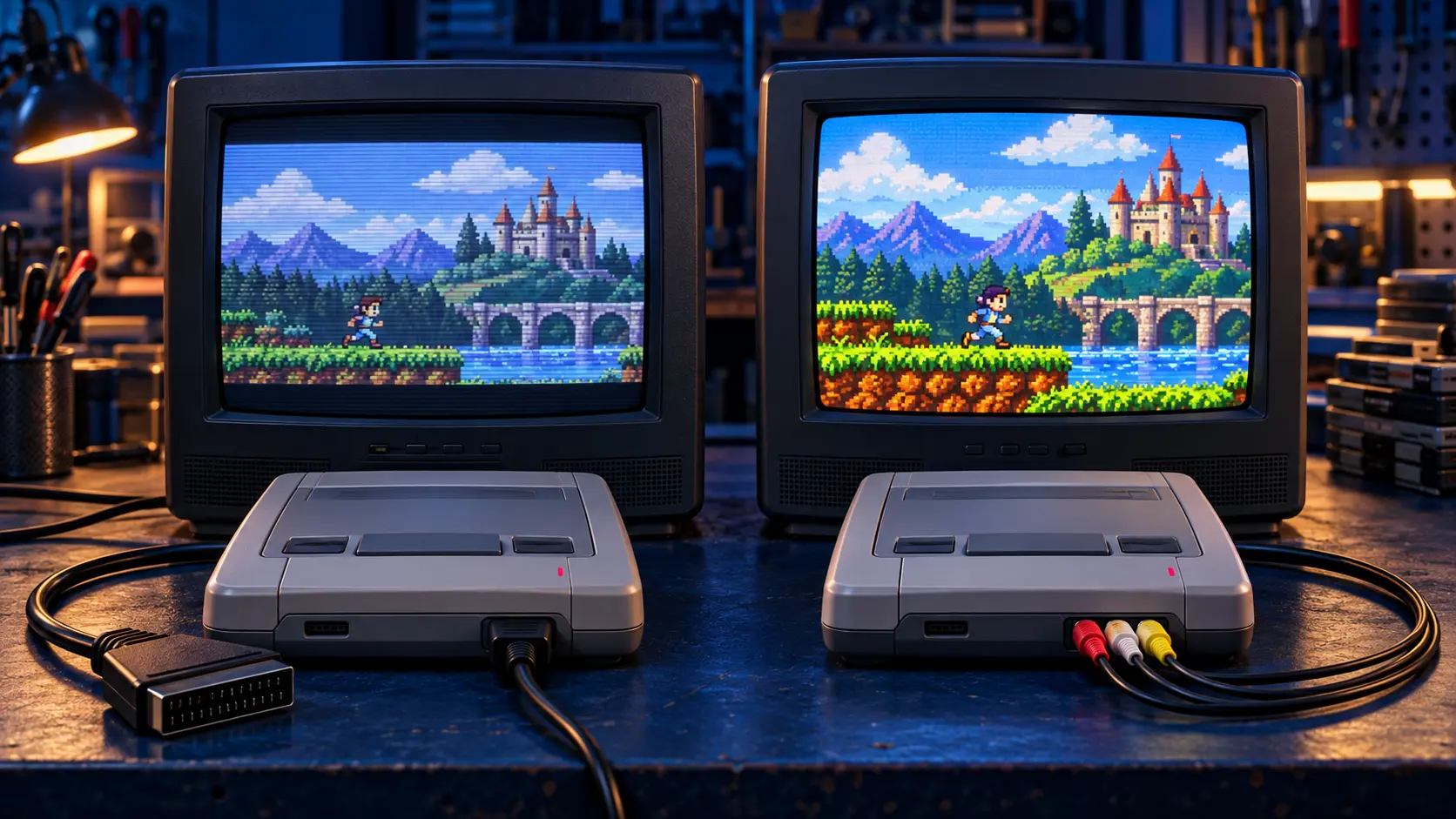
- Try a different AV or SCART cable if you have one. Old cables break inside, and a fault in the audio wires gives you a picture with no sound.
- If you're using a SCART-to-HDMI converter, try the console on another input or another TV. Some converters handle audio badly, and some TVs mute the sound on certain inputs.
- Check the TV's own volume and input settings. It sounds obvious, but it catches people out.
- Try more than one game. A dirty cartridge can cause odd behaviour, so clean the contacts or test with another game first.
If the picture is also poor (faint vertical lines, known as jailbars, or a soft image), that's a separate issue. I cover the picture side in my guide to getting a retro console working on a modern TV.
Then think about the capacitors
If the slider, socket, cables and TV all check out, the next suspect is the capacitors. The Mega Drive, like most consoles of its age, uses electrolytic capacitors: small components that smooth and filter power and signals. They dry out over decades.
On the Mega Drive, ageing capacitors are a well-known cause of:
- sound that's much quieter than it should be;
- crackly or distorted audio;
- music or sound effects going missing altogether.
A recap means replacing those old capacitors with new ones of the right values. It's skilled board work, and on the Mega Drive it's the usual fix for sound faults caused by tired capacitors.
Be honest with yourself about what a recap fixes
A recap is not a cure for every fault. It deals with problems caused by the capacitors. It won't fix a broken volume slider, a worn headphone socket, a damaged cable or a failed chip. That's why I check the simple things before recommending one.
If you book a recap and I find the sound problem has a different cause, I'll tell you before doing anything else. If the console has other faults too, such as no power, the Mega Drive repair assessment is a better starting point: you pay £4.99, I diagnose it, and I send you a quote before any work.
For more on when recapping is and isn't sensible across different consoles, see is recapping a retro console worth it?
Getting it fixed
The Mega Drive recap is a fixed £59. I replace the capacitors, then test the console on my bench with sound and picture before it goes back.
If the picture bothers you as much as the sound, you can pair it with the Mega Drive RGB mod. That uses a Triple Bypass board, which replaces the video amplifier section for a cleaner RGB picture with fewer jailbars. RGB carries the red, green and blue colour signals separately, so it's much sharper than the yellow composite plug.
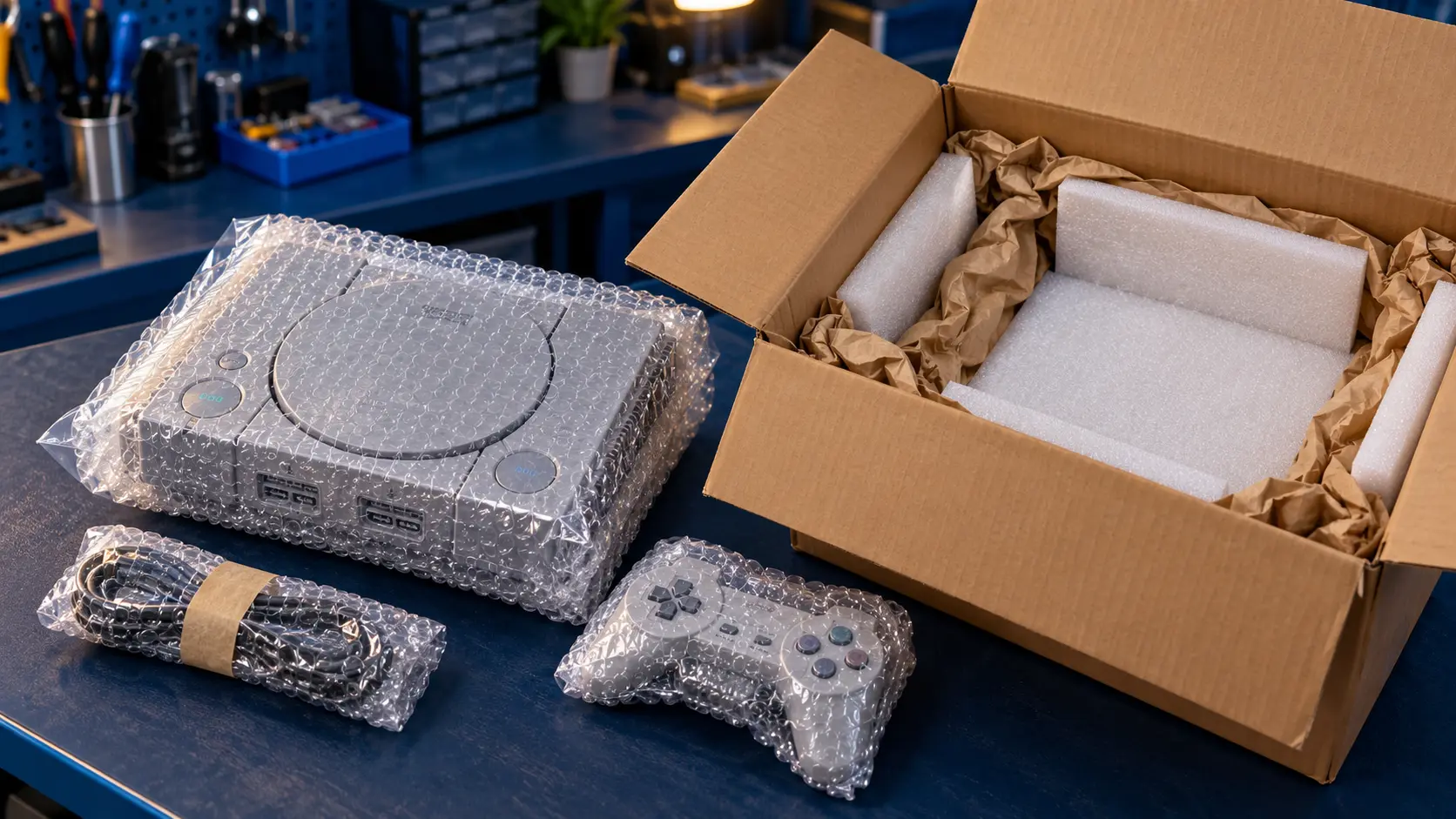
Every repair comes with a 12-month warranty and an insured, tracked return. You pay the postage to send it in. If I can't fix it, there's no fix, no fee: I refund what you paid, less the return postage.
You can see every retro service on the retro console repairs page.
Frequently asked questions
Does the Mega Drive Model 2 have a volume slider?
No. The volume slider and headphone socket are on the front of the Model 1. On a Model 2, sound goes out through the AV connection, so start by checking the cable and the TV.
Will a recap fix crackly sound on my Mega Drive?
If the crackle is caused by ageing capacitors, a recap should sort it in most cases. If it's the volume slider, the headphone socket or a cable, a recap won't help, which is why it's worth checking those first.
Should I send my Mega Drive power supply with a recap?
For a sound-only recap, the console is enough. If the console also has trouble powering on, send the power supply too, because old power supplies fail as well.