Robot vacuums have changed a lot. A basic model still costs a modest amount, but the premium robots from Roborock, Dreame, Eufy and iRobot, with self-emptying and mop-washing stations, can cost as much as a good laptop. So when one stops working, it's worth asking whether it can be repaired before you buy another.
The answer depends on four things: what the robot is worth, how old it is, what's wrong with it, and whether it's still under warranty.
1. Is it still under warranty?
Check this first. If your robot is within its manufacturer's warranty, contact the manufacturer or the retailer before anything else. Opening the robot yourself, or having it repaired elsewhere, is likely to affect the warranty.
Separately, your rights under UK consumer law are with the retailer you bought it from. If a fault appears that you believe was there from the start, especially in the first few months, the retailer is the first place to go.
2. What is the robot worth?
The price you paid matters less than what it would cost to replace with something similar today.
- Premium robots, especially with a self-emptying or self-cleaning station, are usually worth repairing for most faults. The robot and the station together represent a lot of money, and most faults affect a small part of the system.
- Mid-range robots are usually worth repairing for common faults like a battery, a lidar motor, a wheel or a charging problem.
- Budget robots are often not worth a paid repair unless the part is inexpensive and easy to fit. It may still be worth replacing a battery or brush yourself.
3. What's wrong with it?
Some faults are far more worthwhile to repair than others.
Usually worth repairing:
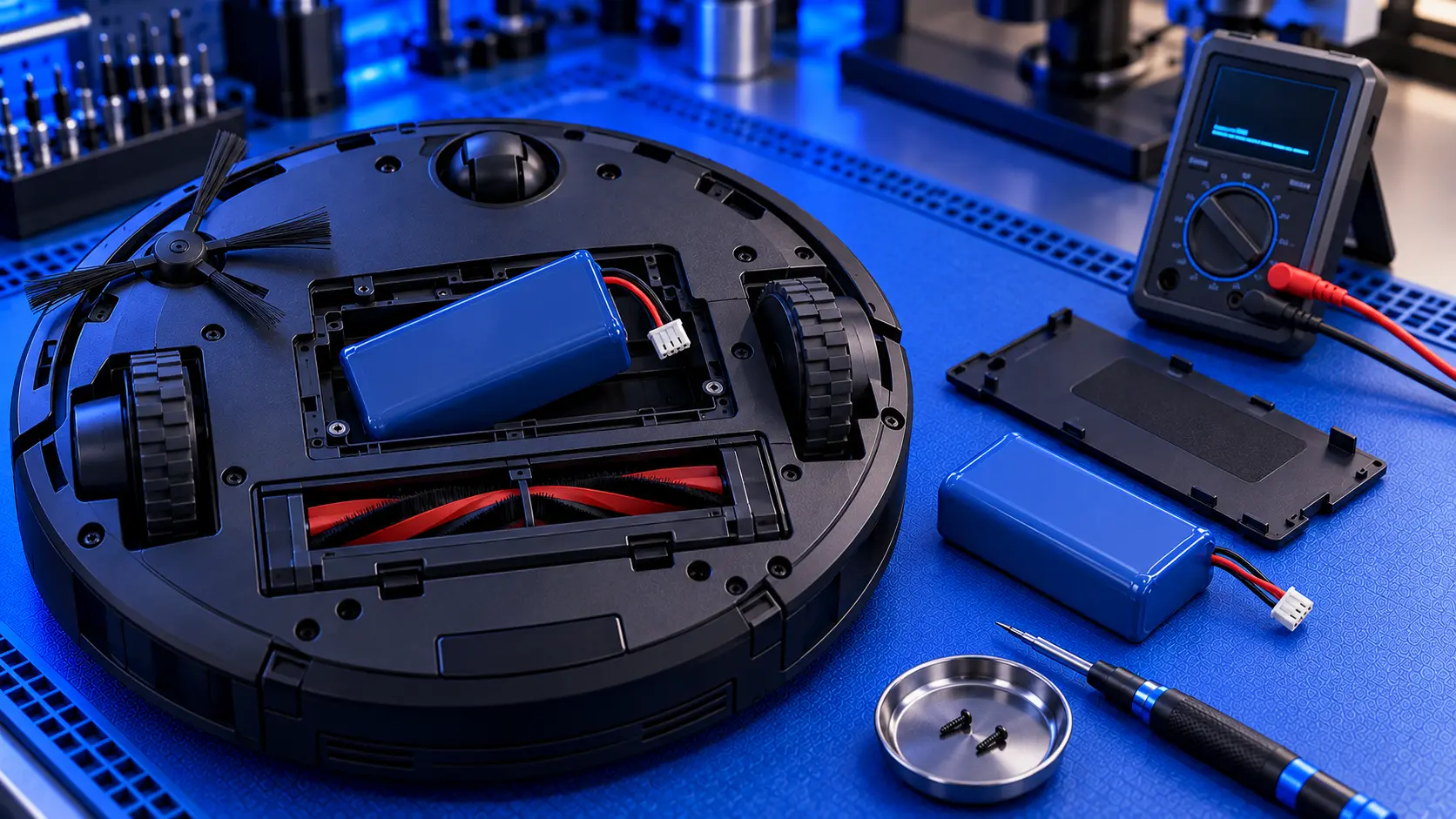
- A worn battery. The most common reason a robot's cleaning time drops. See Roborock battery replacement.
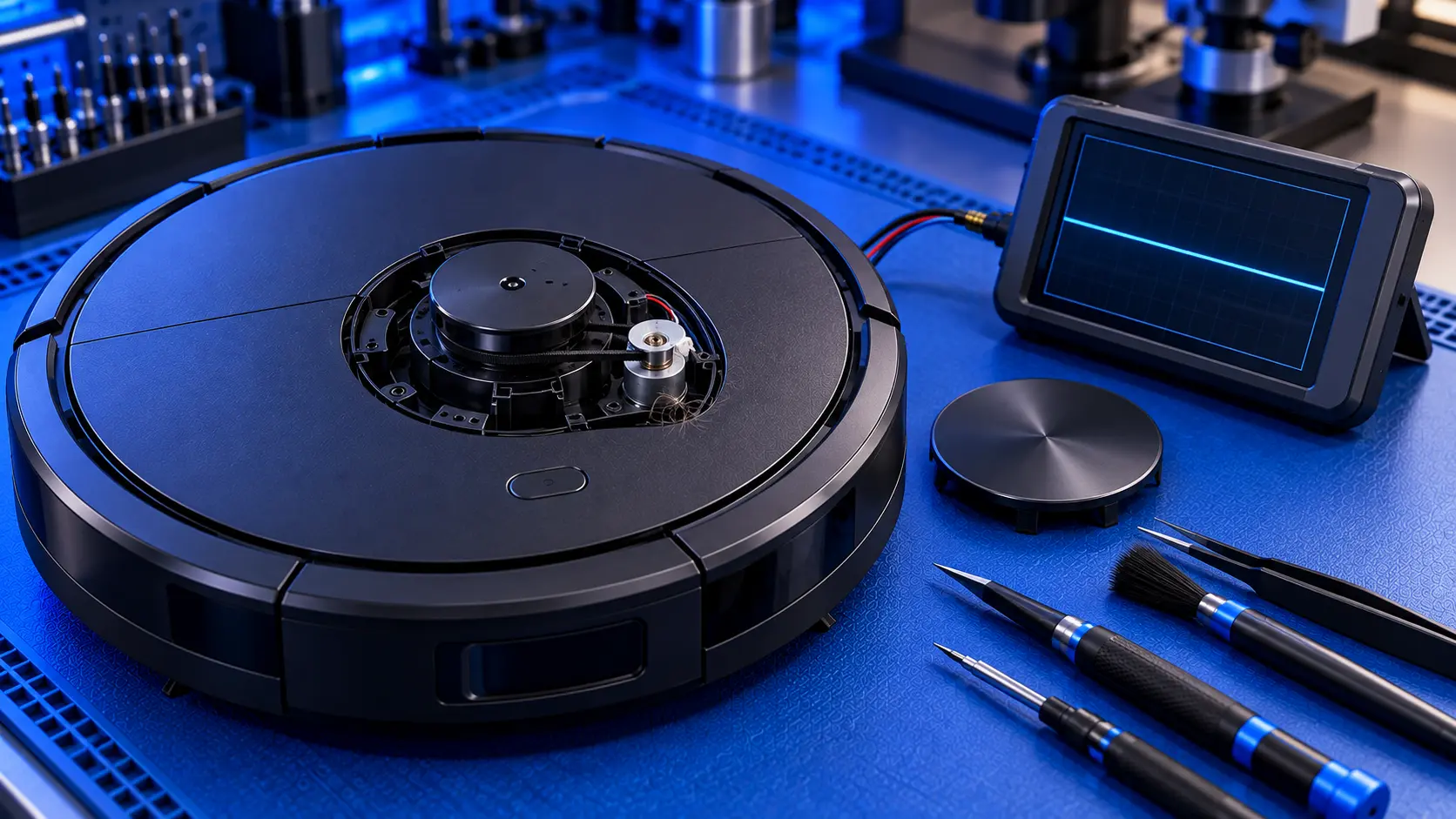
- A lidar that won't spin, such as Roborock's Error 1. The motor and belt are small, inexpensive parts. See Roborock Error 1.
- A worn wheel module. On many robots, each wheel is a separate module. See Roborock wheel error or going in circles.
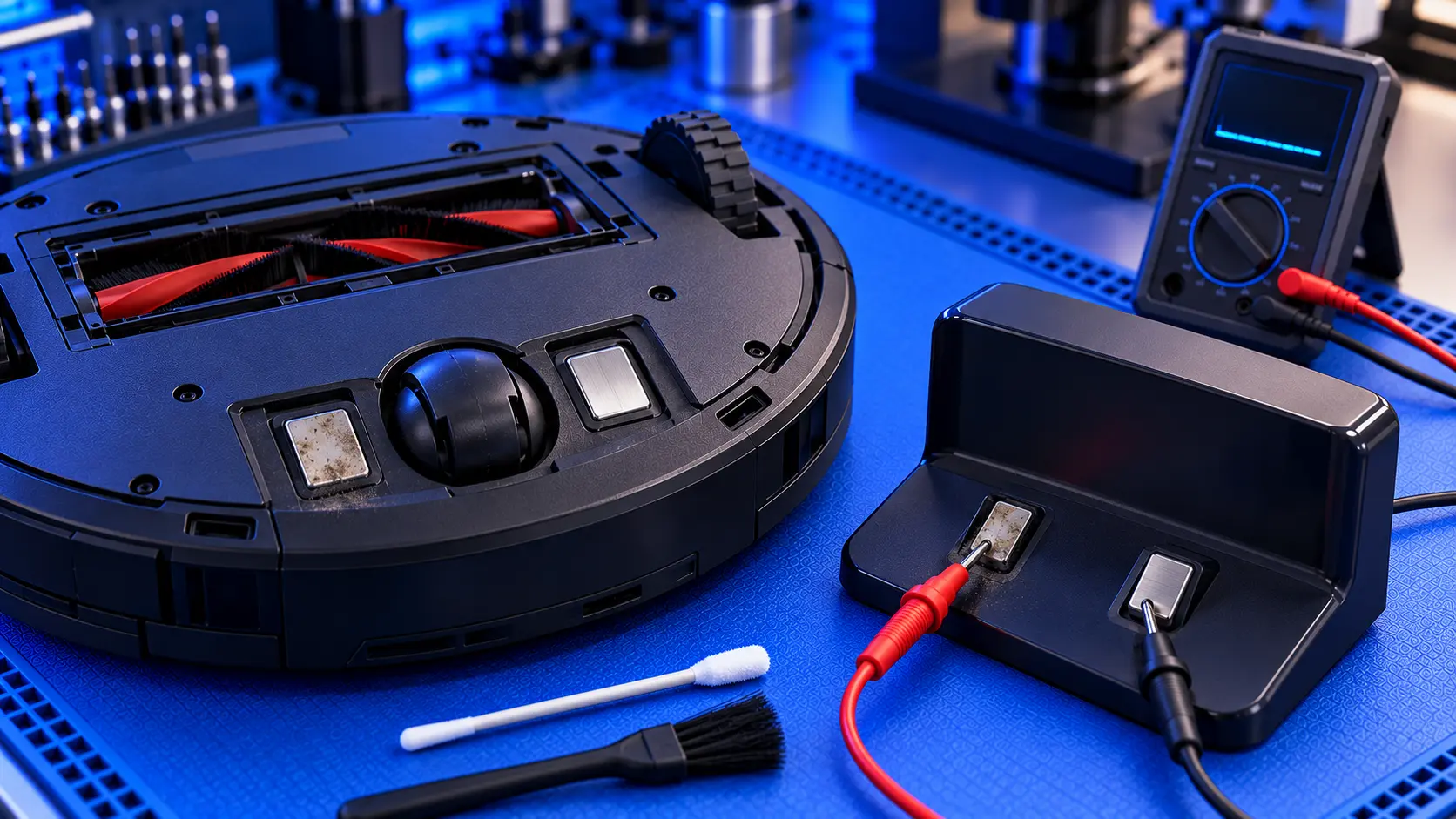
- Charging faults, once the cause has been found. See Roborock not charging and Eufy robot vacuum not charging.
- Base station pumps, tubes and valves. See Dreame base station not pumping water.
Worth thinking carefully about:
- Liquid damage, especially from cleaning solution or a leaking station. It can be repairable, but corrosion can spread, and it's hard to know the full extent until the robot is opened.
- Main board faults on budget robots, where the board costs a large share of a new robot.
- Models with no spare parts available, which is common with unbranded robots.
4. How old is it?
A robot that's a few years old isn't a reason to give up on it. Many of the most common faults, like the battery, wheels and lidar motor, are wear parts, and replacing them brings the robot back to how it was. What matters more is whether parts are still available for your model. For popular models from the major brands, they usually are.
Before paying for a repair
Many robot vacuum problems have free fixes. Work through the checks for your fault first:
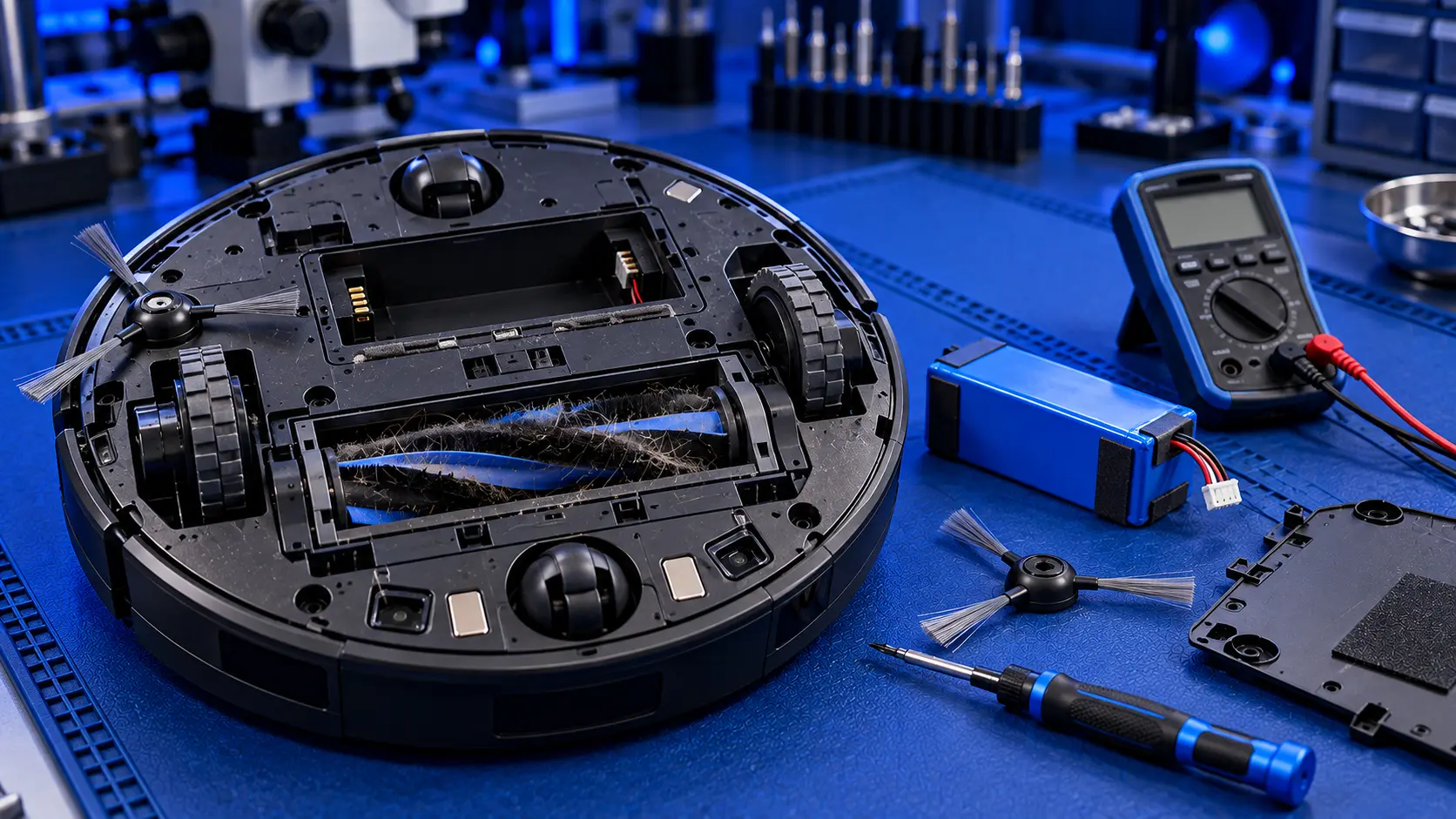
- Clean the brushes, wheels, caster and sensors.
- Clean the charging contacts on the robot and the dock.
- Restart the robot, and update the app and firmware.
- Check the dock has power and space around it.
It's also worth knowing the difference between a fault and a worn part. A robot that has slowly got worse over months usually has a wear part that needs replacing, often the battery. A robot that stopped suddenly is more likely to have a specific fault that needs finding.
Repairing it yourself
Some robot vacuum repairs are well within reach at home: brushes, filters, side brushes, and on many models the battery and wheel modules. Others need more care, such as the lidar on a Roborock, the pumps and tubes in a base station, or anything on the main board.
The most expensive way to repair a robot is to buy parts one after another, hoping the next one will fix it. If you're not sure what's wrong, getting the fault properly diagnosed first usually costs less in the end.
Sending a robot vacuum for repair
If you do send a robot for repair:
- Send the robot, not the base station, unless the fault is in the station.
- Empty the dust bin and any water tanks, and let everything dry.
- Pack it well, ideally in its original box, with padding all round.
- Check the battery isn't swollen or damaged. Couriers won't carry a damaged lithium battery. If yours is, get in touch before sending anything.
Not sure whether yours is worth it?
If you're not sure whether your robot vacuum is worth repairing, get in touch with the make, model and what it's doing. I'll give you an honest answer, including when it isn't worth it.
The Repair Works is an independent UK repair service, run by me, Paul — 25 years of hands-on repair experience, working by post for customers across the whole country. Not affiliated with or endorsed by Roborock, Dreame, Eufy or iRobot.