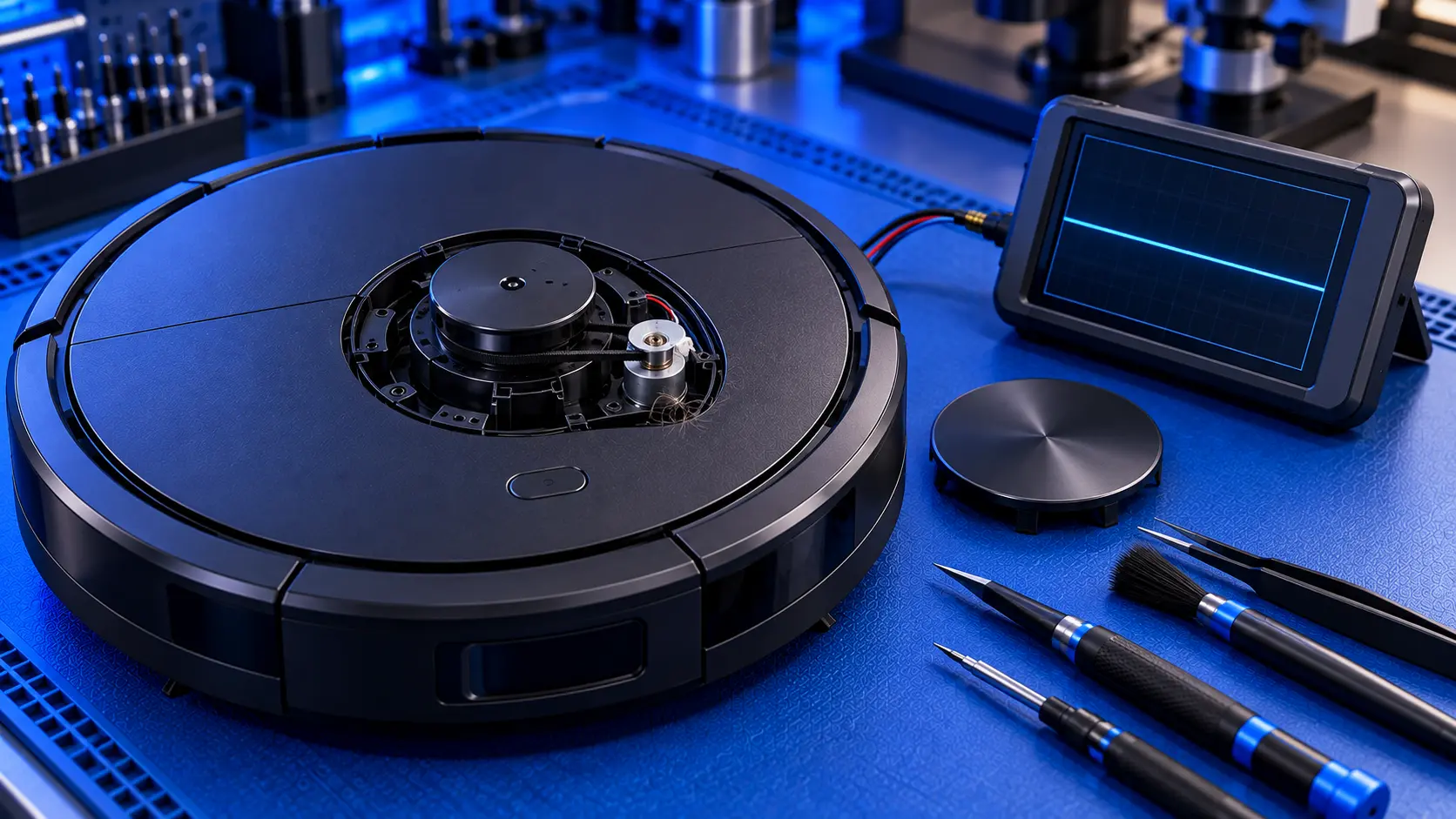
Eufy makes a wide range of robot vacuums, from the budget RoboVac models to the X-series robots with self-emptying and self-cleaning stations. Whichever you have, a robot that won't charge is one of the most common problems, and it usually has a simple cause.
Here's what to check, in order.
First, which problem do you have?
- It's on the dock but not charging. No charging light or sound, and the battery doesn't go up.
- It won't turn on at all, even after sitting on the dock.
- It won't find or return to the dock.
- It charges, but runs out quickly. That's usually the battery wearing out.
Free checks to try
1. Check the station has power
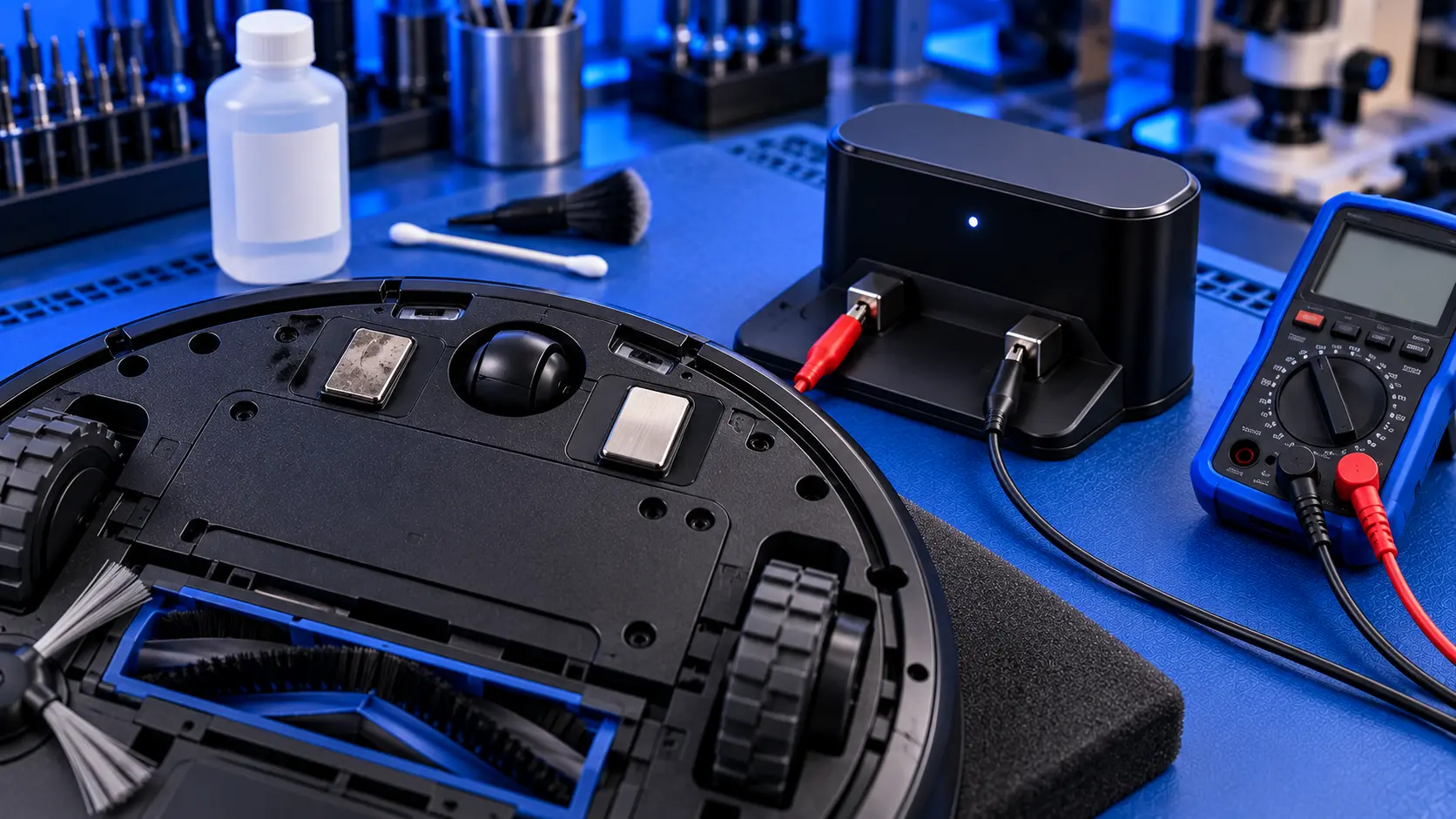
Check the station's power cable is plugged in at both ends and that the socket works. On the X10 Pro Omni, Eufy's advice is to check that the station's indicator light shows steady white. If it's off or behaving differently, the station isn't powered or isn't happy.
2. Clean the charging contacts and signal windows
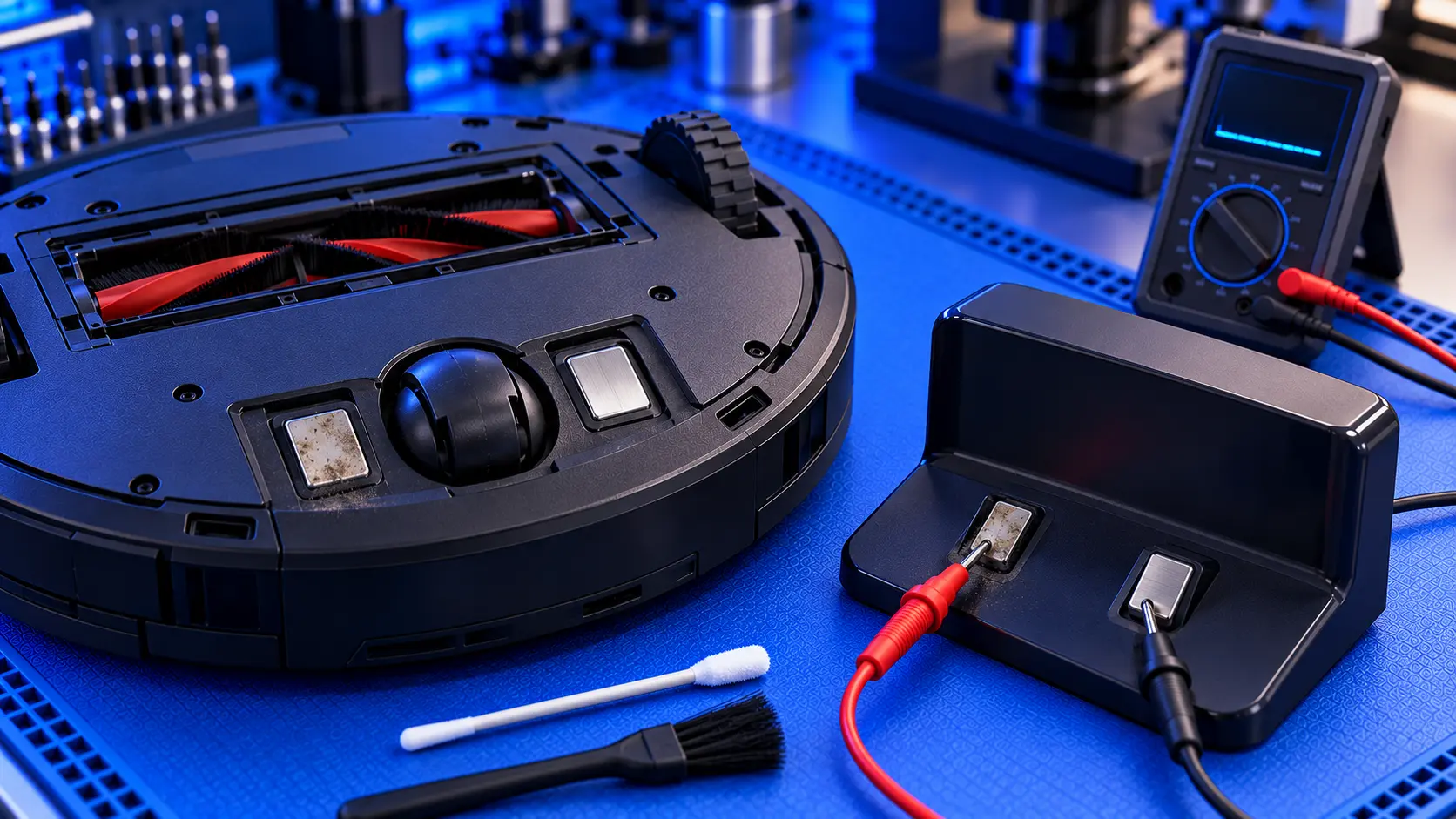
Wipe the charging contacts on the robot and on the station with a dry cloth. Eufy also recommends cleaning the signal windows on the robot and the station, which the robot uses to find the dock. Dust on either can stop charging or docking.
3. Place it on the dock by hand
Put the robot on the dock yourself, squarely on the contacts. If it charges when placed by hand, but not when it docks on its own, the problem is docking rather than charging.
4. Reset the robot
Many Eufy robots have a small reset button, pressed with a pin. Eufy recommends a reset as one of its steps for charging problems. Check your model's manual for where the button is.
5. Check the power switch
Many Eufy models, especially the RoboVac range, have a physical power switch on the underside or side, separate from the button on top. If it's off, the robot won't charge. It's easy to miss.
6. Check the temperature
Eufy notes that the X10 Pro Omni won't charge if the room is below 4°C or above 45°C. A robot kept in a cold garage or a hot conservatory may need time at room temperature first.
If it won't find the dock
- Give the dock space. Clear space on both sides and in front of it.
- Put it against a wall, on a level floor, not on thick carpet.
- Keep the signal windows clean on the dock and the robot.
- Avoid moving the dock once the robot has mapped your home.
When it's a fault
If the station has power, the contacts are clean and the robot still won't charge, the likely causes are:
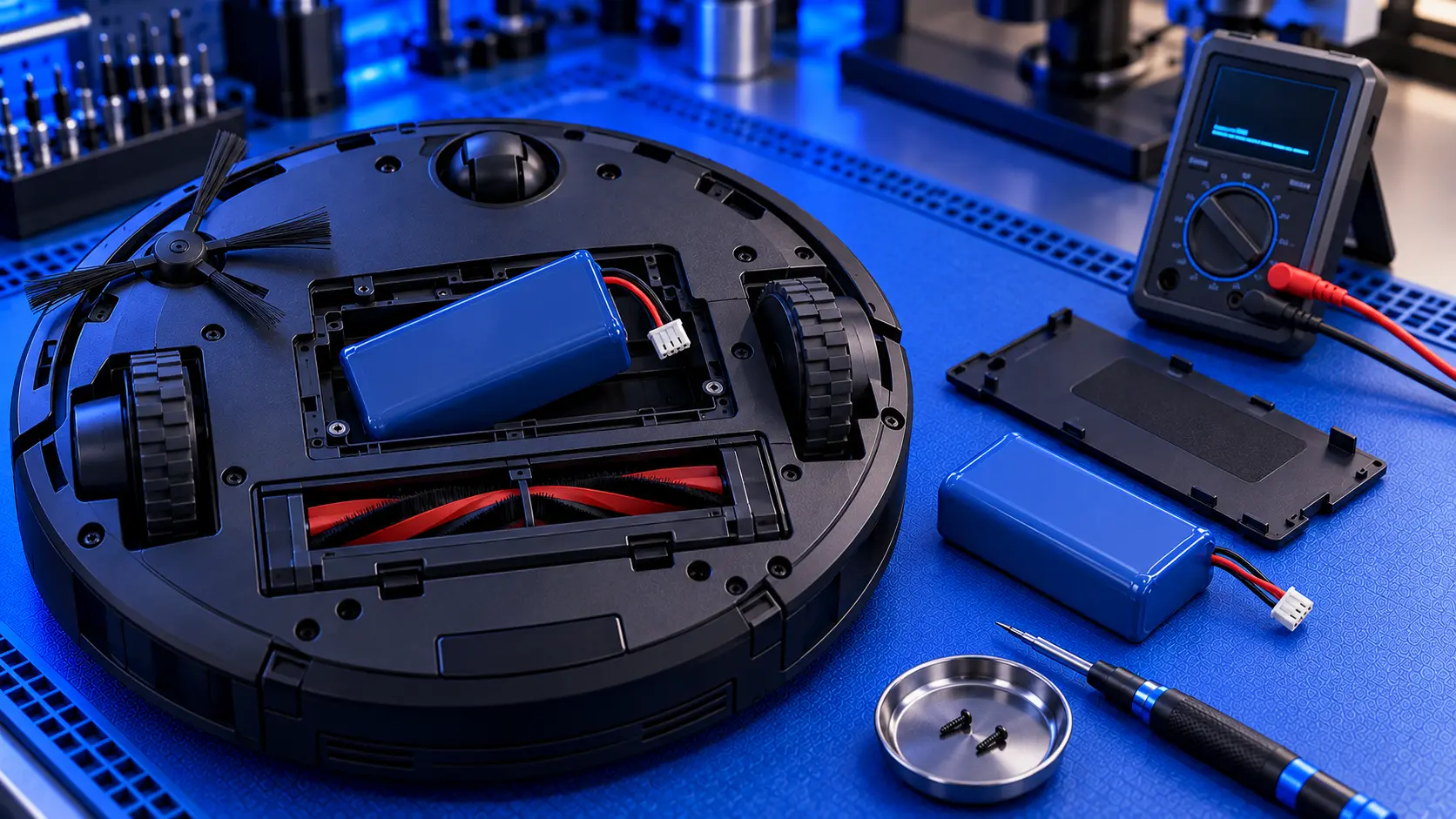
- A worn-out battery. The most common cause on a robot that's a few years old, especially if cleaning time had been dropping.
- The station's power supply. It can fail, particularly if the indicator light is off with the station plugged in.
- Damaged charging contacts on the robot or the station.
- The robot's charging circuit, on the main board, less often.
Telling these apart takes a meter: checking whether the station is putting out power at its contacts, and whether the battery holds a charge.
Is it worth repairing?
That depends on the model. On the X-series robots, with their expensive stations, a battery or charging repair is usually well worth it. On a budget RoboVac, the sums are closer, and a repair only makes sense if the part is inexpensive. Is it worth repairing a robot vacuum? goes through how to decide.
Still not charging?
If you've been through the checks and it still won't charge, get in touch with your model and what it's doing. I'll tell you honestly whether it's worth repairing.
The Repair Works is an independent UK repair service, run by me, Paul — 25 years of hands-on repair experience, working by post for customers across the whole country. Not affiliated with or endorsed by Eufy.