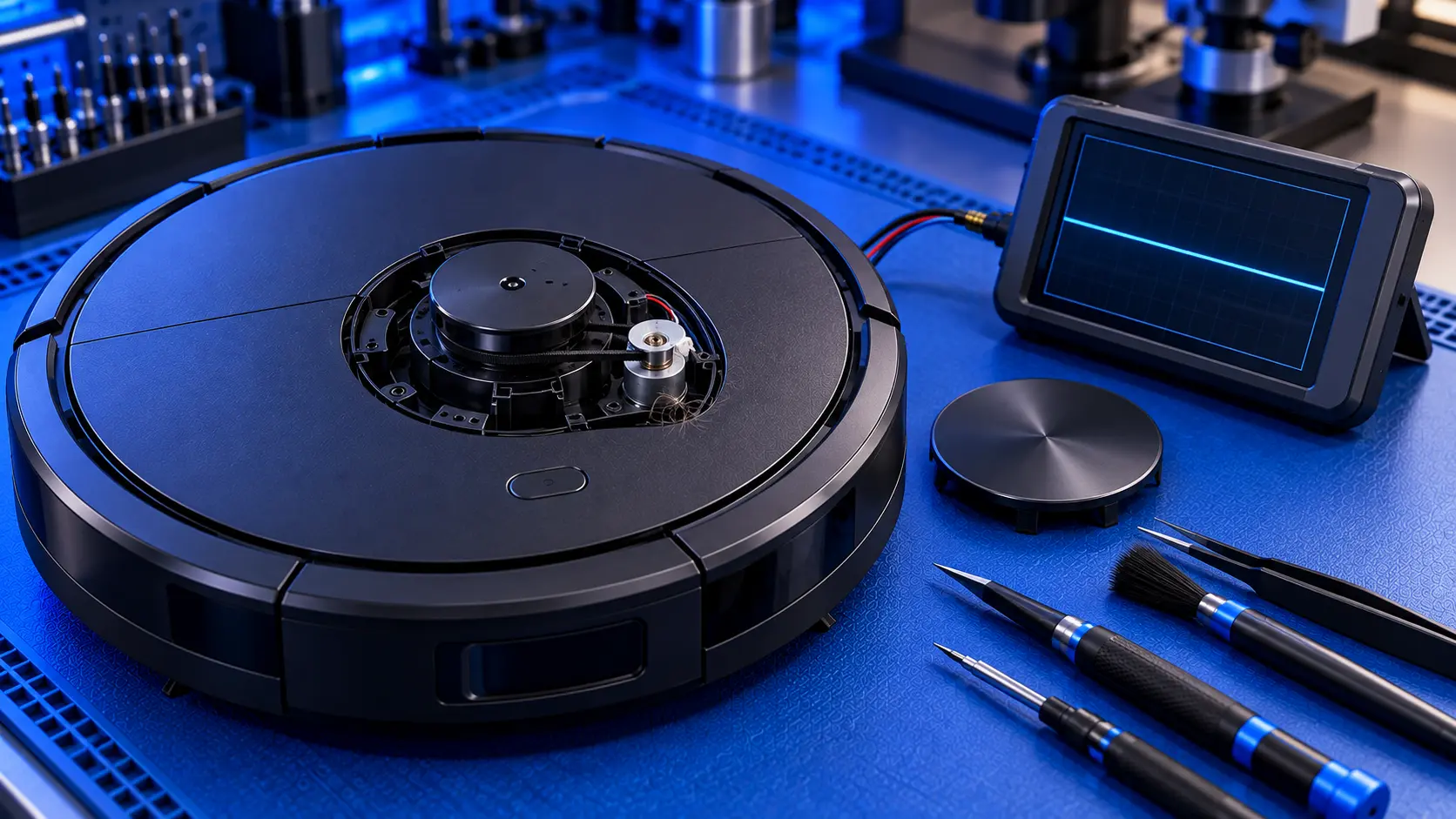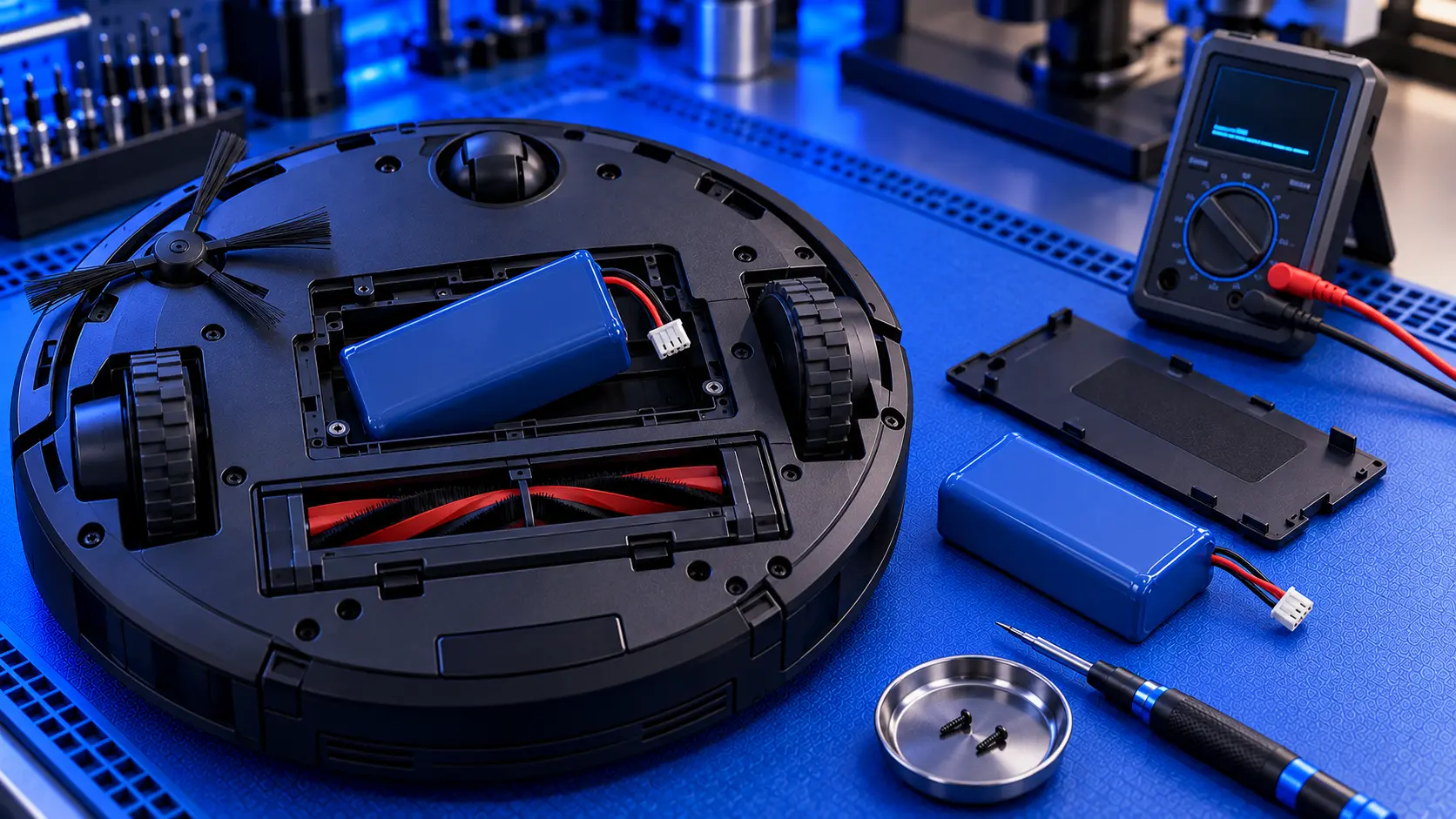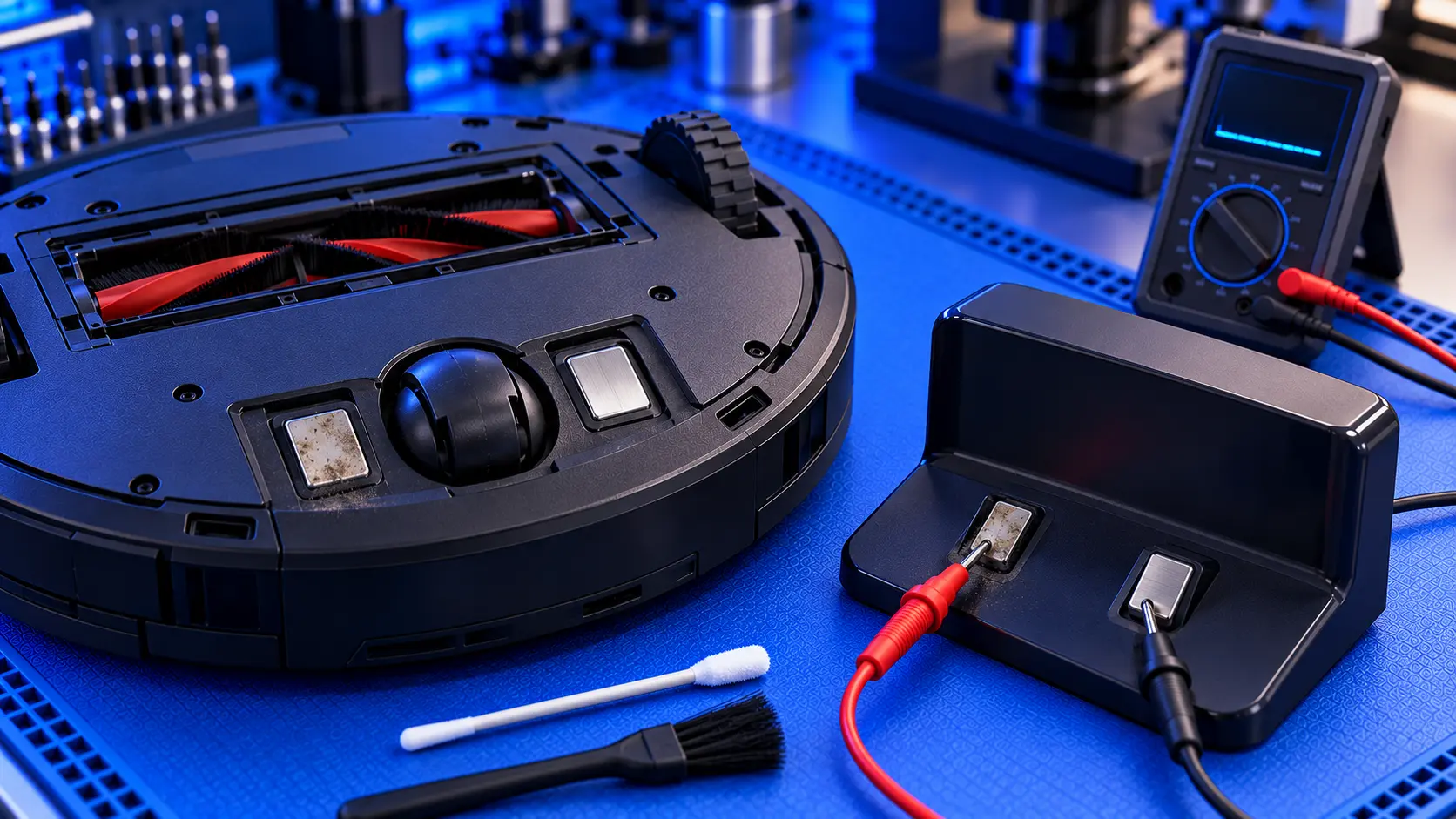
A robot vacuum that won't charge is a robot vacuum that won't clean. On a Roborock, the problem shows up in a few different ways: the robot sits on the dock but doesn't say "charging", it won't find the dock at all, it shows a charging error, or it charges but the battery runs down far too quickly.
These have different causes, and the order you check things in matters. Here's how to work through it.
First, which problem do you have?
- It's on the dock but not charging. The robot doesn't announce "charging", and the battery level doesn't go up. That points to the dock, the charging contacts or the robot's charging circuit.
- It won't find or return to the dock. It wanders, gives up, or stops near the dock. That points to dock placement, the dock's signal, or the robot's navigation.
- It charges, but the battery runs down quickly. It cleans for a much shorter time than it used to, or can't finish a room. That's usually the battery wearing out. See Roborock battery replacement.
- It shows a charging or battery error, often Error 13 (charging) or Error 14 (battery) on models that use numbered errors.
If it's on the dock but not charging
1. Check the dock has power
Check that the dock is plugged in, that the socket works, and that the cable is pushed fully into the dock. Many docks have an indicator light. If it's off, the dock isn't getting power. On docks with an auto-empty bin or water tanks, check that everything is seated properly too.
2. Clean the charging contacts
The metal contacts on the dock and on the underside of the robot need a clean connection. Dust, fluff and a thin film of dirt build up surprisingly quickly. With the dock unplugged, wipe both sets of contacts with a dry cloth. A slightly dampened cloth is fine for stubborn dirt, as long as everything is completely dry before you plug back in.
3. Check the robot is sitting properly
The robot needs to sit squarely on the dock's contacts. Roborock's own advice is to make sure the robot is placed on the dock securely, so that it reports "charging". Place it by hand and listen for the announcement. If it charges when placed by hand but not when it docks by itself, the problem is docking, not charging.
4. Check the spring-loaded contacts
The contacts on the dock are usually spring-loaded. They should press down and spring back up. A contact that's stuck down, bent or loose won't make a good connection.
5. Let a flat battery recover
A battery that has run completely flat can take a while before the robot responds. Leave it on the dock for an hour or so before deciding it isn't charging.
If it won't find the dock
- Give the dock space. Roborock recommends clear space on both sides of the dock and in front of it. A dock tucked into a tight corner, or with furniture close to its sides, is harder for the robot to find.
- Put it against a wall, on a hard, level floor. A dock on thick carpet or an uneven floor can tip the robot as it docks.
- Don't move the dock. The robot remembers where the dock is on its map. If you move it, the robot may keep heading to the old spot.
- Clean the dock's signal window and the robot's sensors. The robot finds the dock partly by a signal from the front of the dock. Wipe the dock's front window and the sensors on the robot.
- Check the lidar is spinning. If the robot can't work out where it is, it can't find the dock either. See Roborock Error 1.
When it's a fault
If you've checked all of the above and it still won't charge, the fault is usually one of these:
- A failed battery. Old batteries can stop taking a charge altogether. This is the most common cause on robots that are a few years old.
- The dock's power supply. Docks have their own power supply, and it can fail.
- Worn or damaged contacts. Contacts can burn or pit over time, especially if they've been dirty for a long while.
- The robot's charging circuit. Less often, the fault is on the robot's main board, in the part that manages charging.
The way to tell them apart is to measure: whether the dock is putting out power at its contacts, and whether the battery is holding a charge. That's a quick job with a meter for someone who does electronics repairs, and it saves buying parts you don't need.
Common questions
Why does my Roborock say it's charging but the battery doesn't go up?
That usually means the robot is detecting the dock, but the battery isn't accepting the charge. On an older robot, the battery is the likely cause.
Should I buy a new dock?
Not until you know the dock is at fault. A new dock won't help if the battery or the robot's charging circuit is the problem. Check the contacts and power first.
Still not charging?
If you've been through the checks and it still won't charge, get in touch with your model and what it's doing. I'll tell you honestly what's likely to be wrong, and whether it's worth repairing.
The Repair Works is an independent UK repair service, run by me, Paul — 25 years of hands-on repair experience, working by post for customers across the whole country. Not affiliated with or endorsed by Roborock.