Robot vacuums are supposed to move in neat, methodical lines. So when a Roborock starts spinning on the spot, driving in circles, or stopping with a wheel error, something is clearly wrong. The good news is that most wheel problems have a simple cause.
Here's how to work out what's going on.
What the errors mean
Roborock models that use numbered errors have a few that relate to movement:
- Error 3, wheels suspended. The robot thinks it's been lifted, or a wheel has dropped. Each drive wheel has a switch that tells the robot when it's been lifted off the floor.
- Error 7, wheels jammed. A wheel isn't turning when it should. This is usually something caught in it.
- Error 8, robot trapped. The robot can't find a way out of where it is. That's usually furniture, not a fault.
Newer models show these as messages in the app rather than numbers.
Why it goes in circles
A robot that spins or drives in circles is usually doing one of two things:
- One wheel isn't driving properly. If one wheel turns and the other doesn't, or turns more slowly, the robot turns in a circle. That's usually hair or debris, or a worn wheel.
- It doesn't know where it is. If the lidar isn't working, the robot can't navigate, and it may turn on the spot looking for its bearings before giving up. If you're seeing Error 1 or a laser sensor error, see Roborock Error 1.
Dirty sensors can also confuse it, particularly the cliff sensors on the underside, which stop the robot driving off stairs.
Free checks to try
1. Clear the wheels
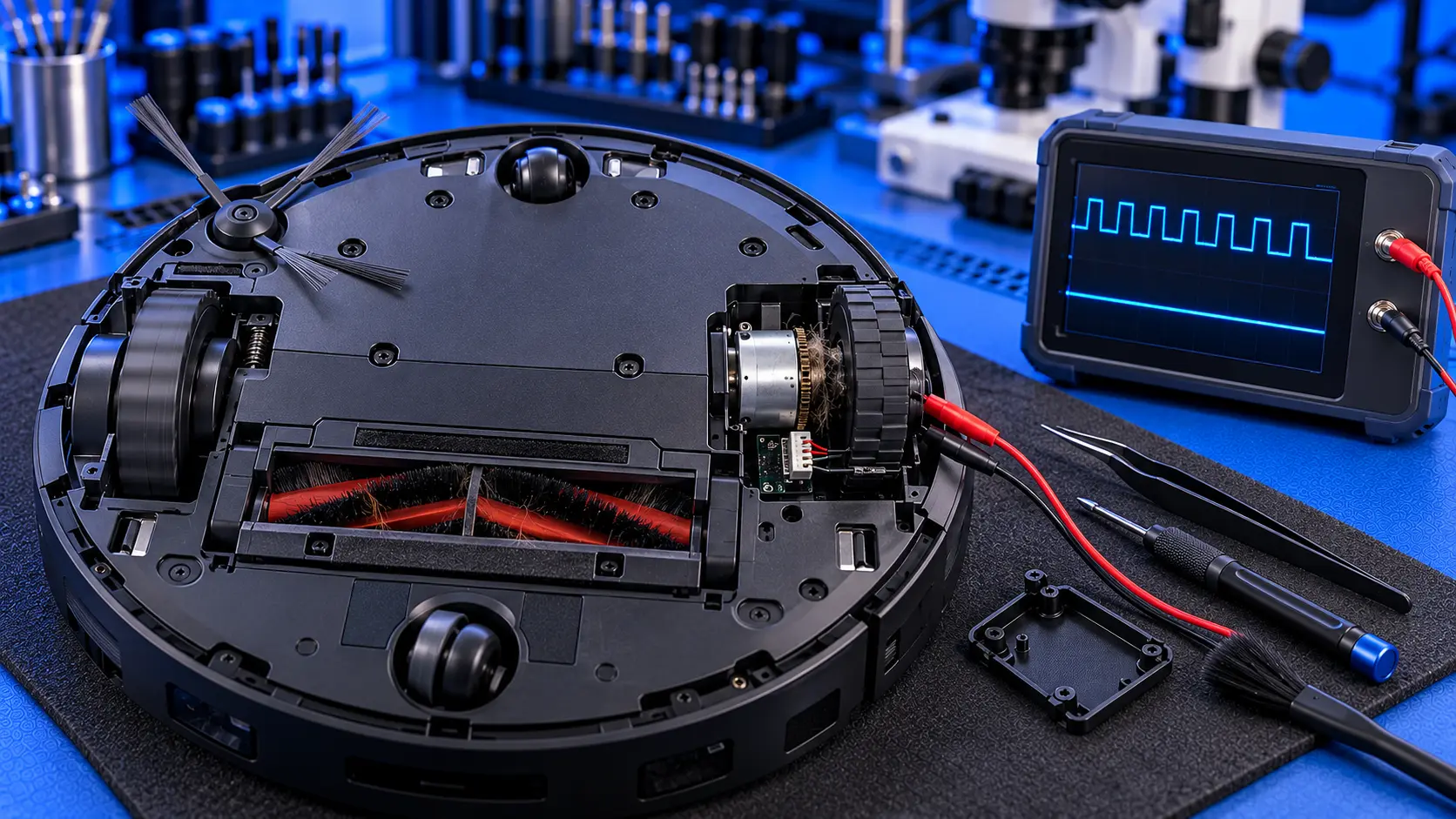
Turn the robot over onto something soft. Spin each drive wheel by hand. They should turn smoothly, with a little resistance from the gearbox. Look closely at where each wheel meets the robot's body: hair and thread wrap around the axle and can jam it. Pull out anything you find, using tweezers or a small pair of scissors if you need to.
2. Check the wheels spring up and down
Each drive wheel is on a spring, so it can drop down when the robot is lifted. Press each wheel in and let it spring back. A wheel that sticks in or out can trigger a wheels-suspended error.
3. Check the front caster wheel
The small swivel wheel at the front can clog with hair too. On most models it pulls out, so you can clean the wheel and its axle.
4. Clean the cliff sensors
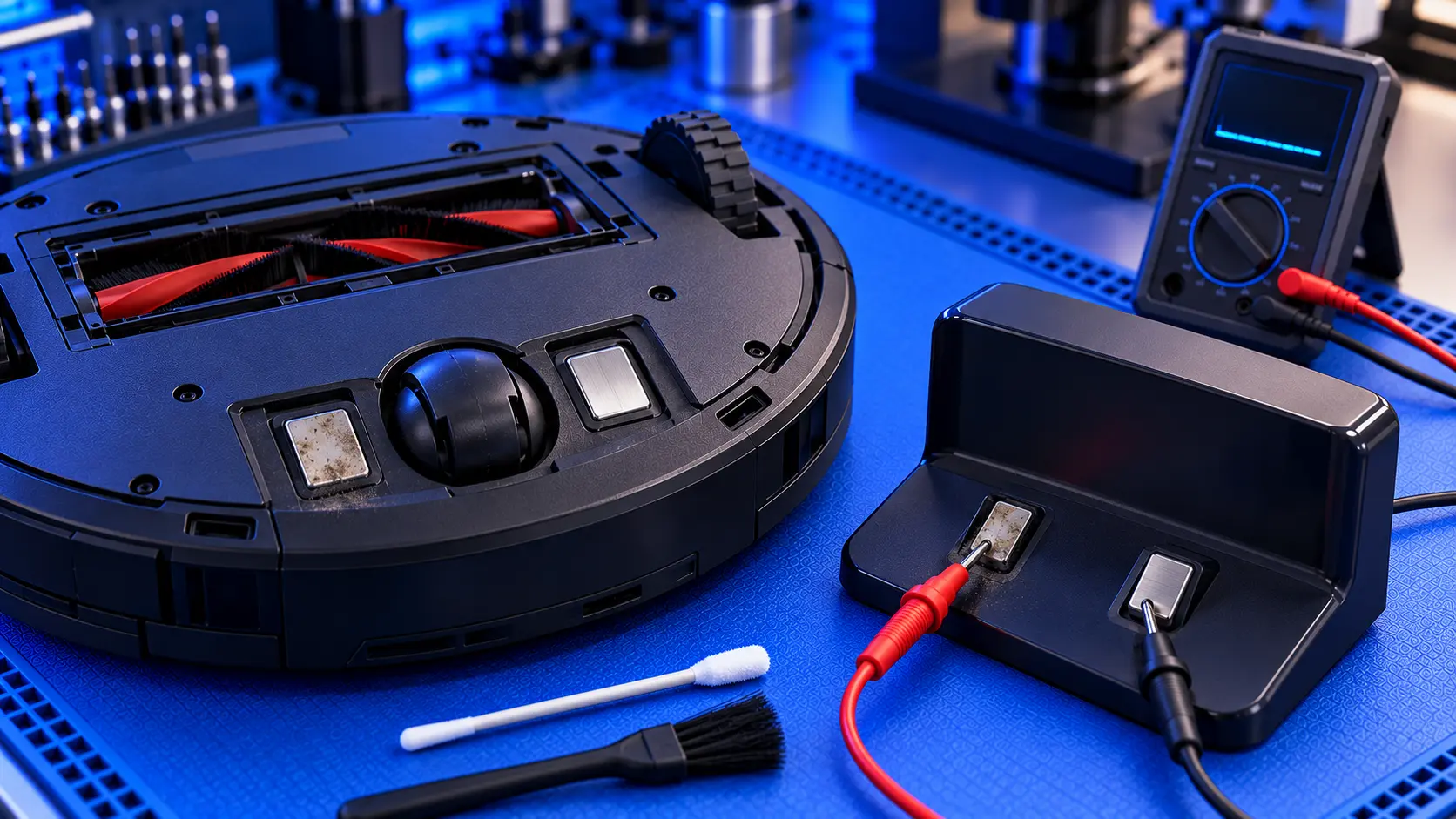
The cliff sensors are small windows on the underside, usually around the front edge. Wipe them with a dry cloth. Dirty cliff sensors can make the robot think it's at the edge of a step, so it backs away and turns.
5. Check the floor
Very dark rugs, deep-pile carpets and shiny black floors can confuse cliff sensors, and can make a robot behave oddly in one room only. If the problem only happens in one place, the floor may be the cause.
6. Restart and update
Turn the robot fully off and on again, and make sure the firmware is up to date.
When it's a fault
If the wheels are clean and the sensors are clean, and the robot still won't drive properly, the likely causes are:
- A worn wheel module. Each drive wheel is a module containing the wheel, a motor and a small gearbox. Motors and gears wear, and a wheel can start to struggle, grind or stop.
- A stuck or failed wheel-drop switch. This can cause wheels-suspended errors even with the robot on the floor.
- A damaged tyre. Worn or split tyres lose grip, so one wheel slips.
- A wiring or connector fault between the wheel and the main board, less often.
On most Roborock models, each drive wheel is a separate module that unplugs from the main board, so a worn wheel can be replaced on its own. It's worth being sure which wheel is at fault before buying parts. One struggling wheel is usually noisier, stiffer or weaker than the other when you compare them by hand.
Common questions
Is it safe to keep using it?
A robot with a jammed wheel can strain the motor if it keeps trying to drive. It's best to clear the wheels before running it again.
Why does it only go in circles in one room?
Usually the floor: a dark rug, a black floor or a deep carpet can confuse the cliff sensors. Try the robot in another room to check.
Still going in circles?
If you've cleared the wheels and cleaned the sensors and it still won't drive properly, get in touch with your model and what it's doing. I'll tell you honestly whether it's worth repairing.
The Repair Works is an independent UK repair service, run by me, Paul — 25 years of hands-on repair experience, working by post for customers across the whole country. Not affiliated with or endorsed by Roborock.