Every robot vacuum battery wears out eventually. It's a lithium-ion battery, like the one in your phone, and each charge and discharge wears it a little. The robot keeps working, but it cleans for less time, and eventually it can't finish a clean or won't charge at all.
On a Roborock, replacing a worn battery is usually one of the most worthwhile repairs there is. Here's how to tell yours needs it, and what to watch for.
Signs the battery is failing
- Much shorter cleaning time. It used to clean the whole house and now manages a room or two before heading back to the dock.
- It returns to the dock mid-clean far more often than it used to.
- The battery percentage drops suddenly, for example from 60% to 20%, or it switches off while still showing charge.
- It won't charge at all, or takes much longer than usual to charge.
- A battery error, often Error 14 on models that use numbered errors.
- The robot won't turn on until it has sat on the dock for a long time.
A robot that's slowly losing cleaning time over months is almost always the battery. A robot that suddenly won't charge at all could be the battery, or the dock or the charging contacts. Roborock not charging covers how to tell them apart.
How long does a Roborock battery last?
It depends mostly on how often the robot runs and how big your home is. A robot that cleans a large home every day works its battery much harder than one that cleans a flat twice a week. As a rough guide, many owners notice a real drop in cleaning time after a few years of regular use.
Heat also shortens battery life. A dock next to a radiator, or in a sunny spot, keeps the battery warmer than it needs to be.
Which batteries fit which models
Many Roborock models share the same battery type, a 14.4V lithium-ion pack. It's used across much of the S5, S6, S7, S8 and Q5/Q7 ranges. Capacities vary: 5,200mAh is common, and some replacements claim more. Other models use different batteries, so always match the battery to your exact model.
What to watch for with replacement batteries
Replacement batteries are widely available, but they vary a lot in quality.
- Genuine or good-quality replacements. A cheap battery with an unknown brand may not have the protection circuitry a lithium-ion battery needs. That matters for safety, not just cleaning time.
- Claimed capacity. A battery claiming a much higher capacity than the original, in the same size, is worth being sceptical about.
- The connector. Check the plug matches your robot. Several Roborock batteries look similar but aren't interchangeable.
A swollen battery is a safety issue
If the robot's cover is bulging, the robot won't sit flat, or you can see the battery has swollen, stop using and charging it straight away. A swollen lithium-ion battery is damaged, and it can be a fire risk. Don't puncture it or try to force it out.
It's also worth knowing that Royal Mail and most couriers won't carry a damaged lithium battery. If yours is swollen and you want the robot repaired, get in touch before sending anything, so I can help you work out the safest way to handle it.
Can you replace it yourself?
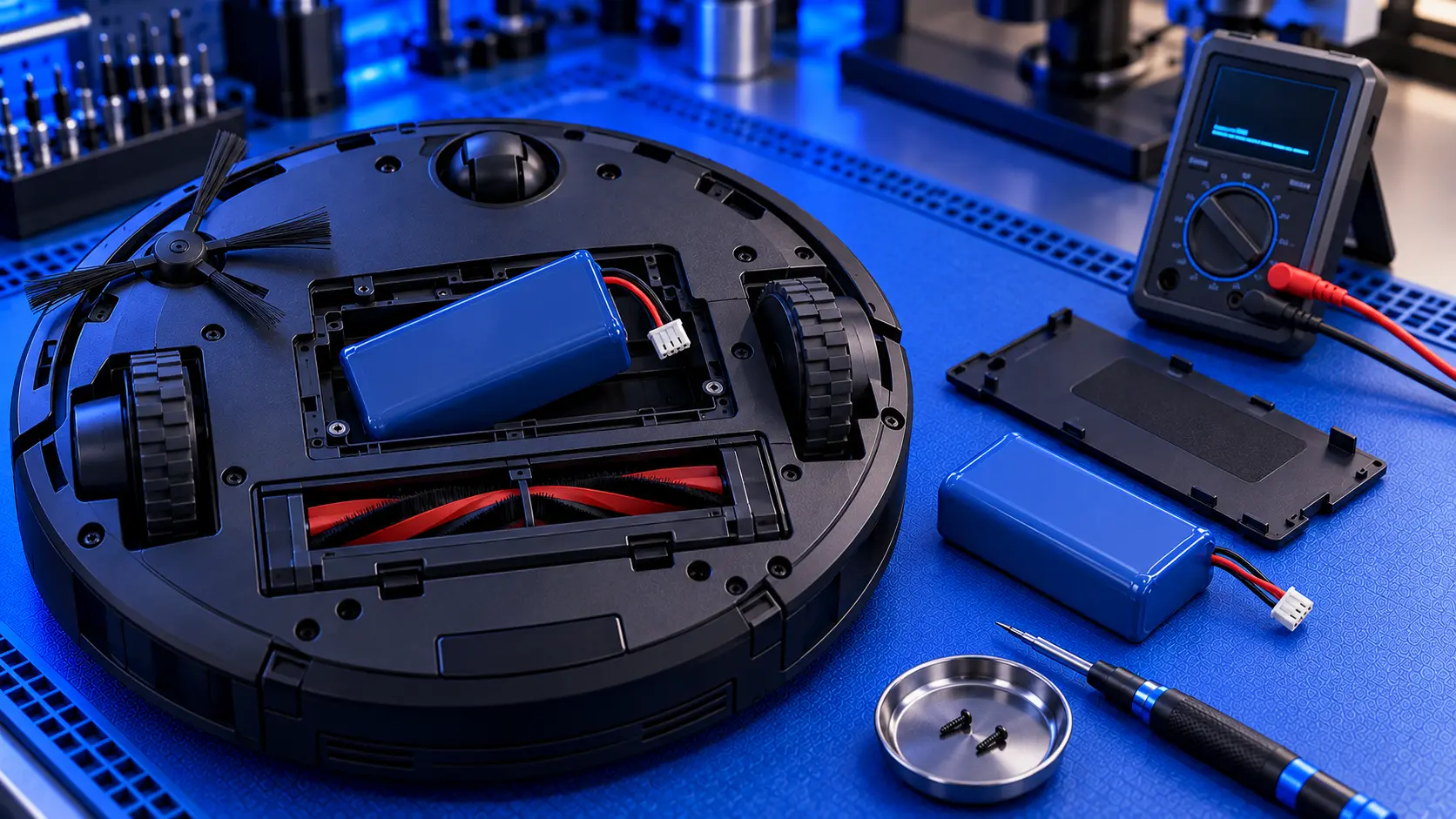
On many Roborock models, the battery sits under a panel on the underside, held in with a few screws, and it unplugs from a connector. If you're comfortable with a screwdriver, it's a manageable job, as long as you use a good-quality battery that matches your model. Dispose of the old battery at a battery recycling point, never in household waste.
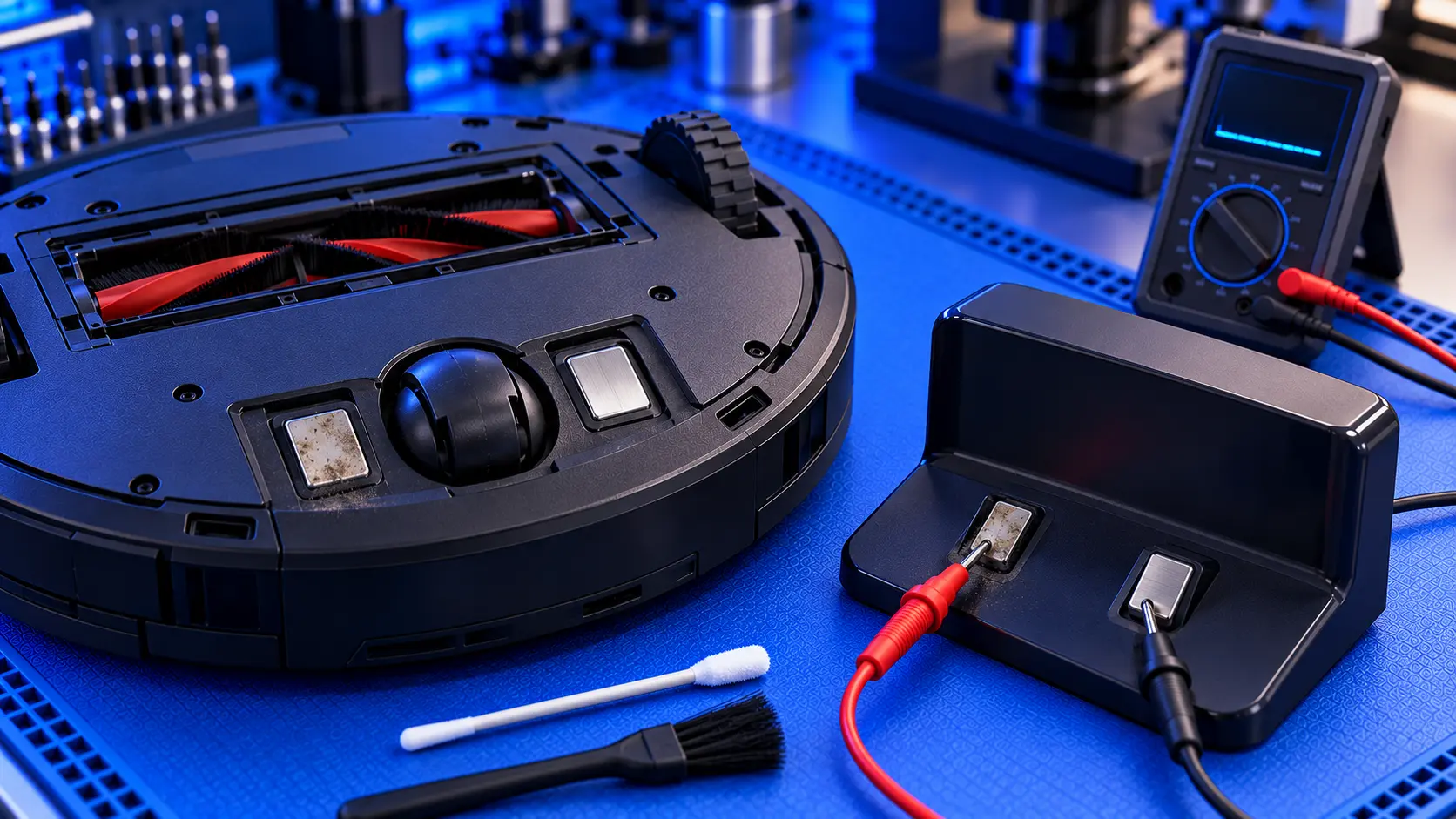
It's worth checking the battery really is the problem first. A new battery won't fix a dock that isn't supplying power, or dirty charging contacts.
Common questions
Will a new battery improve cleaning time?
If the old battery has worn out, yes: a good new battery usually brings cleaning time back towards what it was when the robot was new.
Does a new battery erase my maps?
Not usually. Maps are stored on the robot's memory and in the app, not in the battery. It's still worth checking the map afterwards.
Not sure it's the battery?
If you're not sure whether it's the battery, the dock or something else, get in touch with your model and what it's doing. I'll tell you honestly what's likely, and whether it's worth repairing.
The Repair Works is an independent UK repair service, run by me, Paul — 25 years of hands-on repair experience, working by post for customers across the whole country. Not affiliated with or endorsed by Roborock.