A USB port on your Xbox Series X|S that stops working is annoying, whether it's the one you charge your controller from, or where your headset or external drive plugs in. But plenty of "broken" ports aren't broken at all. Here's how to work out whether it's the port, and what to do about it.
Which ports your Xbox has
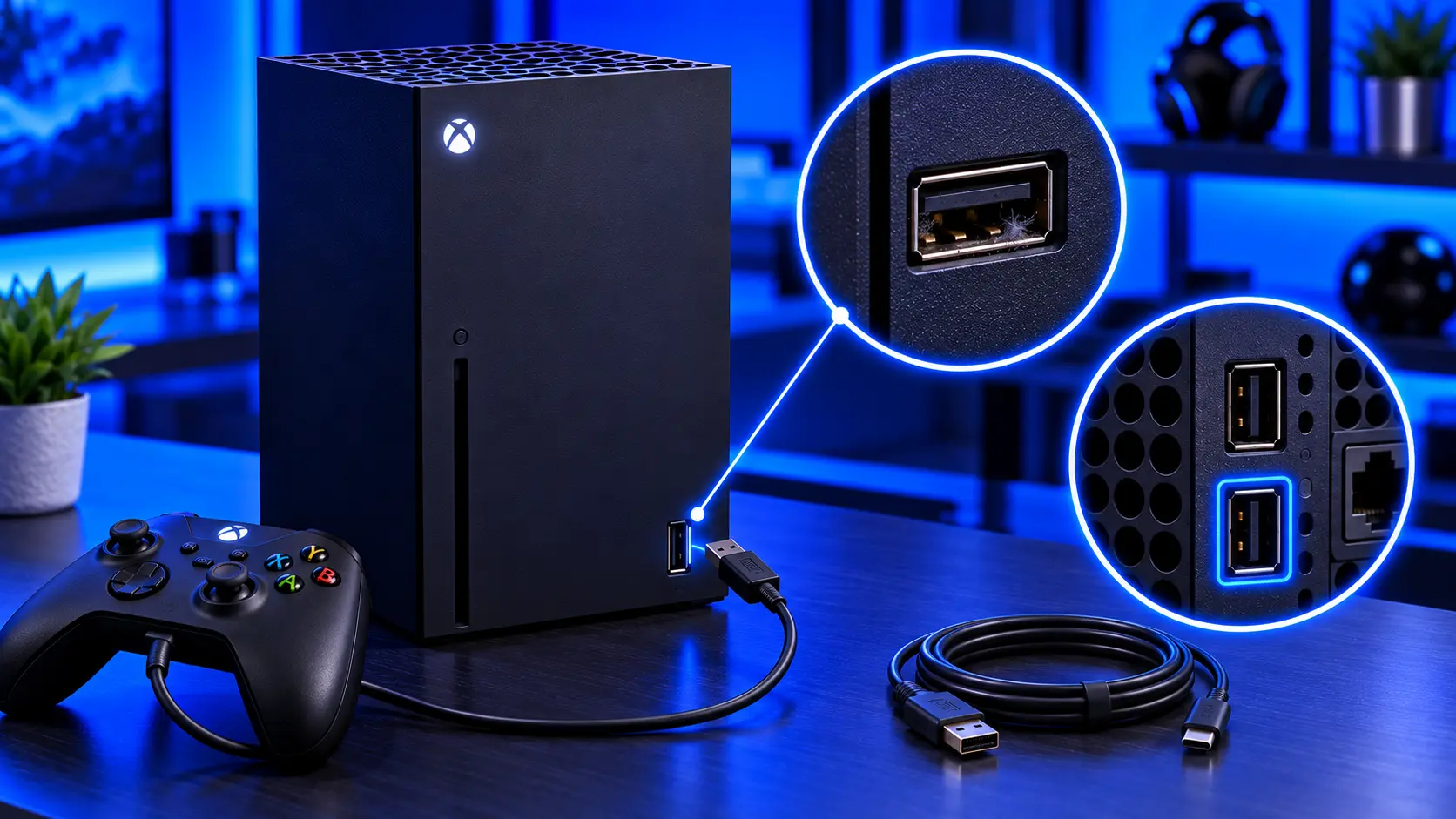
The Series X and Series S both have one USB port at the front and two at the back. That's handy for testing: if one port fails, you can try the others.
1. Try another cable
Many USB cables are charge-only or worn out inside. Try the cable that came with your controller, or another good-quality cable you know works. If the device works with one cable and not another, it's the cable.
2. Try another port and another device
- If one port fails and the others work with the same cable and device, the port is the likely problem.
- If the device fails in every port, the device or cable is the likely problem. For a controller that won't charge anywhere, see Xbox controller not charging.
3. Check external storage properly
External drives can be picky. Some need more power than a port can supply, or need formatting before the Xbox will use them. If a drive isn't recognised, try it in another port, and check it's compatible with your console before assuming the port is at fault.
4. Look inside the port
Shine a torch in. Lint and dust collect, especially in the front port. If you see debris, turn the console off and remove it gently with a wooden toothpick, never metal. While you're looking, check the contacts are straight and the port isn't loose.
5. Restart properly
Hold the Xbox button on the console for about 10 seconds until it turns off. Unplug it for a little while, plug it back in, and try again.
Signs the port is damaged
- The port is loose or moves when you plug something in
- It only works when the plug is held at an angle
- One port fails where the others work, with the same cable and device
- You can see damage inside the port
- It was damaged by a fall or a yanked cable
What the repair involves
An Xbox Series X|S USB port repair with me is £69 for one port, front or rear, including parts and tracked return postage, for the Series X or Series S. Depending on the port, I replace the small board it sits on, or solder in a new port. Then I test it for charging and data, and test the console for an hour running a demanding game before it's posted back. The work is covered by a 12-month warranty.
If more than one port is damaged, I'll quote for the others first. If the fault turns out not to be the port, I'll tell you and quote. If you'd rather not go ahead, it's no fix, no fee: I refund what you paid, less return postage.
Common questions
Can a damaged USB port harm my controller?
It can. A loose or bent port can short, which can damage what's plugged into it. If a port is damaged, stop using it until it's repaired.
Is it worth repairing if I have two other ports?
If the damaged port is loose or bent, yes. It can short and cause bigger problems. If it simply doesn't work and you never use it, you might choose to leave it.
My recommendation
Try another cable, another port and another device first. They're the most common causes. If one port still fails where the others work, or it's loose or damaged, it's a straightforward repair. When you're ready, how to pack an Xbox for posting will help it arrive safely.
The Repair Works is an independent UK repair service, run by me, Paul — 25 years of hands-on repair experience, working by post for customers across the whole country. Not affiliated with or endorsed by Microsoft.


