Almost everybody who searches this is worried the lights are telling them something is broken. Nine times in ten they aren't. They're telling you what setting you're on, and they've been doing that quietly since the day you bought it.
But there are two patterns that do mean something, one of them is free to fix, and one of them means stop using the dryer. So here's the whole thing, pattern by pattern, and I'll be straight with you about a place where Dyson's own instructions contradict each other.
Most of the time, the lights are just settings
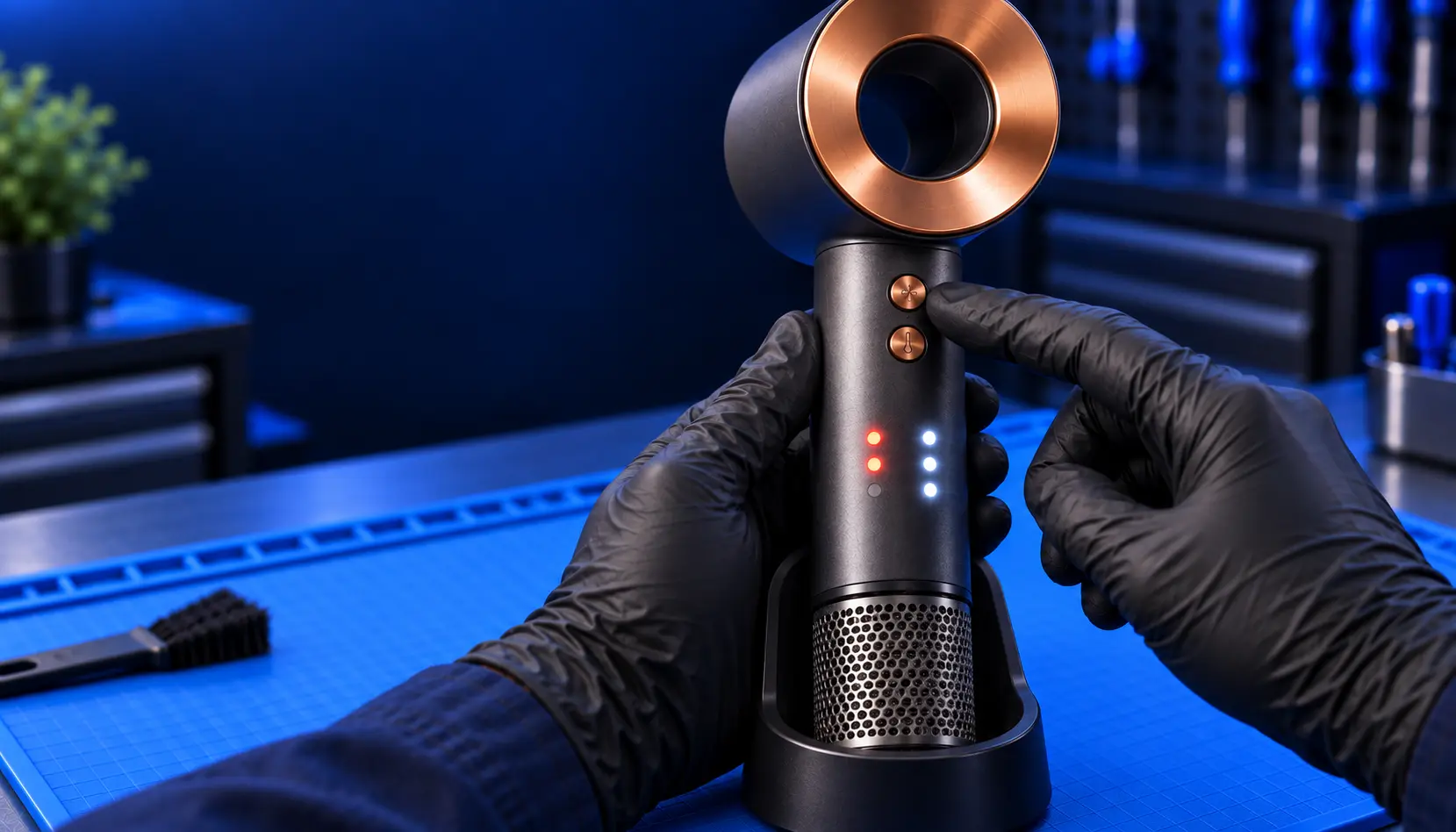
There are two banks of three LEDs, one for each of the two buttons.
The heat bank. Four heat settings, three lights, which confuses people until you see the trick:
Three lit — High. Dyson's figure for maximum operating temperature in normal use is 105°C
Two lit — Medium
One lit — Low
None lit — Cool
That last one catches people out constantly. No lights on the heat bank doesn't mean the dryer has failed; it means you've cycled round to the cool setting. Press the heat button again and they come back.
The airflow bank. Three settings, three lights, one each: Fast, Medium, Gentle.
So a dryer showing a couple of lights on one side and three on the other isn't reporting a fault. It's just on medium heat and full airflow.
Steady lights are settings. It's flashing that means something.
Three lights flashing means clean the filter
This is one of the most common things people ask about, and it's the best possible news: nothing is broken and it costs nothing to fix.
Three LEDs flashing continuously is the filter warning. The machine has worked out that airflow is restricted, and it's asking for the two-minute job. Dyson's guidance is to clean the filter monthly anyway, and if it's got as far as flashing at you, it's overdue.
Do it properly — dry, with a soft brush, never water — and clean the intake on the machine as well as the mesh on the cage. I've written up exactly how, including the bit most people skip.
Then run it again and see if the flashing has stopped.
The colour depends on which Supersonic you've got, and Dyson's own manuals disagree
Here's the part nobody explains properly.
The original Supersonic's user manual says three flashing red LEDs means clean the filter, and that three flashing white LEDs means contact Dyson and don't turn the dryer back on.
Dyson's current support guidance for the HD07 generation says three flashing white LEDs means clean the filter.
Those are opposite instructions from the same manufacturer, and if you search this you'll find people confidently repeating both. I'm not going to pretend I can reconcile them, because I can't — it appears to have changed between generations, and Dyson's documentation hasn't been tidied up.
What I can give you is the approach that's correct either way:
Clean the filter first, whatever colour it's flashing. It's free, it takes two minutes, and it's the most likely cause on both generations.
Then see whether the flashing stops. If it does, that was it — carry on.
If it keeps flashing after a proper clean, stop using it. Not "keep using it and see" — stop.
That third step is the one that matters, and it's the same on every model regardless of the colour.
If they keep flashing after a proper clean, stop using it
Persistent flashing after a genuine filter clean means the machine has a condition it can't clear by itself. That's usually one of three things: the airflow is restricted somewhere past the filter where you can't reach it, the temperature sensing has drifted, or the control board has a fault.
None of those get better with use, and one of them is a mains appliance running hot next to your head. Dyson's own manual says don't turn it back on, and they're right.
If it's in warranty, that's Dyson's job. If it isn't, it needs opening up — and the first thing I'd do is find out whether it's the cheap cause or the expensive one before you spend anything. That's what the diagnostic is for.
Patterns that aren't three lights
Not everything is the three-light warning, and the other patterns point somewhere different.
One light flashing. Different indication, different cause, and it gets confused with the three-light pattern constantly because people count the lit ones rather than the flashing ones. Here's what that one means.
Three red lights specifically, steady or flashing. Worth its own page because of the documentation conflict above and because it's the pattern people search most. The detail is here.
Lights come on, then everything dies a few seconds later. That's not a light pattern at all, that's the dryer cutting out — thermal protection tripping. Different problem, and it usually starts with the filter too.
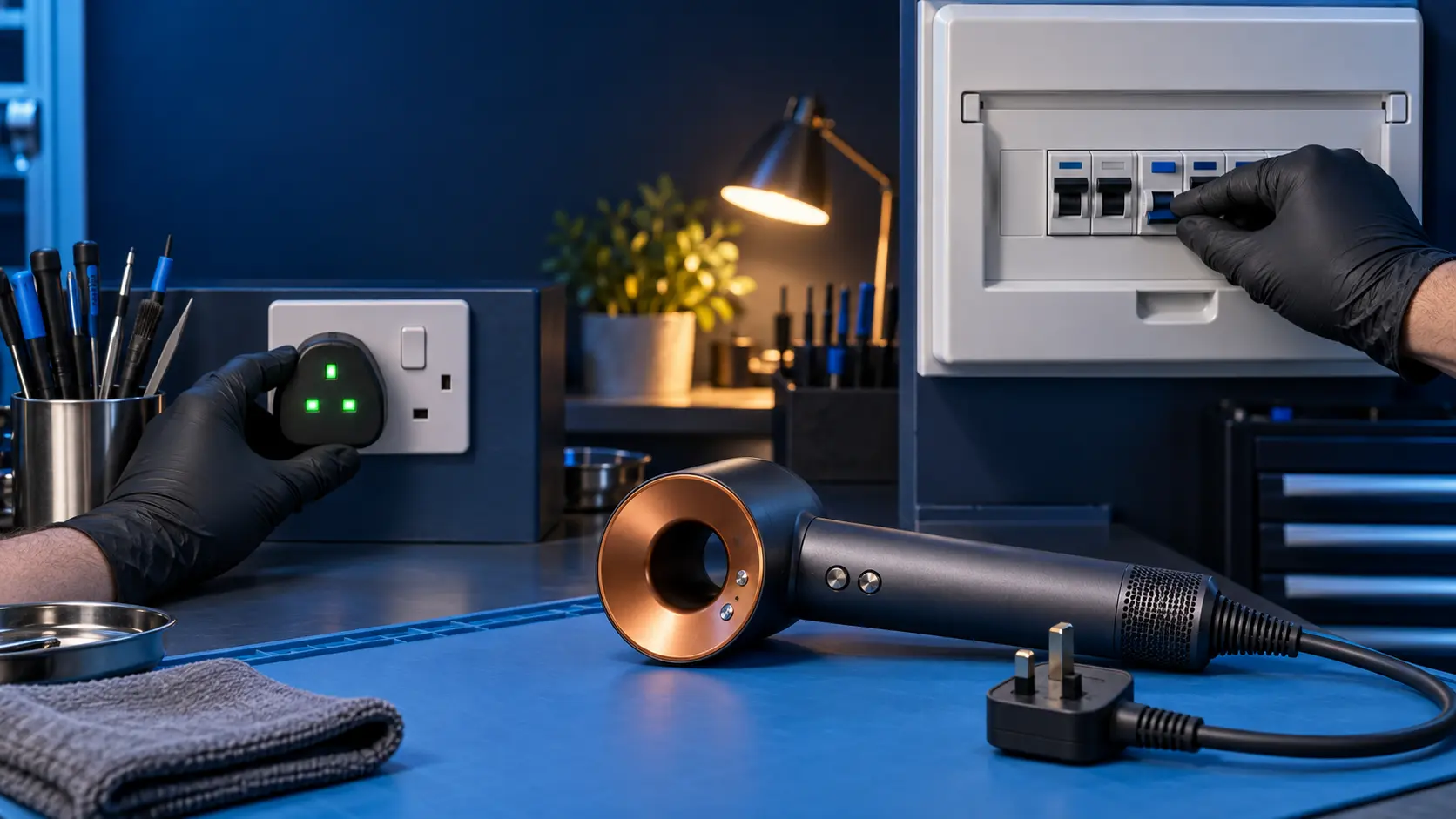
No lights at all and no noise. That's a power problem, not an indication. Check the plug fuse, then check whether it works in a different socket, then flex the cable at the handle while it's on. If the behaviour changes when you move the cable, stop using it — that's the fault, and it's the most common one on these.
What the lights never tell you
This is worth knowing so you don't wait for a warning that isn't coming.
There is no light for a failing cable. There is no light for worn motor bearings. There's no light for a cracked attachment magnet, and no light that says "your airflow path is full of hairspray but not quite full enough to trip the filter warning yet."
Cable failure in particular gives you no indication whatsoever, and it's one of the most common faults on a Supersonic. The tell isn't a light, it's behaviour: works in one position and not another, or cuts out when you move it.
So a dryer with no warning lights isn't necessarily a healthy dryer. It's just a dryer that isn't currently tripping the one sensor that has a light attached to it.
Common questions
All three lights on the heat side have gone out. Is it broken?
Almost certainly not — you're on the Cool setting, which is shown by no lights at all. Press the heat button to cycle back round.
They're flashing but it still works fine. Can I ignore it?
You can, but don't. It's flashing because airflow is restricted, which means the motor is working harder and running hotter than it should. Ignoring it is how a two-minute job becomes a repair.
Are the lights an error code I can look up?
No. There's no code system on a Supersonic — it's settings plus one maintenance warning. Anything beyond that needs the machine looking at rather than decoding.
Mine flashes, I clean the filter, and it comes back a week later.
Then the restriction isn't in the filter. Deposits past the mesh can't be brushed out from the outside, and a filter that blocks again within days is telling you the airflow path behind it is already loaded.
Different colour to the ones described here?
Clean the filter, run it, and see. If it clears, that was it. If it doesn't, stop using it — that holds on every generation regardless of what colour it's showing.
The short version, if you've scrolled to the bottom: steady lights are settings, flashing lights mean clean the filter, and flashing that survives a proper clean means stop using it and get it looked at.
Do the filter first. It's free, it takes two minutes, and it's the answer far more often than anything I could sell you.
The Repair Works is an independent UK repair service, run by me, Paul — 25 years of hands-on repair experience, working by post for customers across the whole country. Not affiliated with or endorsed by Dyson.