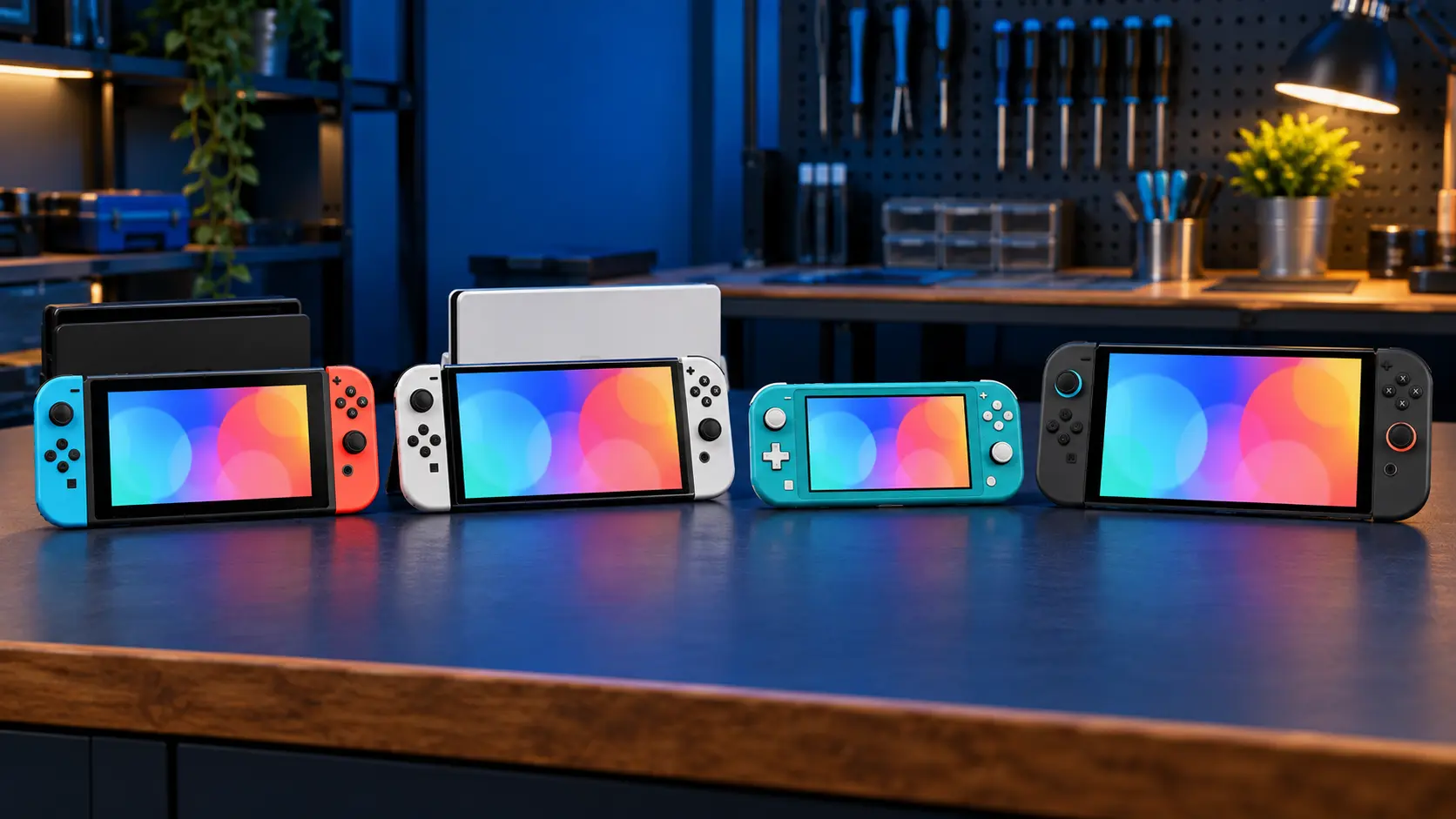
If your Switch isn't reading a game card, start with the simple things: clean the card's contacts gently, try a different game card, update the console and reseat the card firmly. If no card works at all, the game card reader has most likely failed. On the original Switch, OLED and Lite it's a replaceable part, and on the Switch 2 it's soldered to the board.
Checks to try first
1. Clean the game card
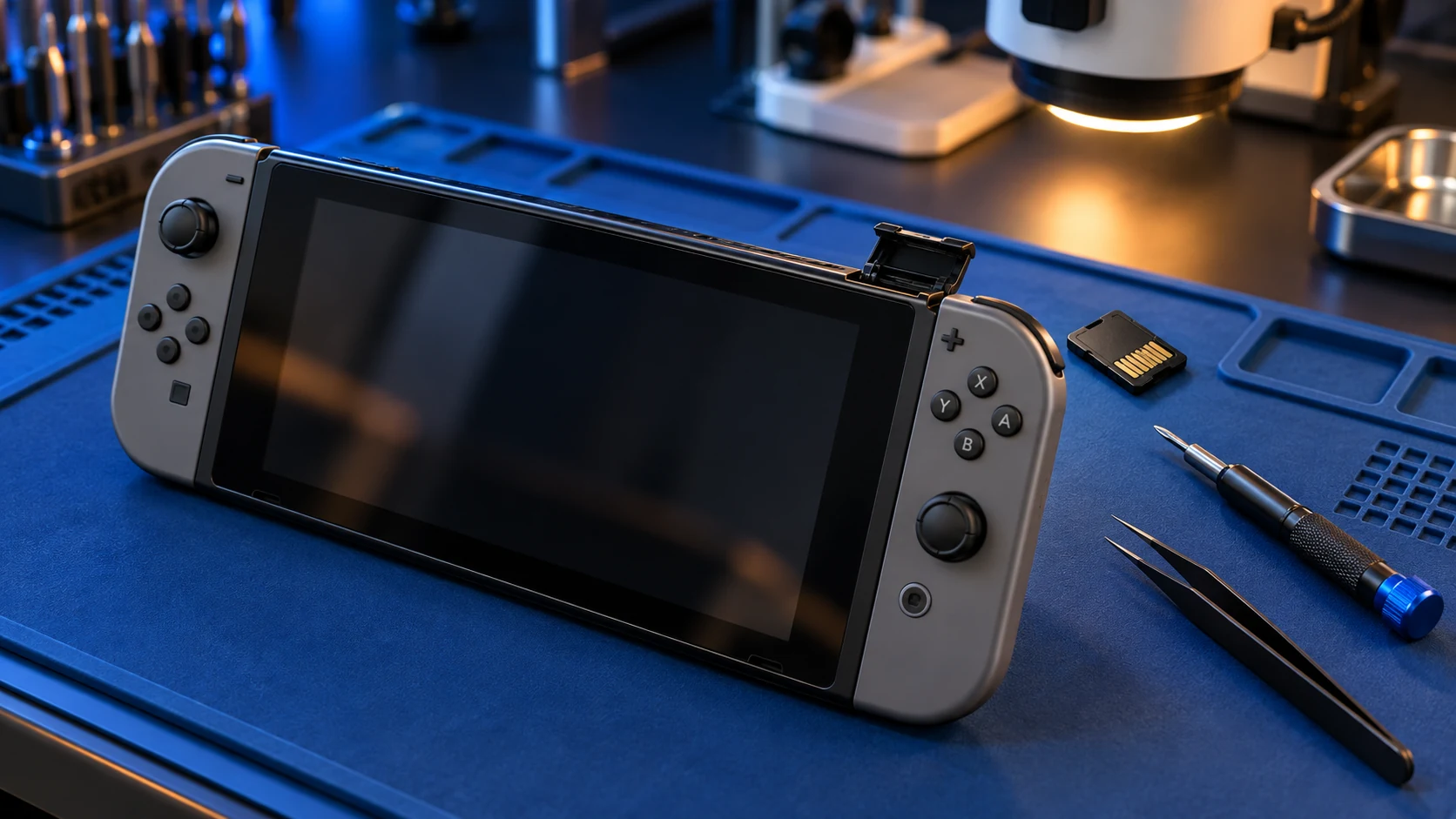
Look at the metal contacts on the back of the card. Dust, fluff or a sticky residue can stop it reading. Wipe them gently with a dry, lint-free cloth. Don't use anything abrasive, and don't poke anything into the slot on the console.
2. Try another game card
This is the most useful test. If one game won't read but others do, the problem is probably that card, not your console. If no game card reads at all, the reader is the likely culprit.
3. Update the console
Install the latest system update. Some games need a newer system version before they'll start, and an out-of-date console can look like a reading fault.
4. Reseat the card
Take the card out, power the console off fully (hold POWER and choose Power Options, then Turn Off), put the card back in until it clicks into place, and switch on again. A hard reset can also help: hold POWER for about 12 seconds, then press it again to start up.
5. Look for physical damage
Check the slot flap and the area around it. If the console has been dropped, the slot looks bent, or cards feel loose or won't seat, the reader has probably been damaged.
Signs the card reader has failed
- No game card is detected, even ones that work in another Switch.
- Cards are detected but show an error or crash when loading.
- Games read on and off, especially if you press gently near the slot.
- On the original Switch and the Lite, the headphone jack has also stopped working.
Why the headphone jack matters on the original and Lite
On the original Switch and the Switch Lite, the game card reader and the headphone jack are one assembly. So if cards won't read and your headphones have gone quiet at the same time, it points strongly at that part. The good news is that replacing it fixes both. If only the jack is playing up, read what to check when the headphone jack isn't working.
What the repair involves
Original Switch, OLED and Lite
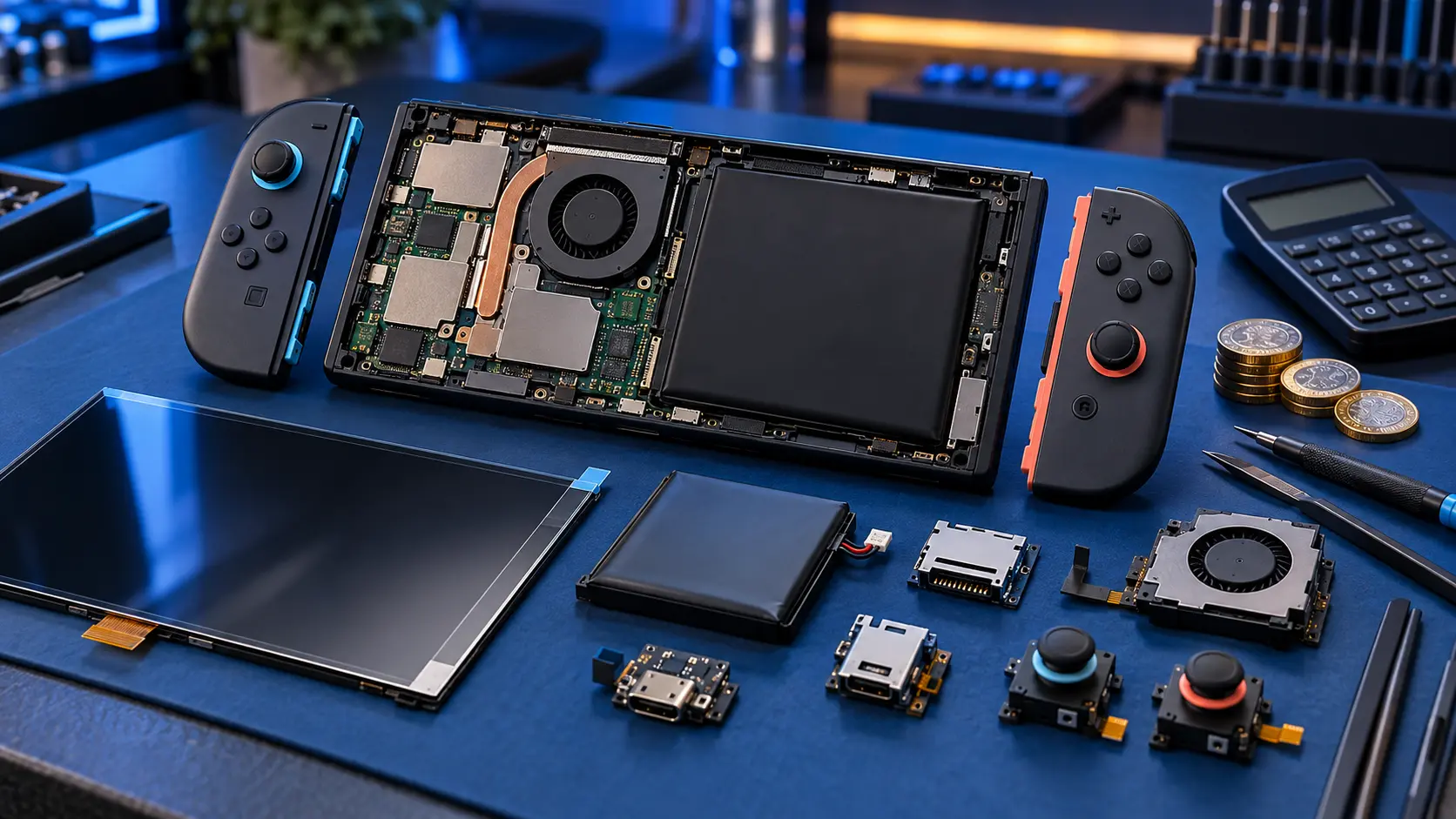
On these models the game card reader is a separate, replaceable part. I replace it for a fixed £55, and on the original and the Lite that includes the headphone jack. Nintendo's out-of-warranty repair caps are higher (up to £120 for a Switch, £108 for a Lite and £190.50 for an OLED), and they may swap your console rather than repair it. You can book on the Switch game card reader repair page.
Switch 2
On the Switch 2 the game card reader is soldered to the main board, so replacing it is board-level rework rather than a plug-in swap. That's why it costs more: £85 on the Switch 2 game card reader repair page. If your Switch 2 is still under Nintendo's warranty and the fault isn't accidental damage, go to Nintendo first. It's the honest advice.
Before you send it
- Take out the game card and the microSD card.
- Your saves are on the internal storage, and a card reader repair doesn't touch it, but backing up first is still sensible. Here's how to back up your saves.
- Don't send the dock or Joy-Cons. They aren't needed for this repair.
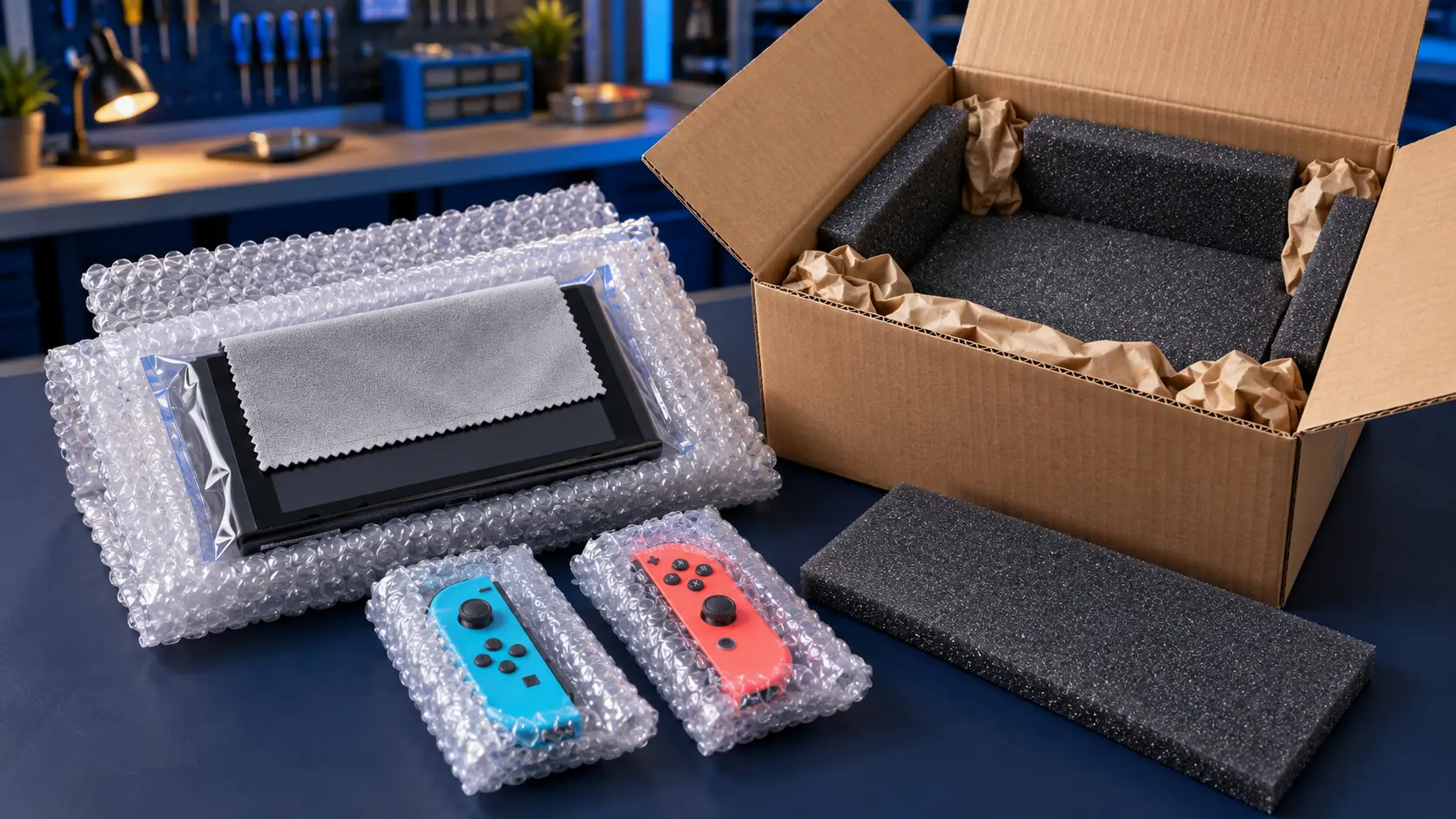
I replace the reader, then test it with game cards and, on the original and Lite, with headphones too, before sending it back insured and tracked. It's no fix, no fee, and the repair has a 12-month warranty. For prices on every other job, see my Switch repair cost guide or the Nintendo Switch repairs page.
Frequently asked questions
Can a dirty game card stop my Switch reading it?
Yes, dust or residue on the contacts can stop a card reading. Wipe the contacts gently with a dry, lint-free cloth and try again, then test a different card to rule the console in or out.
Will replacing the card reader delete my games or saves?
No. Your saves and downloaded games are on the internal storage or microSD card, and the card reader repair doesn't touch either. Backing up first is still a good habit.
Why is the Switch 2 card reader repair dearer?
On the Switch 2 the reader is soldered to the main board rather than being a separate part, so it has to be removed and replaced with hot-air rework, which takes more time and skill.