Nintendo Switch 2 Game Card Reader Repair
No fix, no fee · 12-month warranty · Insured, tracked returns
Signs you need this repair
- An error saying the game card couldn't be read
- It reads some game cards but not others
- Games stop or crash when the card loses contact
- The card doesn't sit properly or feels loose in the slot
- Bent or damaged pins after a card was forced in
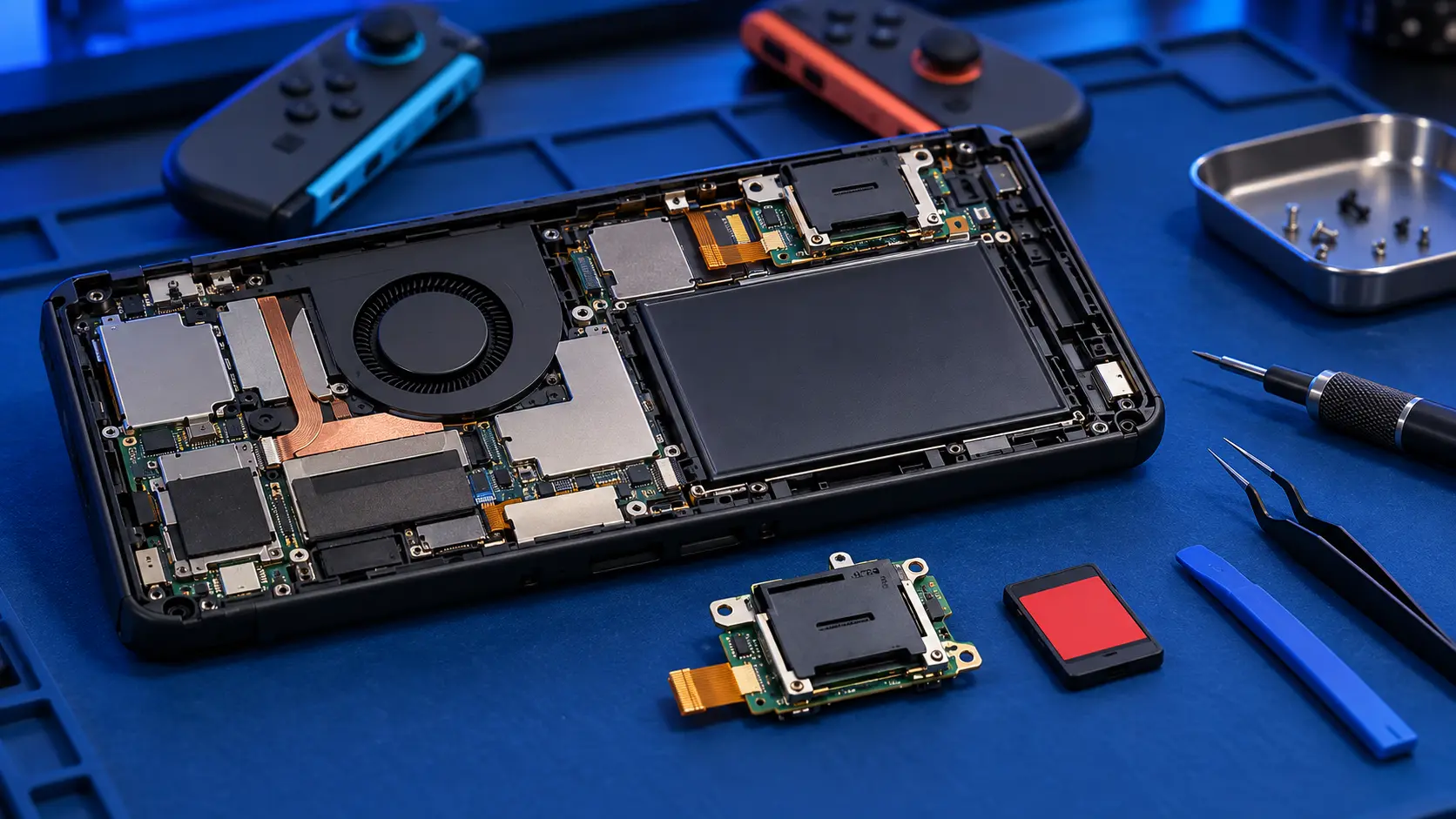
A game card reader stops working when its pins get bent, dirty or worn, or when a card is pushed in at an angle. On the original Switch, OLED and Lite the reader is a separate part that unplugs. On the Switch 2 it's soldered to the main board, so replacing it means hot-air rework. That's why it costs more here than on the original Switch.
Try these first. Gently clean the gold contacts on the game card. Try a different game card to see whether the problem follows the card or the console. Make sure the system is updated, and try a hard reset by holding POWER for about 12 seconds, then pressing it again. If a different card reads fine, the fault is the card, not the console.
Nintendo or me? If the reader has stopped working on its own and your Switch 2 is under Nintendo's warranty, go to Nintendo first. Bent pins from a forced card, or damage from a drop, is accidental damage, and that's where I can help, along with consoles that are out of warranty.
What I do. I confirm the reader is the fault, remove it with hot air, clean the pads, solder in a replacement reader, and test it with game cards before the console goes back. The headphone jack is a separate part on the Switch 2, so it isn't affected by this repair. For the original Switch, see my game card reader repair, and for how Switch 2 prices compare, see my Switch 2 repair cost guide.
Back up first. The storage is soldered to the same board, and I don't wipe it, but back up with Save Data Cloud first where the game supports it before any board work.