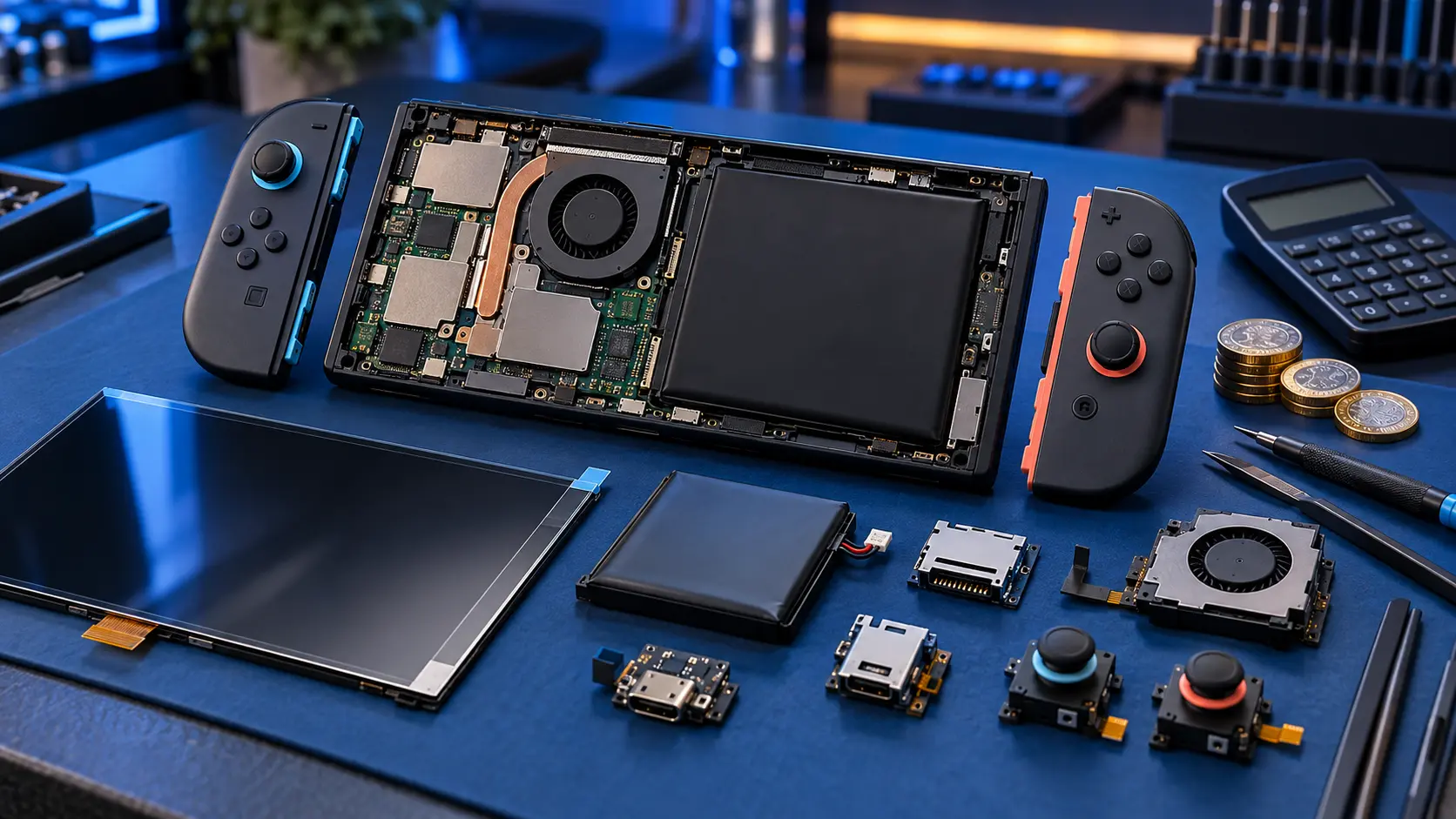
In most cases, a loud Switch fan is an airflow problem rather than a broken fan: blocked vents, a soft surface, dust, or a dock with no room to breathe. Those are the most likely causes, so they're worth ruling out first. If the fan grinds, rattles, or has stopped spinning while the console gets hot, it needs replacing, which is a £49 repair.
Why the fan gets loud
The fan speeds up when the chip inside gets warm. A louder fan in itself isn't a fault. It's the console doing its job. The question is whether it's working harder than it should, or whether the fan itself is failing.
Checks to try first
Clear the vents
The Switch pulls air in and pushes hot air out along the top edge. Check that nothing's blocking the vents: fingers, a case, a stand, or a grip. Some third-party cases and grips cover the vents more than they should. Try the console without its case and see if it quietens down.
Use a flat, hard surface
Playing with the console resting on a bed, sofa or duvet, or in tabletop mode on a cushion, cuts off airflow quickly. Put it on a table or desk instead.
Dust
Dust builds up on the vents and the fan over time, especially in homes with pets or carpets. With the console switched off, a gentle puff of air across the vents can help. Don't push anything into the vents, and don't use a vacuum cleaner right against them, as the static isn't good for electronics.
The dock
Docked play runs the console harder than handheld mode, so it gets warmer. Put the dock somewhere open, not tucked into a cabinet or behind the TV with no gap. The dock's own design doesn't leave much space around the console, so the room around the dock matters.
Third-party docks are worth a mention too. They're a well-known cause of damage to the charging chips, and if yours has started behaving oddly, see my guide on a third-party dock that's stopped working.
Games that push the fan
Big 3D games work the hardware hard, and the fan will be louder with those than with a 2D puzzle game. That's normal. If the fan is only loud in one or two demanding games, and it's quiet otherwise, the console is probably fine.
Room temperature
On a hot day, with the sun on the console, it'll run warmer. Move it out of direct sunlight.
Update and restart
Make sure it's on the latest system update, then fully restart it. Hold POWER, choose Power Options and Restart. It's a simple step, but it clears anything stuck in the background.
When the fan needs replacing
If you've been through the checks and something's still wrong, the fan itself may have failed. The signs are:
- Grinding, rattling or clicking: a worn bearing or a blade catching. This usually gets worse.
- A whine that changes pitch in a way it didn't before.
- No fan noise at all while the console gets hot to the touch, especially in docked play.
- The console shutting itself off or showing a heat warning.
A stopped fan is the one to take seriously. The Switch will protect itself by shutting down when it gets too hot, but running hot for long periods isn't good for it. Stop using it until it's sorted.
The Switch fan replacement is £49 for the original Switch, OLED or Lite. I open the console, replace the fan, clean dust from the heatsink area while it's open, and test it under load to check it spins up and the console stays within normal temperatures. The insured, tracked return is included. You pay the postage to send it in.
What about the Switch 2?
The Switch 2 has a modular fan, but it's a different console with its own repair route. See the Nintendo Switch 2 repairs page for what I cover on that model.
Before sending it in
- Take out the game card and microSD card.
- Back up your saves where you can. The fan job doesn't touch the storage, but it's sensible before posting any console. See backing up Switch save data before a repair.
- Don't send the dock or Joy-Con.
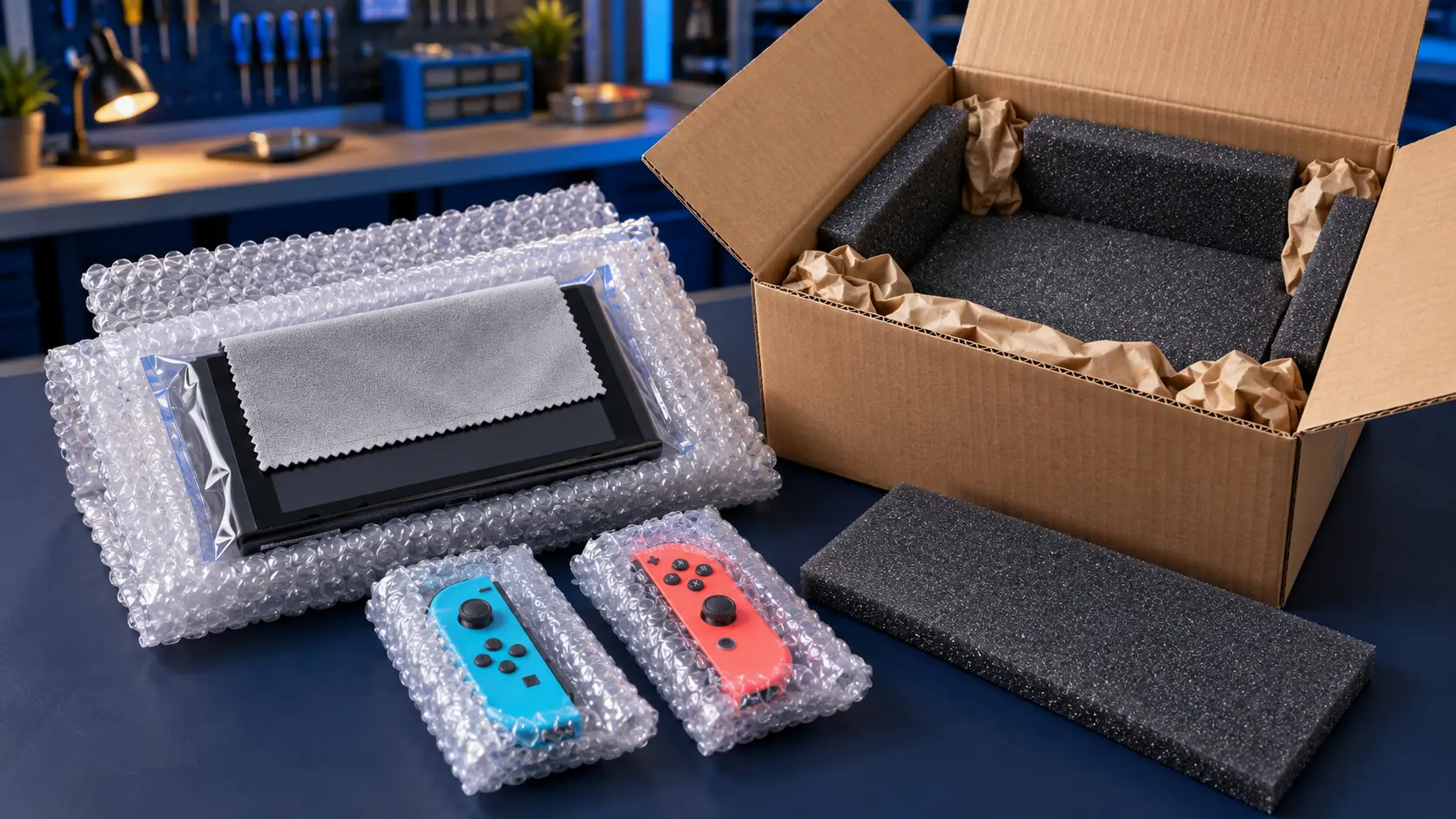
- Pack it well in a sturdy box, using the guidance in your booking confirmation email.
Every repair has a 12-month warranty, and it's no fix, no fee: if I can't repair it, I refund what you paid, less return postage. For everything else I repair, see the Nintendo Switch repairs page.
Frequently asked questions
Is it normal for a Switch to get warm?
Yes. It's normal for the top edge near the vents to feel warm, particularly when docked or playing demanding games. It shouldn't be too hot to hold, and it shouldn't shut itself off.
Can I clean the fan myself?
You can clear dust from the outside of the vents with a gentle puff of air while the console is off. Getting to the fan itself means opening the console, which involves small screws and ribbon cables, so only do it if you're confident.
My fan is loud but only in one game. Should I worry?
Probably not. Demanding games push the fan harder, and a louder fan in those is the console working as designed. It's grinding, rattling, or a fan that has stopped while the console is hot that points to a fault.