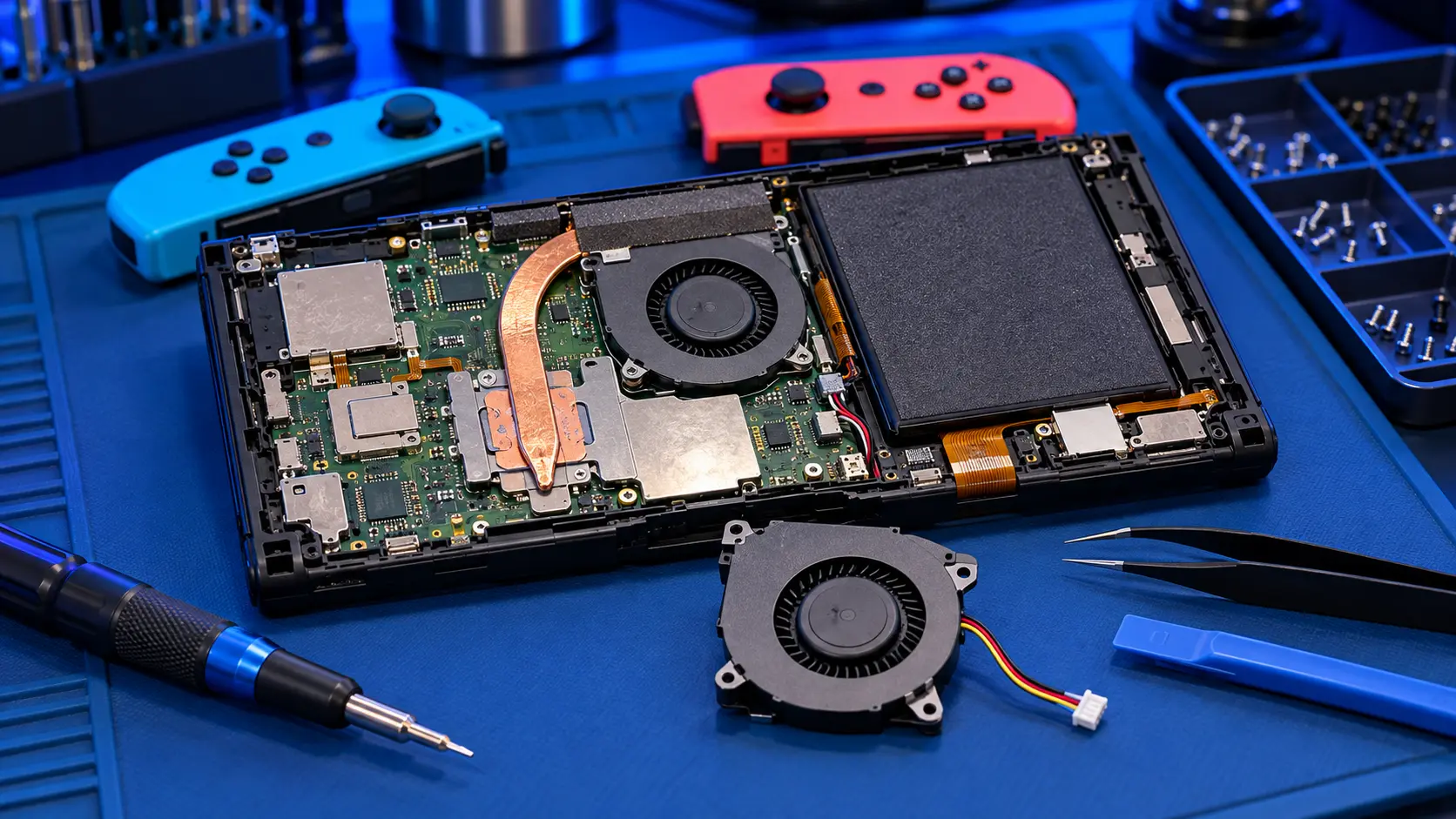
Nintendo Switch Fan Replacement
No fix, no fee · 12-month warranty · Insured, tracked returns
Signs you need this repair
- Grinding, rattling or buzzing from the vents
- Fan louder than it used to be, even in light games
- Console hot to the touch or warning about temperature
- Switches off or slows during play
- No airflow from the vent while playing
The Switch has a small cooling fan that pulls heat off the processor through a heatsink and out of the top vent. Over time, dust builds up, the fan's bearing wears and the fan can start grinding, rattling or spinning too slowly to keep the console cool. A fan that has stopped completely lets the console run hot, which can lead to shutdowns and puts more stress on the board and battery.
A common cause of overheating is simply blocked vents, so check the vent isn't covered and the console isn't played on a soft surface or left in a hot dock. This guide to a loud or overheating Switch covers what to check.
If the fan is worn or noisy, I open the console, remove the old fan, clean the heatsink and vents while it's apart, fit a replacement fan and test the console under load before it goes back. It's £49 for the original Switch, the 2019 revised model, the OLED and the Lite.
If the console is hot because of a board fault rather than the fan, a fan replacement won't fix it. I check when it arrives, and if the fan isn't the cause I tell you before doing any work. For faults such as a Switch that won't power on or shows no picture on the TV, see board fault repair.
Send the console only, with the game card and microSD card removed. If it's the original Switch or OLED, there's no need to send the dock or Joy-Con.