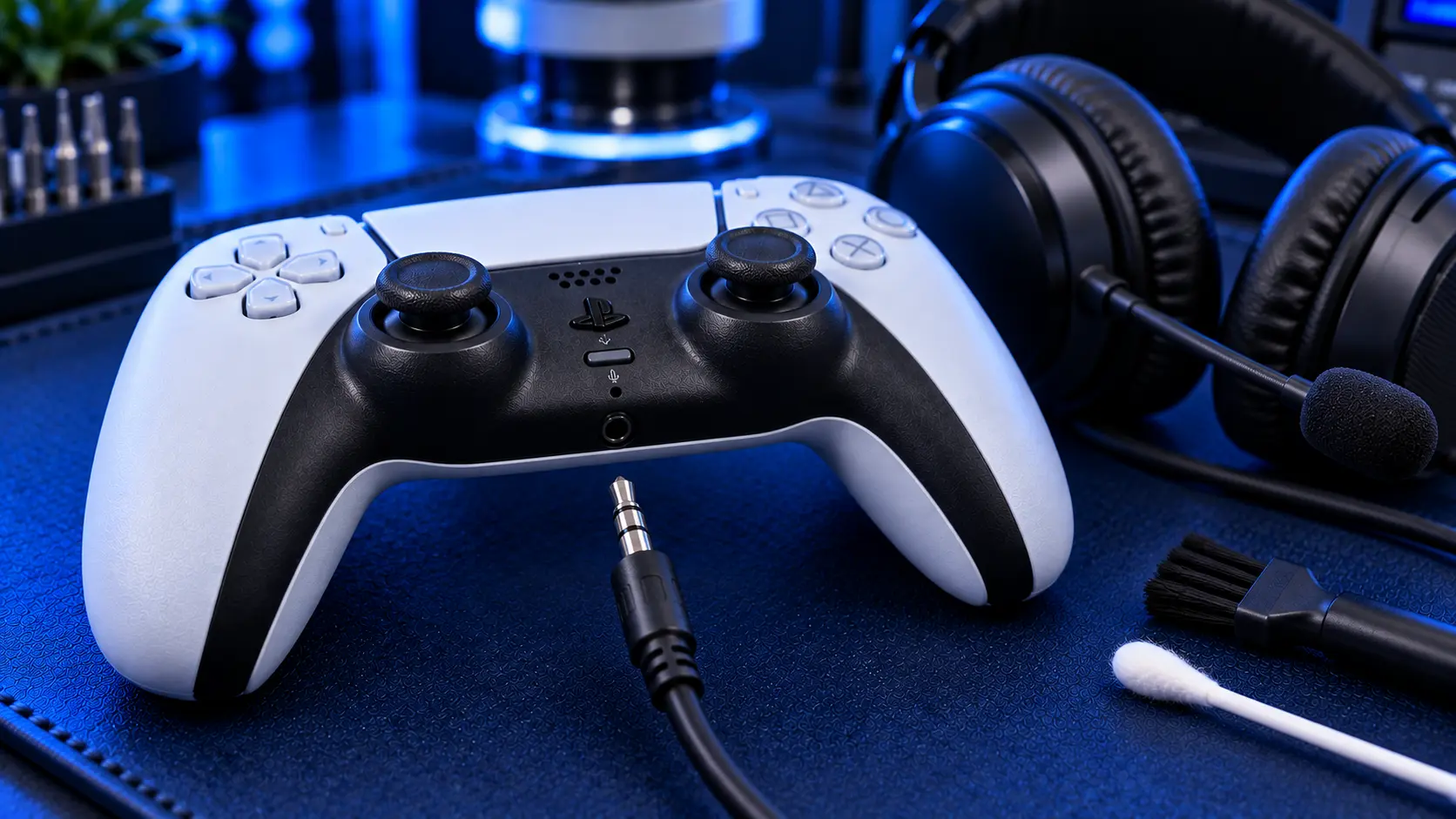
Plugging a wired headset into your PS5 controller should just work. When it doesn't (no sound, crackling, audio in one ear, or a microphone nobody can hear), it's easy to assume the controller has failed. Sometimes it has, but it's worth ruling out a few free causes first, because a surprising number of "broken" headphone jacks turn out to be a setting.
Check the PS5 audio settings first
When you plug headphones into the controller, the PS5 should switch its audio output to them automatically. It doesn't always. Go to Settings, then Sound, then Audio Output, and check that the output device is set to the headphones connected to your controller.
On the same screen, look at Output to Headphones. If it's set to Chat Audio, you'll hear party chat through your headset but the game audio will still come from the TV. Set it to All Audio if you want everything through the headset.
It's also worth checking the volume. The headset volume on the PS5 is separate from your TV volume, and you can adjust it from the Sound section of the Control Centre while the headset is plugged in.
Rule out the headphones
Before blaming the controller, test both halves separately:
Plug your headphones into something else, such as a phone or laptop. If they don't work there either, the headphones are the problem.
Plug a different pair into the controller. If a second pair works fine, your original headphones or their cable are at fault.
Push the plug fully home. Some phone cases and cheap adapters stop a 3.5mm plug from seating completely, which gives exactly the one-ear or crackling symptoms of a broken jack.
If your headphones work elsewhere, a second pair fails in the controller too, and the settings are right, then the jack itself is the likely fault.
How a headphone jack fails
The 3.5mm jack on the DualSense is a small socket soldered to the controller's circuit board, with springy metal contacts inside that grip the plug. It takes more strain than you'd think. Cables get yanked when you stand up, leaned on while you play and wound tightly around the controller when it's put away. Over time the contacts inside lose their grip or break, and the solder joints holding the socket to the board can crack.
The symptoms of a failed jack are fairly consistent:
No sound at all through any wired headphones
Crackling or audio cutting in and out
Sound in one ear only
It works only when the plug is held or wiggled a certain way
The headset microphone isn't picked up
The microphone point matters. A wired headset's microphone goes through the same jack, so a faulty jack often kills both at once.
Sound works, but the microphone doesn't
If you can hear the game but nobody can hear you, check the mute first. The mute button on the DualSense, just below the PS button, glows orange when the microphone is muted, and it mutes a headset's microphone as well as the controller's built-in one. You can also check Settings, then Sound, then Microphone, to see which input device is selected and test the level.
Next, check the plug. A headset that works with a phone uses a single plug with four sections on it (four-pole). Many PC headsets have two separate plugs, one for audio and one for the microphone. Plugged into the controller with a single-plug adapter that isn't designed for them, you'll get sound but no microphone. That's the adapter, not the controller.
If the settings and the plug are right, and the headset's microphone works on another device, the jack has usually lost one of its internal contacts. The sound and the microphone use separate contacts inside the socket, so one can fail while the other still works. The repair is the same either way.
What the repair involves
A PS5 controller headphone jack repair with me is £29 all-in, including parts and tracked return postage. I open the controller, remove the old socket, solder in a new one, and then test audio in both ears and the headset microphone before the controller is posted back. Every repair is covered by a no-fix-no-fee promise and a 12-month warranty.
If there's anything else wrong with the controller, such as sticky buttons, a charging problem or stick drift, mention it when you book, and it can all be sorted in one visit.
Is there a workaround?
If you'd rather not repair it, you can use a USB headset plugged into the PS5 itself, or a wireless headset, and bypass the controller jack altogether. That's a perfectly good option if you were planning to upgrade your headset anyway. But if you like the headset you've got, a new jack costs a lot less than a new headset or controller.
My recommendation
Check the audio output settings and try a second pair of headphones before anything else. Those two checks solve more jack "faults" than any repair. If the settings are right, and a known-good pair of headphones crackles, cuts out or plays in one ear when plugged into the controller, the jack has failed, and replacing it is a quick, fixed-price bench job.
The Repair Works is an independent UK repair service, run by me, Paul — 25 years of hands-on repair experience, working by post for customers across the whole country. Not affiliated with or endorsed by Sony.


