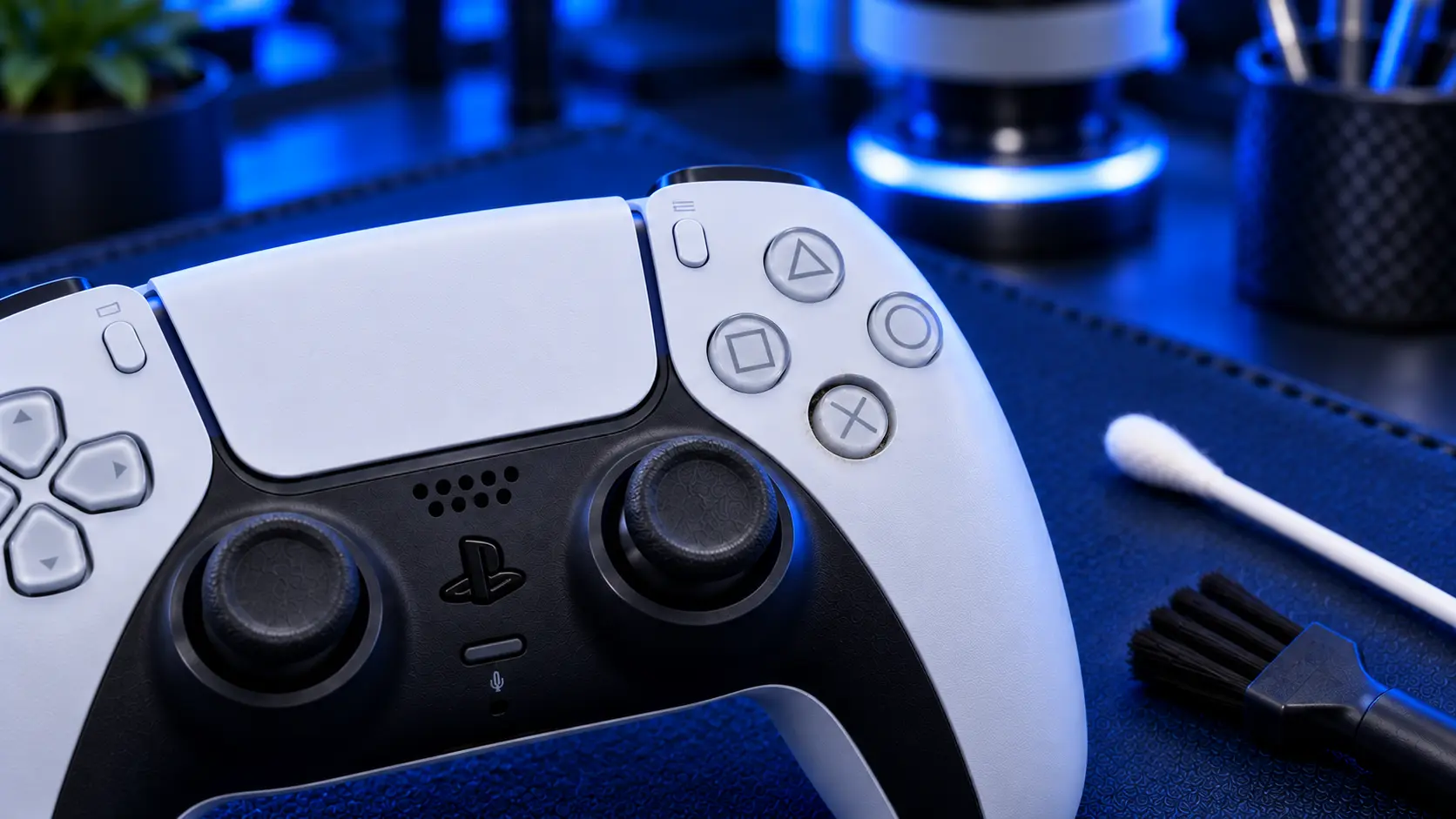
After stick drift, faulty buttons are one of the most common DualSense problems. They show up in a few different ways: a button that needs a hard press, one that sticks down, one that registers twice, or one that has stopped working altogether. Cross and circle take the most punishment, but any button can go.
The good news is that button faults are usually straightforward to fix. Here's what causes them, what you can safely try yourself, and when it needs a repair.
How PS5 controller buttons work
Under each button on the DualSense is a rubber membrane with a small conductive pad on its underside. When you press the button, the pad touches contacts on the controller's circuit board and completes a connection. That's the whole mechanism, so when a button misbehaves, it's almost always because that connection isn't being made cleanly.
There are three usual causes:
Dirt and residue. Crumbs, dust and sticky residue from drinks and hands work their way under the buttons over time.
Wear. The conductive pad wears with use, so a button that has been pressed hundreds of thousands of times needs pressing harder to register.
Liquid. A spill leaves residue on the membrane and the board. It can make buttons sticky, and in worse cases it corrodes the contacts.
Match the symptom to the cause
Button sticks down or is slow to spring back: usually residue, very often from a drink
Needs a hard press or an off-centre press: usually a worn conductive pad or dirty contacts
Double presses or ghost inputs: worn contacts making and breaking the connection as you press
Doesn't register at all: a worn pad, heavy dirt or corrosion, or occasionally a damaged contact
Several buttons failing at once, after a spill: liquid residue under the membrane
What you can safely try first
Test it properly. Before assuming it's hardware, check the button in more than one game, and in the PS5 menus too. A button that works in menus but not in one game points to that game's control settings, not the controller.
Clean around the button. With the controller switched off, press the sticky button repeatedly while working a slightly damp cotton bud (isopropyl alcohol is ideal, water will do) around its edge. This can loosen surface residue. Let it dry fully before using the controller.
Don't pour or spray anything into the controller. That pushes more liquid under the buttons and onto the board, and it can turn a sticky button into a dead controller.
If cleaning around the edge doesn't help, the dirt or wear is under the button, and the controller has to be opened to fix it properly.
Do the sticks count?
L3 and R3, the clicks you get by pressing down on the sticks, are part of the stick modules, not the button membrane. If a stick click has stopped working, or the stick is drifting too, that's a stick repair. See my guide to what to try first with a drifting PS5 controller.
L2 and R2 are also different. They're the adaptive triggers, which are motorised assemblies. I don't currently offer adaptive trigger repairs, so the button repair covers everything except those.
What a button repair involves
A PS5 controller button repair with me is £29 all-in, including parts and tracked return postage. It covers the face buttons (triangle, circle, cross and square), the D-pad, L1 and R1, and the Options, Create, PS and mute buttons, whether one of them has gone or several.
I strip the controller down, clean the membranes and board contacts properly, and replace any worn parts. Then I test every input before it goes back. If a spill has reached the main board and caused other faults, I'll tell you what I've found before doing anything more. Every repair is covered by a no-fix-no-fee promise and a 12-month warranty.
Repair or replace?
A new DualSense costs around £60 or more, and a button repair is £29. If your controller has other problems as well, such as stick drift or a loose charging port, it's usually worth sorting them in the same visit rather than paying postage twice. Just mention everything when you book.
My recommendation
Try cleaning around the edge of the button first, because it occasionally shifts surface grime. But if a button is sticky after a spill, needs a hard press or double-presses, the problem is under the button, and it won't clear on its own. Opening the controller and cleaning or replacing the membrane is the proper fix, and it usually returns the buttons to how they felt when the controller was new.
The Repair Works is an independent UK repair service, run by me, Paul — 25 years of hands-on repair experience, working by post for customers across the whole country. Not affiliated with or endorsed by Sony.


