If your N64 won't turn on, start with the power supply that plugs into the back, then check the Jumper Pak is seated, clean the cartridge contacts and try the power switch again. If it's still dead after that, book an assessment and send the power supply with the console, because old power supplies fail too.
The Nintendo 64 is a tough machine, but most are now well over 20 years old, and the parts that handle power age like anything else. These checks cost nothing and take a few minutes. Work through them in order.
First: is it no power, or no picture?
It helps to split the problem in two before you start:
- No power at all: the power light stays off when you slide the switch. That points towards the power supply, the switch or the board.
- Power light on, but nothing on screen: that's a black screen, which usually has different causes. My guide to an N64 black screen and the Jumper Pak covers that in detail.
Some of the checks below help with both, so it's worth doing them either way.
1. Check the power supply at the back
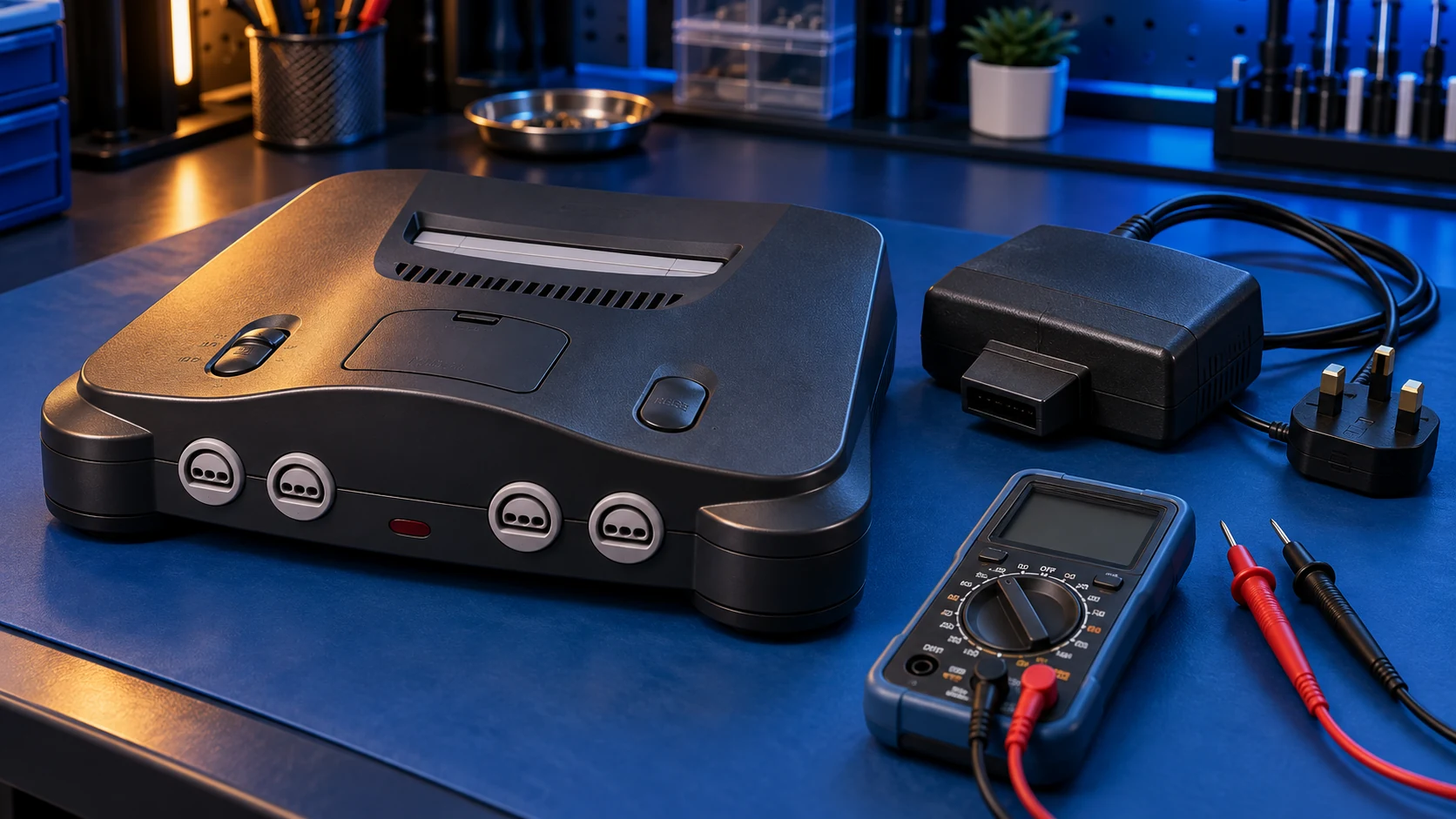
The N64's power supply is a separate unit that plugs into the back of the console. It's the part most likely to have aged, so check it first.
- Turn everything off, then take the power supply out and push it back in firmly so it's fully seated.
- Try a different wall socket, and take out any extension lead or adapter while you test.
- Look over the cable. If it's cut, kinked or damaged, stop using it.
- If the power supply smells of burning or gets unusually hot, unplug it and don't use it again.
- If you can borrow a known-working power supply for a UK N64, try that. If the console starts, you've found your fault.
2. Check the Jumper Pak is seated
On top of the N64, in front of the cartridge slot, there's a small cover. Under it sits the Jumper Pak, a small plug-in part that fills the memory slot so the console can run. Some consoles have the Expansion Pak instead, which adds extra memory and does the same job of filling that slot.
- With the console switched off and unplugged, lift the cover and check a Pak is fitted.
- Press it down gently so it's fully home. Don't force it.
- If you have both a Jumper Pak and an Expansion Pak, try the other one.
Without a Pak in that slot, the N64 won't show a picture. It's a very common reason for a console that seems dead.
3. Clean the cartridge contacts
Old cartridges get dirty contacts. A cartridge that doesn't connect properly usually gives a black screen rather than no power, but it's worth ruling out.
- Try a different game first. If one game works and another doesn't, the console is probably fine.
- Clean the contacts on the cartridge with a cotton bud lightly dampened with isopropyl alcohol, then let it dry fully before you put it back in.
- Push the cartridge straight down so it sits firmly in the slot.
4. Try the power switch properly
The power switch slides on the top of the console. With the power supply seated and a cartridge in, slide the switch firmly all the way across. If the power light flickers, or only comes on when you hold the switch or press on the console, make a note of it. That detail helps me at the assessment stage.
Still dead? Book an assessment
If none of that brings it to life, the fault is most likely in the power supply itself or in the board, and it needs opening up and testing. That's what the N64 repair assessment is for:
- You book and pay £4.99.
- You send the console with its power supply. Old power supplies fail too, and I need to test both.
- I assess it on my bench and send you a quote before any work. Repairs start from £39.
- If you go ahead, the £4.99 comes off the repair. If you decline, it covers the return postage.
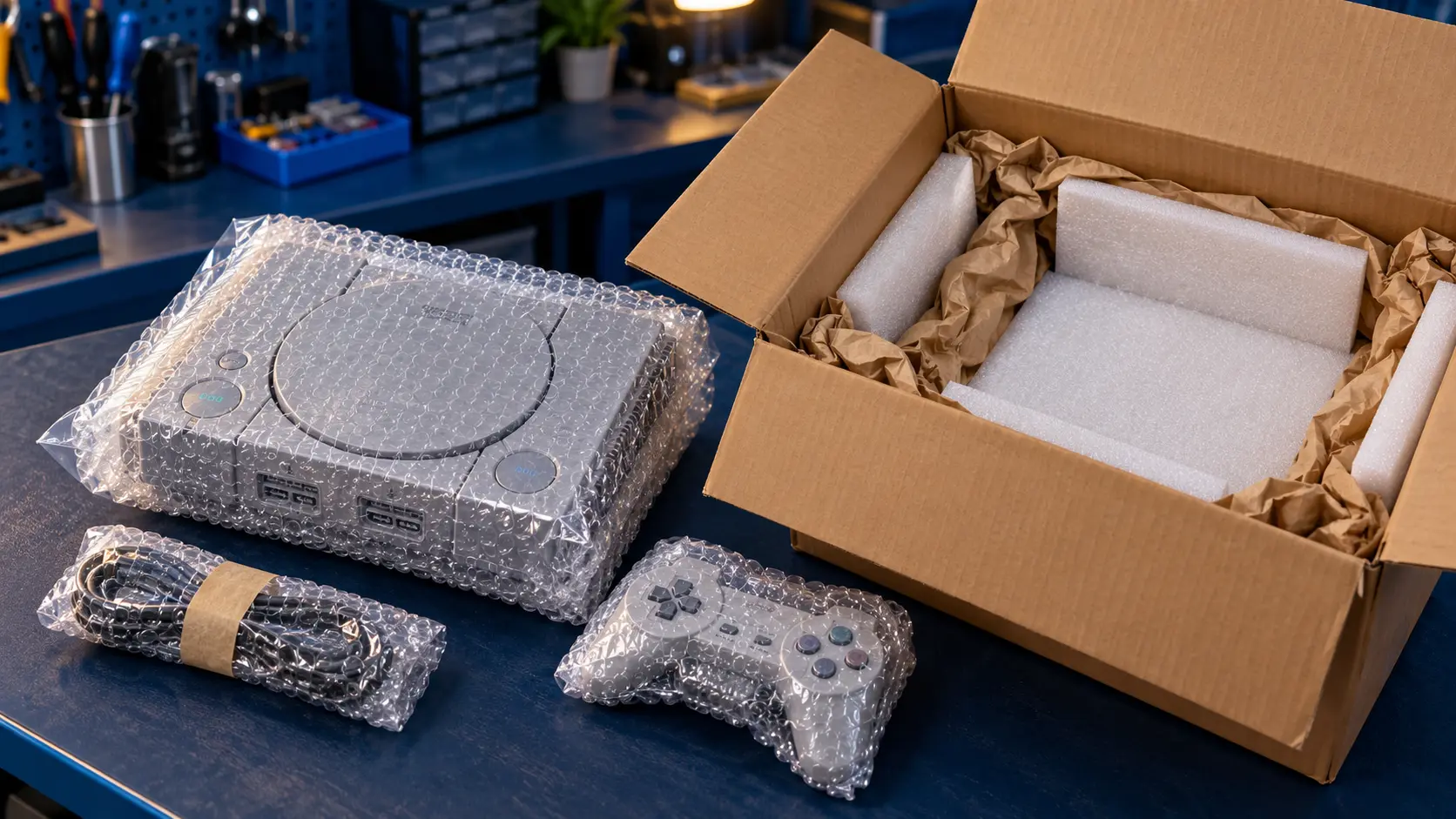
Please take out the cartridge before you post it. The confirmation email gives you the address and packing guidance. For a full list of prices across all the consoles I work on, see what a retro console repair costs, or browse the retro console repairs page.
Once your N64 is working again, you might also want a sharper picture on a modern TV. The N64 HDMI mod fits a Retro GEM, an internal board that outputs digital video straight to HDMI.
You pay the postage to send it to me, and the insured, tracked return is included. Every repair comes with a 12-month warranty, and it's no fix, no fee: if I can't fix it, I refund what you paid, less return postage.
Frequently asked questions
Can I send the N64 without its power supply?
For a console that won't turn on, please send the power supply too. It's one of the most likely causes, and I can't test the whole fault without it.
Will an N64 turn on without the Jumper Pak?
The power light may come on, but without a Jumper Pak or Expansion Pak in the slot on top, it won't show a picture. Check one is fitted and pushed fully home.
Is it worth repairing an N64 that won't turn on?
In most cases, yes. Nintendo doesn't repair these consoles any more, and the assessment tells you the cost before you commit to anything.