If your N64's power light comes on but the screen stays black, check the Jumper Pak or Expansion Pak on top first, because the console won't show a picture without one. Next, clean the cartridge contacts and try another game, then check the AV cable and the input on your TV. If it's still black after all that, it's time for a repair assessment.
A black screen is one of the most common N64 problems, and the good news is that many of the causes cost nothing to fix. Work through these checks in order.
1. The Jumper Pak or Expansion Pak
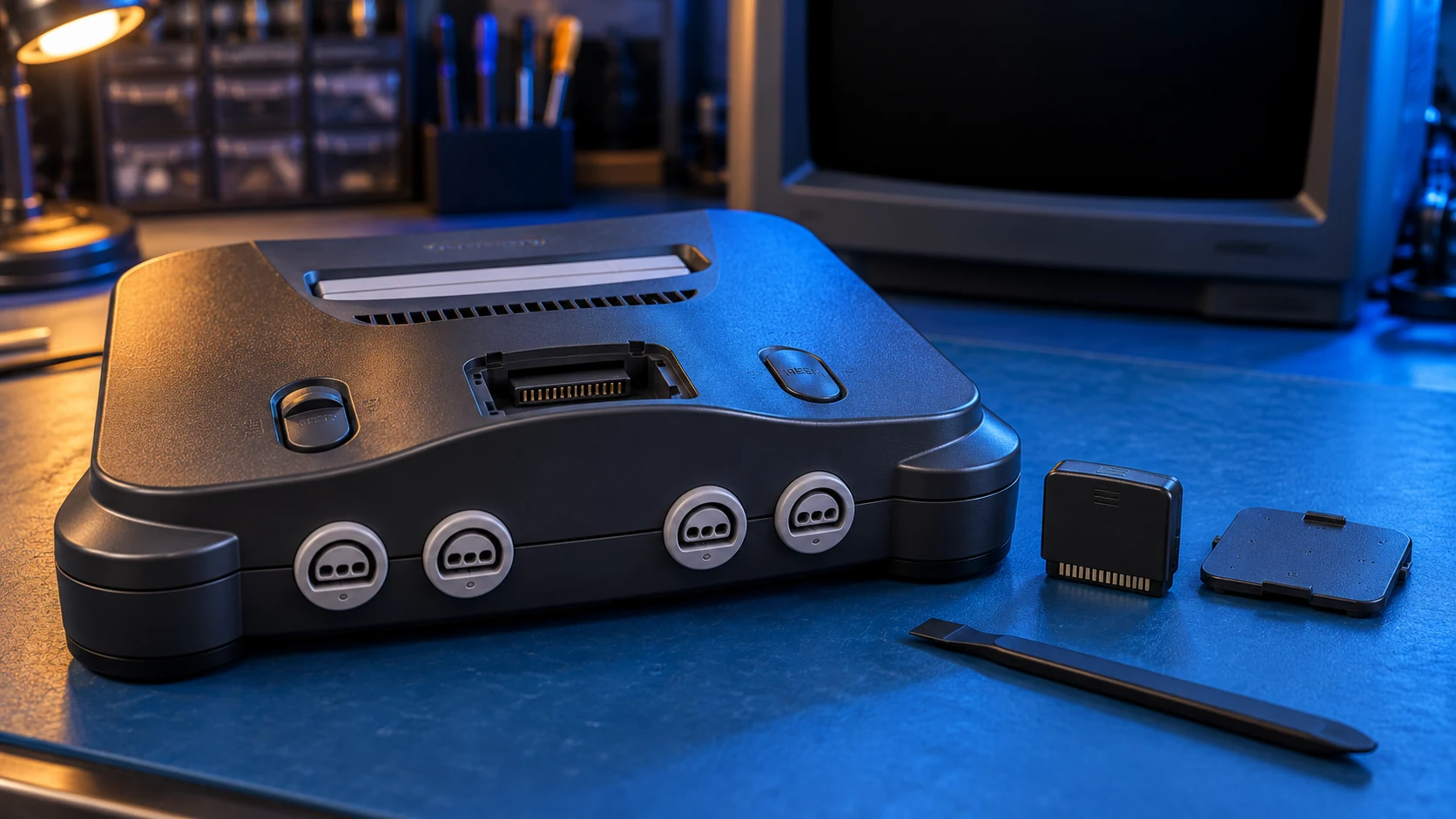
The N64 has a memory slot on top, under a small cover in front of the cartridge slot. It must have something in it:
- Jumper Pak: a small plug-in part that fills the slot so the console can run.
- Expansion Pak: a plug-in memory upgrade that goes in the same slot, in place of the Jumper Pak.
Without one of these fitted, the N64 won't show a picture. Consoles bought second-hand sometimes turn up with the Pak missing, or with one that has worked loose.
- Switch the console off and unplug it.
- Lift the cover on top and check a Pak is in the slot.
- Take it out and press it back in gently until it's fully home. Don't force it.
- If you have both a Jumper Pak and an Expansion Pak, try the other one. A faulty Pak can give a black screen too.
2. Clean the cartridge and try another game
Old cartridges get dirty contacts, and a poor connection is a common cause of a black screen.
- Try a different game. If one works and another doesn't, the console is probably fine and the cartridge needs attention.
- Clean the cartridge contacts with a cotton bud lightly dampened with isopropyl alcohol. Let it dry fully before you put it back in.
- Push the cartridge straight down so it sits firmly, then switch on.
If a game works but won't keep its save, that's a different problem. Some N64 cartridges, such as Zelda: Ocarina of Time, keep saves on a battery. I cover that under cartridge save battery replacement.
3. Check the AV cable and the TV input
Sometimes the console is fine and the picture just isn't reaching the screen.
- Reseat the cable at both ends. The AV cable plugs into the back of the N64. Push it in firmly, and check the plugs at the TV end.
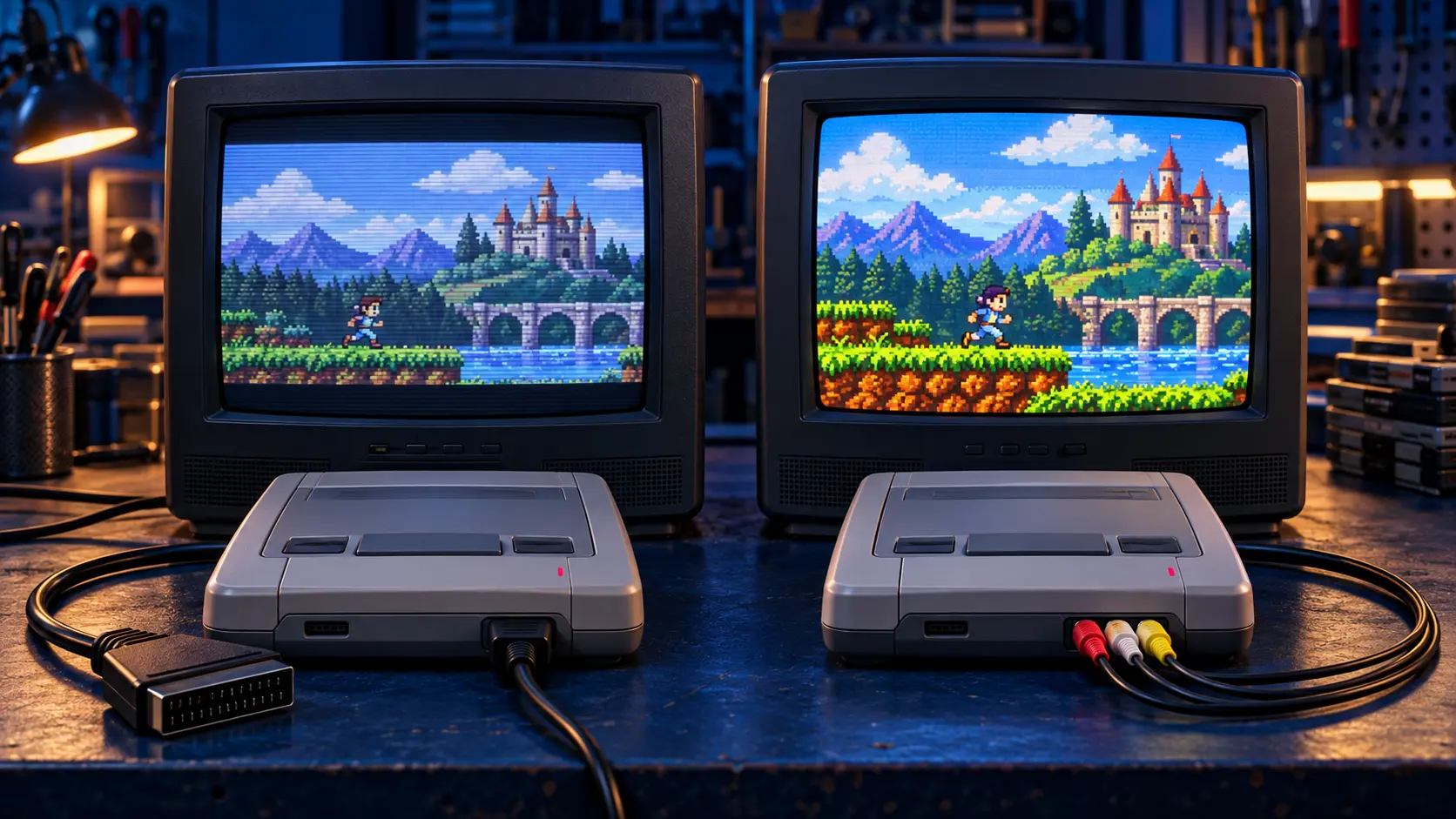
- Match the plug to the input. On a standard cable, the yellow plug carries composite video, a single combined picture signal. It needs to go into the matching video input on your TV or into a SCART adapter. SCART is the large 21-pin socket found on older UK TVs.
- Pick the right input on the TV. Use the TV's source or input button to select AV, SCART or whichever socket the cable is plugged into.
- Try another cable or TV if you have one. Old cables break inside where you can't see.
A UK N64 is a PAL console. PAL is the European TV standard, which runs at 50Hz; NTSC is the American and Japanese one, which runs at 60Hz. Most modern TVs handle both. If you have an older TV and a picture that rolls or shows in black and white, try another TV to rule out the set itself.
4. Check the power supply
The N64's power supply plugs into the back and fails with age. A tired power supply can light the power light but still not run the console properly. Take it out, push it back in firmly, and try a known-working power supply for a UK N64 if you can borrow one. If your N64 shows no power at all, see what to check when an N64 won't turn on.
Still a black screen? Book an assessment
If you've tried the Pak, a clean game, another cable and the right TV input, the fault is likely in the power supply or the console's board. The N64 repair assessment works like this:
- You book and pay £4.99.
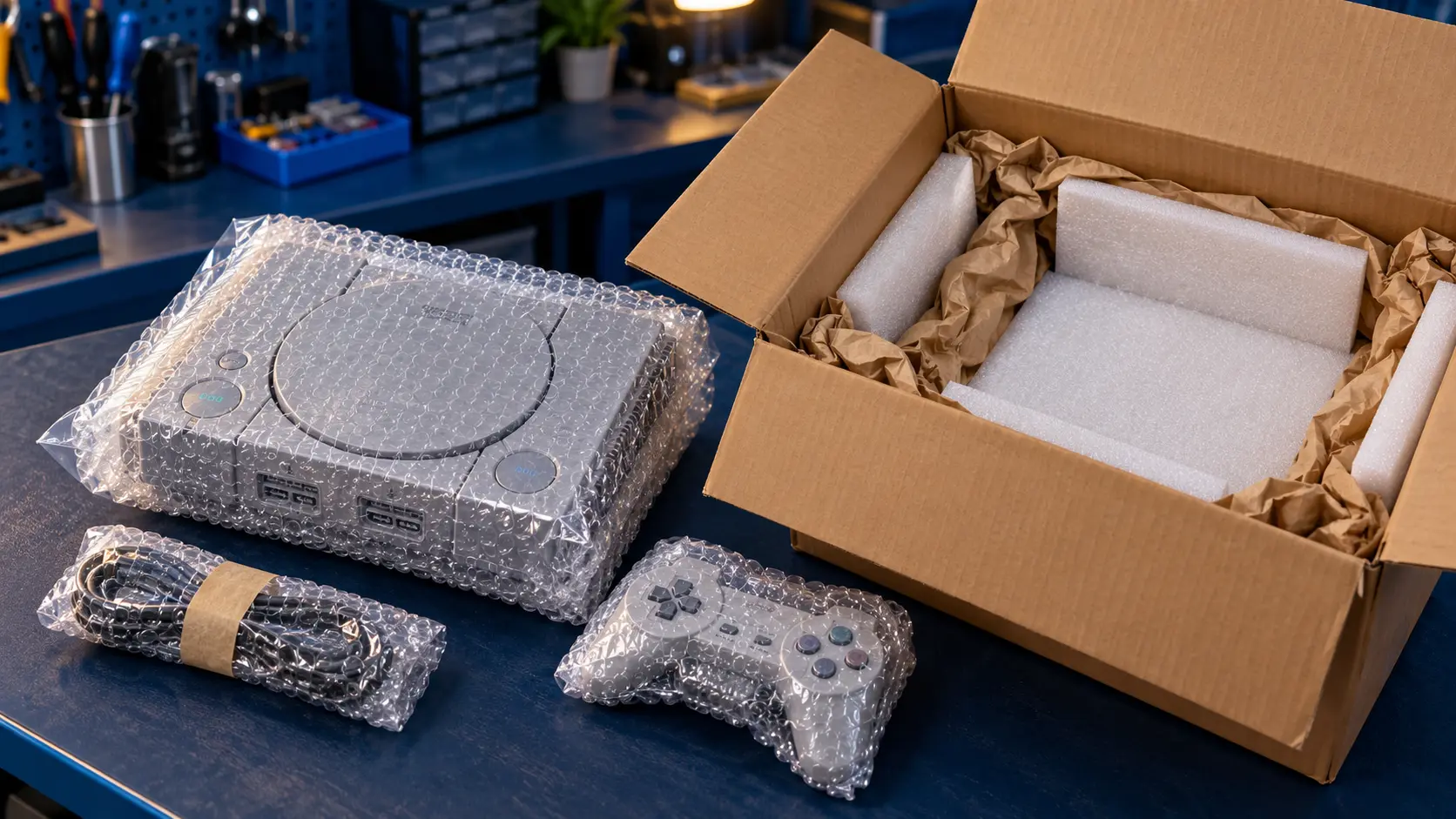
- Send the console with its power supply, and the Jumper Pak or Expansion Pak in place. Please take out the cartridge.
- I assess it on my bench and send you a quote before any work. Repairs start from £39.
- If you go ahead, the £4.99 comes off the repair. If you decline, it covers the return postage.
You can see every price on the retro console repairs page. If you'd like a sharper picture once it's working, the PAL N64 doesn't output RGB without a mod, so for a modern TV the N64 HDMI mod is the practical upgrade. It fits a Retro GEM, an internal board that outputs digital video straight to HDMI.
You pay the postage to send it in, and the insured, tracked return is included. Every repair has a 12-month warranty, and it's no fix, no fee: if I can't fix it, I refund what you paid, less return postage.
Frequently asked questions
Can a missing Jumper Pak cause a black screen?
Yes. The N64 needs a Jumper Pak or Expansion Pak in the slot on top. Without one, the power light can come on but you won't get a picture.
Where can I plug an N64 into a TV with no SCART socket?
Many new TVs have no SCART socket, so check for a composite (yellow) input. If there isn't one, an HDMI mod is the neatest option for a modern TV.
Should I send the Jumper Pak with the console?
Yes, please leave it fitted in the slot. I need to test the console as you'd use it, and a faulty Pak can be part of the problem.