Nintendo Switch 2 Screen Replacement
No fix, no fee · 12-month warranty · Insured, tracked returns
Signs you need this repair
- Cracked or shattered screen
- Lines, patches or bleeding across the picture
- Black screen on the console, but the picture works on the TV
- Touch not responding, or only in parts of the screen
- Flickering or a dim, uneven picture
The Switch 2 has a 7.9-inch LCD with an anti-shatter film on top, which Nintendo says not to remove. If the screen is cracked, leave the film where it is, stop using the touchscreen, and keep it in a case until it's repaired so no more glass comes loose.
Nintendo or me? A cracked screen is accidental damage, so Nintendo's warranty won't cover it for free. If the screen has failed on its own (lines, dead patches or no picture) and there's no sign of a knock, and the console is still under warranty, go to Nintendo first. Everything else is what this service is for.
Is it the screen or the board? Put the console in the dock. If the picture on the TV is fine, the fault is almost certainly the screen or its connection. If the TV shows nothing either, it's more likely a board fault, and the no-power repair is the better place to start.
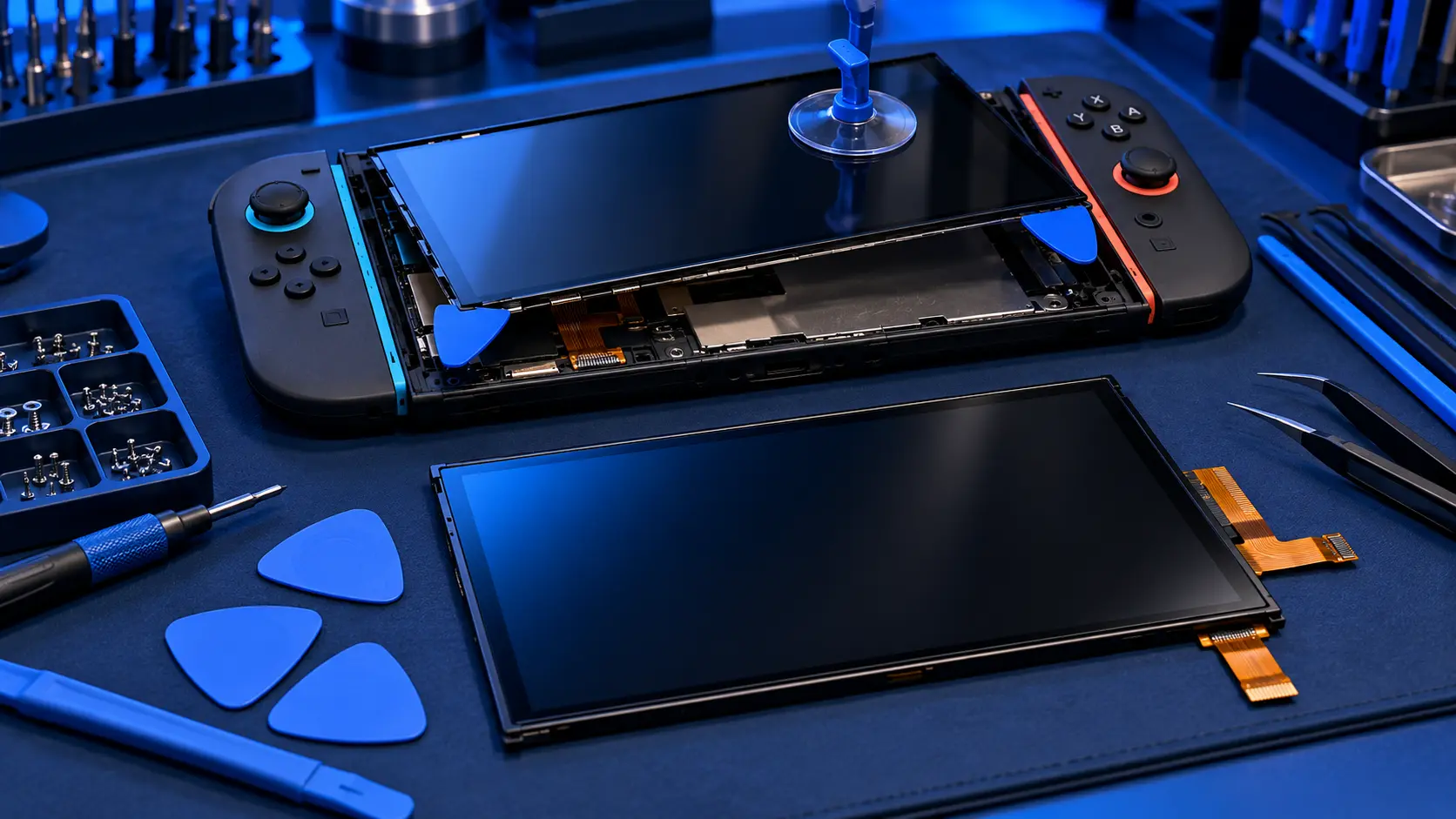
What I do. I open the console, remove the damaged panel, and fit a quality replacement panel. Then I test the picture, brightness and touch across the whole screen, and check the console works handheld and docked before it goes back. My guide to a cracked Switch 2 screen covers what to do in the meantime.
Back up first. The storage is soldered to the board, so your saves live on the console. A screen job doesn't touch the storage, but it does involve taking the console apart, so back up with Save Data Cloud first where the game supports it. My save data guide walks through it.