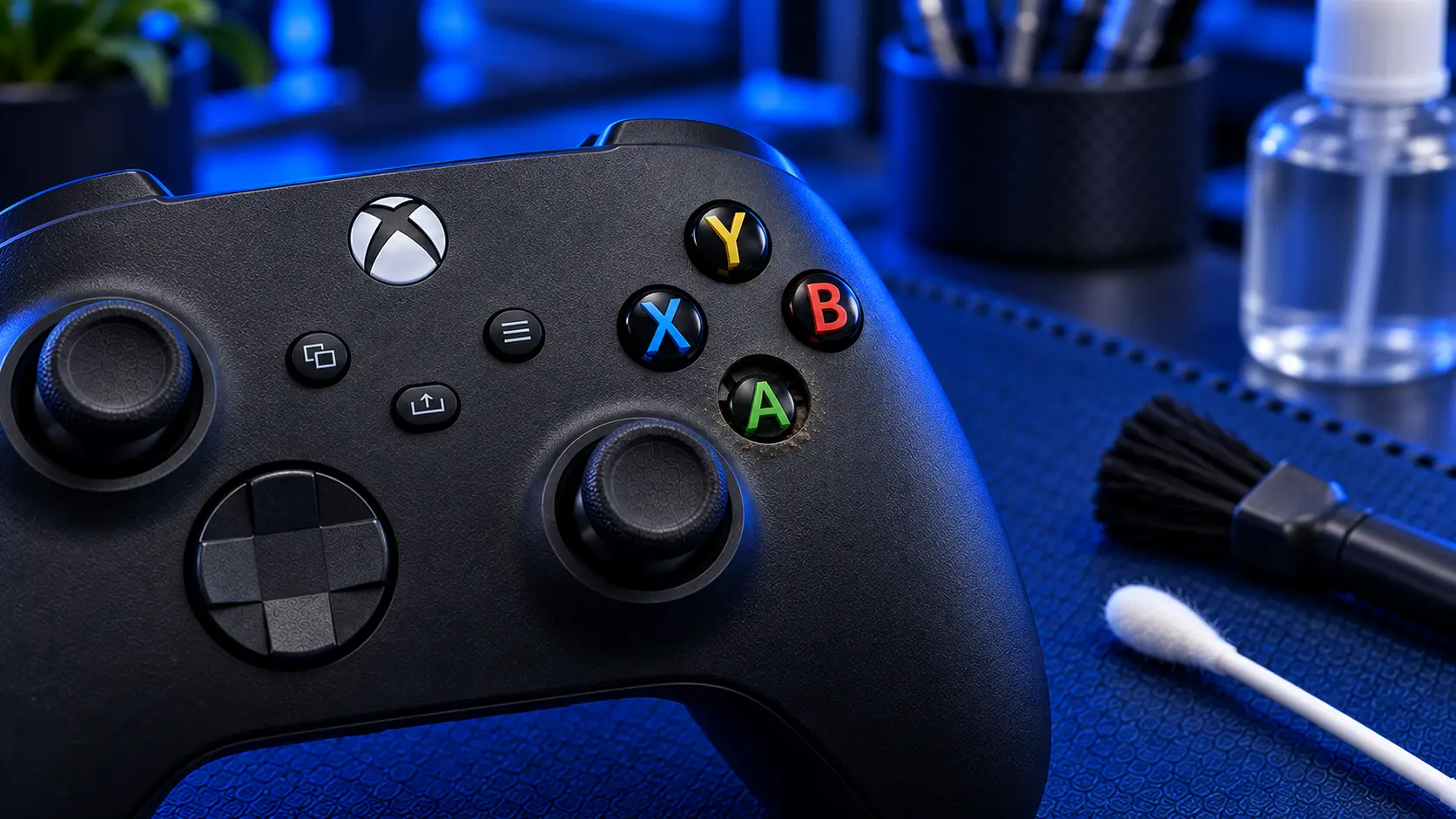
A sticky A button is one of the most familiar Xbox controller faults. It gets pressed more than any other button, and it's often the first to go. But any of them can fail: B, X, Y, the D-pad, or the Menu, View, Share and Xbox buttons. The symptoms range from a button that needs a hard press to one that registers twice or not at all.
Here's what causes it, what you can safely try, and when it needs a proper repair.
How the buttons work
Underneath each face button is a rubber membrane with a conductive pad on its underside. Pressing the button pushes that pad onto contacts on the controller's circuit board and completes a connection. When a button misbehaves, it's almost always because that connection isn't being made cleanly.
There are three common causes:
Dirt and residue, from snacks, dust and hands, working its way under the buttons over time
Wear on the conductive pad, so heavily used buttons need pressing harder to register
Liquid, where a spill leaves sticky residue under the buttons and can corrode the contacts
Match the symptom to the cause
Button sticks down or springs back slowly: usually residue, often from a drink
Needs a hard or off-centre press: usually a worn pad or dirty contacts
Double presses or ghost inputs: worn contacts making and breaking the connection
D-pad direction not responding: worn or dirty contacts under that direction
Several buttons failing after a spill: liquid residue under the membrane
What you can safely try first
Test it outside a game. Check the button in the Xbox menus as well as in a game. If a button works in menus but not in one particular game, that game's control settings are the likely cause.
Check the button mapping. Buttons can be remapped in the Xbox Accessories app. If A and B have been swapped, or a button has been remapped to nothing, the controller will seem faulty when it isn't. Resetting the mapping to default rules that out.
Clean around the button. With the controller switched off and the batteries removed, press the sticky button repeatedly while working a slightly damp cotton bud (isopropyl alcohol is ideal) around its edge. It can loosen surface residue. Let it dry fully before putting the batteries back.
Don't spray or pour anything into the controller. It pushes liquid further in and onto the board, which can make things much worse.
If cleaning around the edge doesn't help, the problem is under the button, and the controller has to be opened to fix it properly.
When the Xbox button won't work
The Xbox button is different from the others, because it's also how you turn the controller on. If it stops responding, the controller can seem completely dead, which is easy to mistake for a battery or power fault.
Rule out power first. Put in fresh AA batteries, or a pack you know is charged. If the controller won't charge at all, see Xbox controller not charging. If the controller comes on when you connect it to the console with a USB cable, but pressing the Xbox button does nothing, the button's contact is the likely fault. It's covered by the button repair, just like the face buttons.
Bumpers and triggers are separate
LB, RB, LT and RT use different parts from the face buttons, so they're separate repairs. If a bumper has stopped clicking, see Xbox controller LB or RB not working. If a trigger is sticking or not registering, see Xbox controller trigger not working.
What a button repair involves
An Xbox controller button repair with me is £29 all-in, including parts and tracked return postage. It covers A, B, X and Y, the D-pad, and the Menu, View, Share and Xbox buttons, whether one of them has gone or several.
I strip the controller down, clean the membranes and board contacts properly, and replace any worn parts. Then I test every input before it goes back. If a spill has reached the main board and caused other faults, I'll tell you what I've found before doing anything more. It covers Xbox Series X|S and Xbox One controllers, and every repair is covered by a no-fix-no-fee promise and a 12-month warranty.
If your bumpers or triggers are playing up too, mention it when you book, and they can be done in the same visit.
My recommendation
Check the button mapping and try cleaning around the edge first, because both are free and occasionally all it takes. But a button that's sticky after a spill, needs a hard press or double-presses has a problem underneath it that won't clear on its own. Opening the controller, cleaning the contacts and replacing worn membranes is the proper fix, and it usually brings the buttons back to how they felt when new.
The Repair Works is an independent UK repair service, run by me, Paul — 25 years of hands-on repair experience, working by post for customers across the whole country. Not affiliated with or endorsed by Microsoft.


