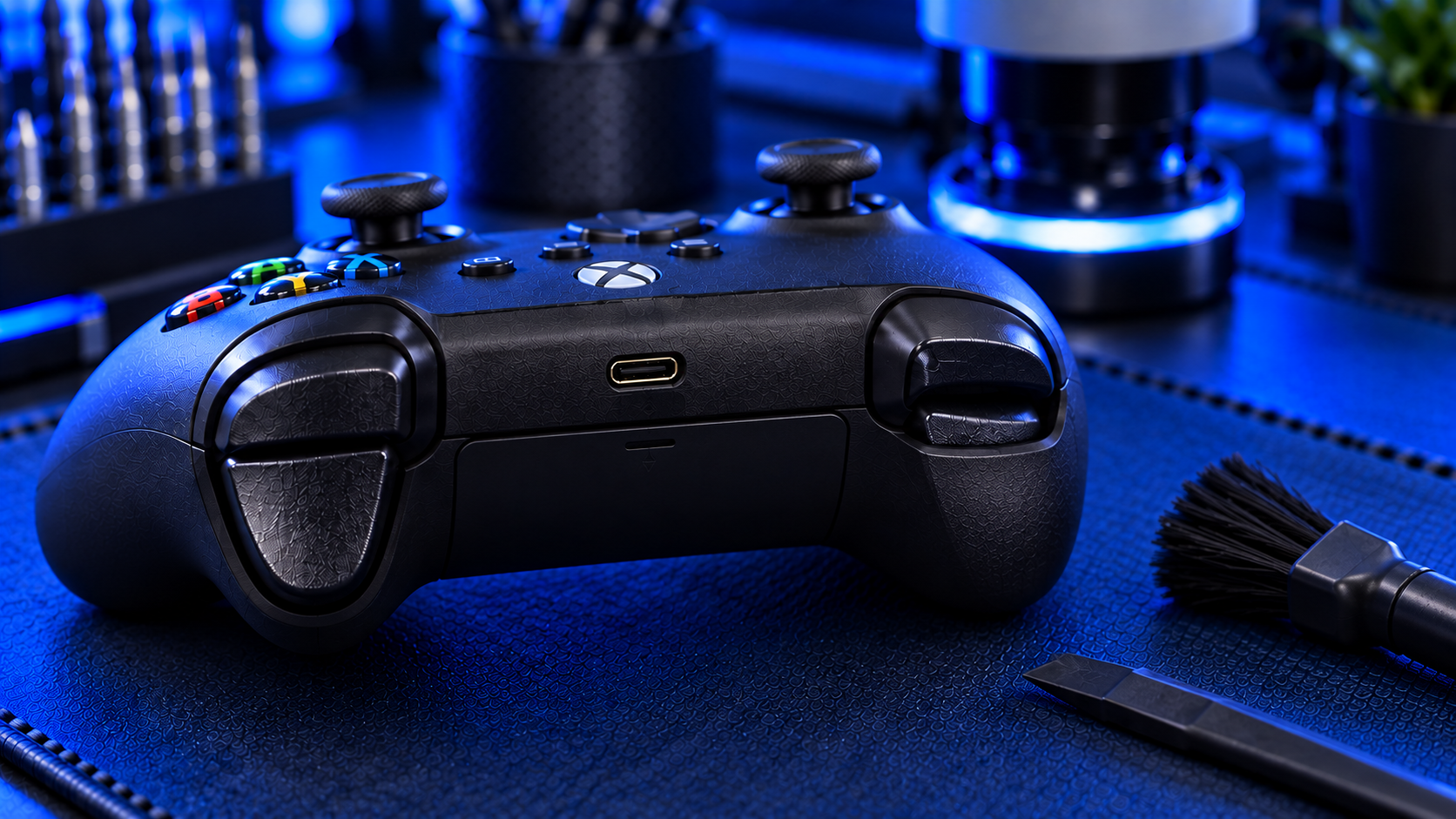
Xbox controller triggers take a beating. In racing games they're your accelerator and brake, and in shooters they're aim and fire, pressed thousands of times an hour. When LT or RT starts misbehaving, whether that's sticking, feeling floppy, or only registering half a press, it can make a game unplayable.
Here's how to test what's actually happening, what causes each fault, and how it's fixed.
How Xbox triggers work
Unlike the face buttons and bumpers, the triggers aren't simple on-off switches. They're analogue, which means the controller measures how far each trigger is pressed, from fully released to fully pressed. That's how a racing game knows whether you're feathering the accelerator or flooring it.
Each trigger has three main parts that can fail:
The trigger itself, the plastic lever your finger presses
The return spring, which pushes the trigger back out when you let go
The sensing parts that read how far the trigger has travelled
Match the symptom to the cause
Trigger doesn't spring back, or stays partly pressed: usually a broken or dislodged return spring
Loose, rattling or floppy trigger: a broken spring or a damaged trigger mount
Only registers a partial press: usually a sensing fault, or something stopping full travel
Doesn't register at all: a sensing fault, or a connection problem on the board
Stiff, catches or grinds: debris inside, or a cracked trigger rubbing on the shell
How to test your triggers
The most useful test is seeing exactly what the controller reports. Connect it to a PC and open a gamepad tester page in your web browser, which shows each trigger as a value from 0 (released) to 1 (fully pressed).
A healthy trigger moves smoothly from 0 to 1 as you press it, and drops straight back to 0 when you let go. Watch for these faults:
It never reaches 1 when fully pressed: the trigger isn't registering its full travel
It doesn't return to 0 when released: it's sticking, or the spring has failed
The value jumps around instead of moving smoothly: a sensing fault
Nothing happens at all
This takes a couple of minutes, and it tells you far more than guessing from inside a game. It's also worth checking that the trigger hasn't been remapped in the Xbox Accessories app, because a remapped trigger can look broken when it isn't.
Trigger vibration not working?
Xbox Series X|S and Xbox One controllers have a small vibration motor inside each trigger, which Microsoft calls impulse triggers. They're separate from the main rumble motors in the grips, so a controller can rumble normally while one trigger has gone quiet.
Check the game first. Not every game uses trigger vibration, and some let you turn it off in their own settings. Vibration can also be turned down or off in the Xbox's controller and accessibility settings. If trigger vibration works in one game but not another, the controller is fine.
If one trigger buzzes and the other stays silent in a game that uses both, the motor or its connection has failed. Mention it when you book a trigger repair, and I'll check it while the controller is open and tell you what I've found before doing anything extra.
Can you fix it at home?
Very little can be done without opening the controller. If a trigger feels gritty, working it fully in and out a few times sometimes dislodges debris. But a broken spring, a cracked trigger or a sensing fault all need the controller taking apart, and the Xbox controller's trigger assemblies are fiddly to reassemble correctly. Get it slightly wrong and the trigger binds or rattles afterwards.
What the repair involves
An Xbox controller trigger repair with me is £29 all-in, including parts and tracked return postage. It covers LT, RT or both. I open the controller, replace the failed parts, and test the full range of travel on both triggers before posting it back.
It covers Xbox Series X|S and Xbox One controllers. The Xbox Elite Series 2, with its adjustable trigger stops, isn't covered. Every repair is covered by a no-fix-no-fee promise and a 12-month warranty.
Bumpers often go at the same time
The triggers and bumpers sit right next to each other and get worked just as hard. If LB or RB has stopped clicking or registering, see Xbox controller LB or RB not working. The bumper repair can be done in the same visit if you mention it when you book.
My recommendation
Test the trigger on a PC gamepad tester before anything else. It shows you in seconds whether the trigger is sticking, stopping short or not registering, and that tells you whether it's a hardware fault at all. If it is, the trigger won't improve on its own, and a broken spring or worn sensing part is a quick, fixed-price bench repair that costs a fraction of a new controller.
The Repair Works is an independent UK repair service, run by me, Paul — 25 years of hands-on repair experience, working by post for customers across the whole country. Not affiliated with or endorsed by Microsoft.


