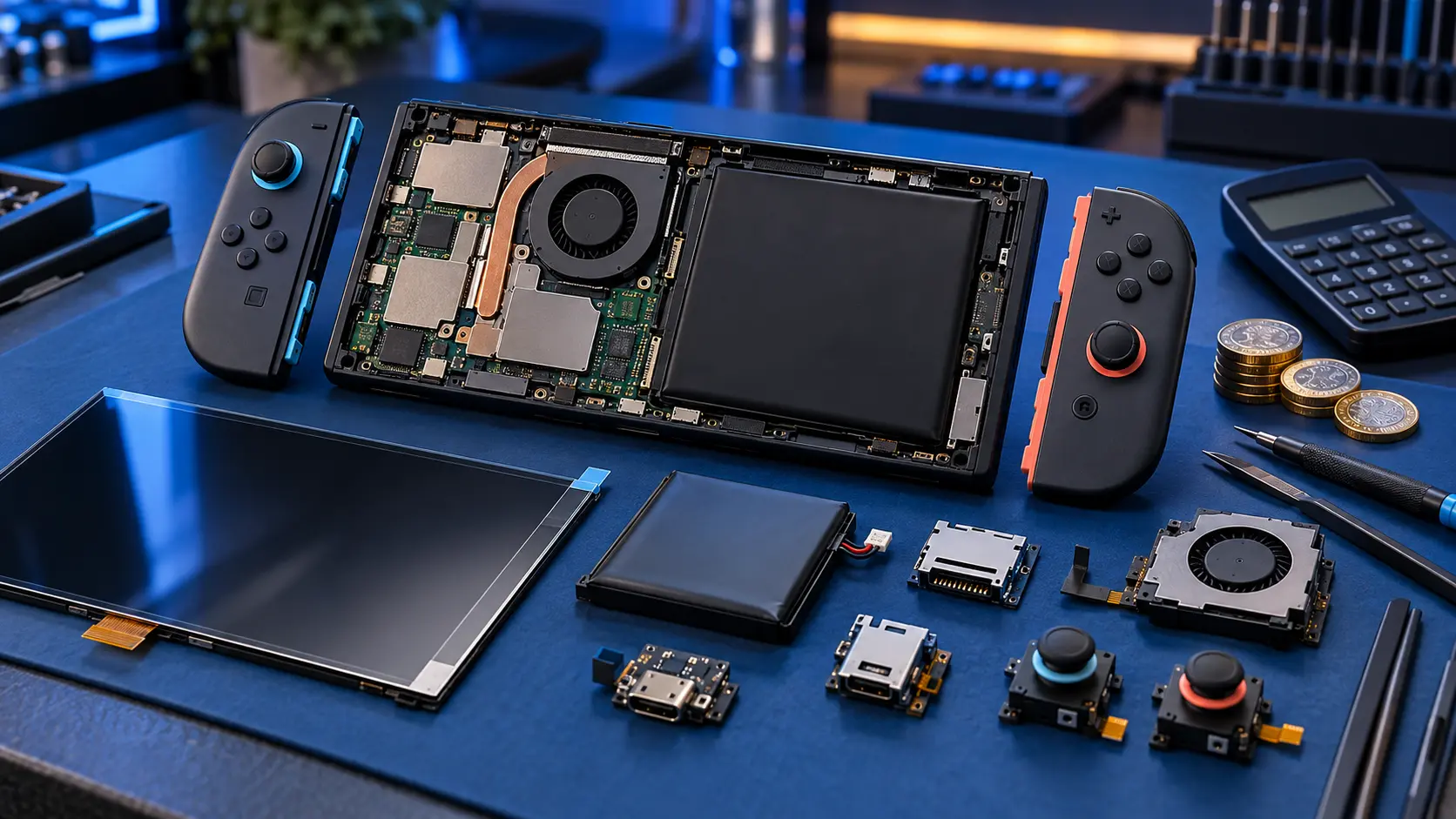
A Switch battery that drains fast is often down to settings: screen brightness, Wi-Fi, rumble and sleep timers all make a real difference. If you've checked those and it still runs down much faster than it used to, the battery has probably worn with age and needs replacing. A battery replacement on the Switch, OLED or Lite is a £55 job.
First, how long should it last?
Battery life depends heavily on the game. Nintendo's own estimates are ranges, not single figures:
- original Switch (HAC-001, serial starting XA): roughly 2.5 to 6.5 hours;
- 2019 revised Switch (HAC-001(-01), serial starting XK): roughly 4.5 to 9 hours;
- Switch OLED: roughly 4.5 to 9 hours;
- Switch Lite: roughly 3 to 7 hours.
A demanding 3D game sits at the bottom of those ranges. So if you're getting three hours from a big open-world game on an original Switch, that may be normal. If you're not sure which model you have, see which Nintendo Switch do I have.
Settings to check
Screen brightness
The screen is one of the biggest drains. In System Settings, turn brightness down and switch off auto-brightness if it keeps pushing it high. Even a small drop helps.
Wi-Fi and airplane mode
If you're playing a single-player game away from home, the console may keep searching for networks. Airplane mode turns off wireless connections. You can turn Bluetooth back on separately if you need wireless headphones or controllers.
Controller rumble
HD Rumble uses power, and in handheld mode that comes from the console. You can turn it off under Controllers and Sensors in System Settings.
Sleep settings
Under Sleep Mode in System Settings, set the console to sleep sooner when it's left idle. A console left on the home screen with the display lit uses far more than one asleep.
Wired controllers and accessories
Anything plugged in and drawing power, like a USB accessory, will pull from the battery.
System update
Make sure the console is on the latest system update. It's a basic step, but it rules out software problems before you spend money on hardware.
A flat battery after long storage
If a Switch has been left in a drawer for months, the battery may have run completely flat. A lithium battery in that state can be slow to wake up. Try this:
- Plug it into the official Nintendo charger and leave it for 30 minutes before trying to switch it on.
- If nothing happens, do a hard reset: hold POWER for about 12 seconds, then press it again.
- Try another cable and charger if you have one.
If it wakes up but won't hold charge, or the percentage jumps about, the long flat spell may have damaged the battery. If it won't charge at all, it could be the port or the board rather than the battery, and my guide on a Switch that isn't charging is the place to start.
The battery's age
Lithium batteries lose capacity with charge cycles and age. That's normal and happens to every rechargeable device. An early Switch from 2017 has had years of charging, and it's no surprise if it holds noticeably less than it did when new.
When to replace the battery
It's time to consider a replacement when:
- you've checked the settings and it still drains much faster than it used to;
- it shuts off with charge still showing;
- the percentage drops in sudden steps;
- it only works while it's plugged in.
A Switch battery replacement is £55 for the Switch, OLED or Lite. The battery is glued in on every model, which makes it fiddly to do at home. My Switch battery replacement cost guide explains what's involved and how it compares with Nintendo.
If the battery is swollen
If the back of the console is bulging or the screen is lifting, stop using and charging it. Royal Mail won't carry a swollen or damaged lithium battery, so don't post it. Get in touch first.
Every repair comes with a 12-month warranty, and it's no fix, no fee. For everything else I repair, see the Nintendo Switch repairs page.
Frequently asked questions
Why does my Switch battery drain in sleep mode?
Sleep mode still uses a little power, for example to download updates or keep a connection. A small drop overnight is normal. If it's flat by morning from a good charge, check the battery or ask about a replacement.
Does playing while charging damage the battery?
Using the official charger while you play is fine. The console manages the charging. Cheap chargers and third-party docks are a different matter, as they're a well-known cause of damage to the charging chips.
Is it worth replacing the battery on an old Switch?
If the rest of the console works well, a new battery is usually a good way to get more use from it. The early models also have the shortest battery life to start with, so a worn one on those is especially noticeable.