Most Joy-Con connection problems come down to software, pairing, airplane mode or a flat battery, and you can check all of those at home in a few minutes. Start by updating the console, then slide the Joy-Con onto the rail to re-pair it. If it still won't connect, or it won't register on the rail at all, the rail or the Joy-Con's internals may be damaged, and that's a repair.
1. Update the console and controllers
Run a system update first. Then go to System Settings > Controllers and Sensors > Update Controllers. For a controller update, the Joy-Con needs to be connected, so attach it to the console if it won't connect wirelessly.
2. Re-pair it by attaching it to the console
Joy-Con pair by attaching them to the console's rails. Slide the Joy-Con all the way down the rail until it clicks, and the console should register it. Then detach it and check it works wirelessly.
If it's still misbehaving, try clearing the pairing and starting fresh:
- Go to System Settings > Controllers and Sensors > Disconnect Controllers.
- Confirm, then slide each Joy-Con back onto the console to pair it again.
- From the HOME Menu, open Controllers > Change Grip/Order and check both Joy-Con show up.
3. Check airplane mode
Airplane mode turns off wireless communication, including Bluetooth, so detached Joy-Con stop working. If you use airplane mode, you can turn controller connection back on in System Settings > Airplane Mode > Controller Connection (Bluetooth). Or just switch airplane mode off from the Quick Settings menu and test again.
4. Charge the Joy-Con
A flat Joy-Con won't connect. Attach it to the console while the console is charging, or docked, and leave it for a while. Then check the battery level in the Controllers menu. If a Joy-Con runs flat very quickly or won't charge on the rail, that points to a battery fault or a problem at the rail connector.
5. Rule out interference and distance
Move closer to the console and away from other wireless devices, metal surfaces or a router right next to the dock. If the Joy-Con only drops out when the console is docked behind the TV, the problem may be the signal path, not the controller.
6. Look at the rail
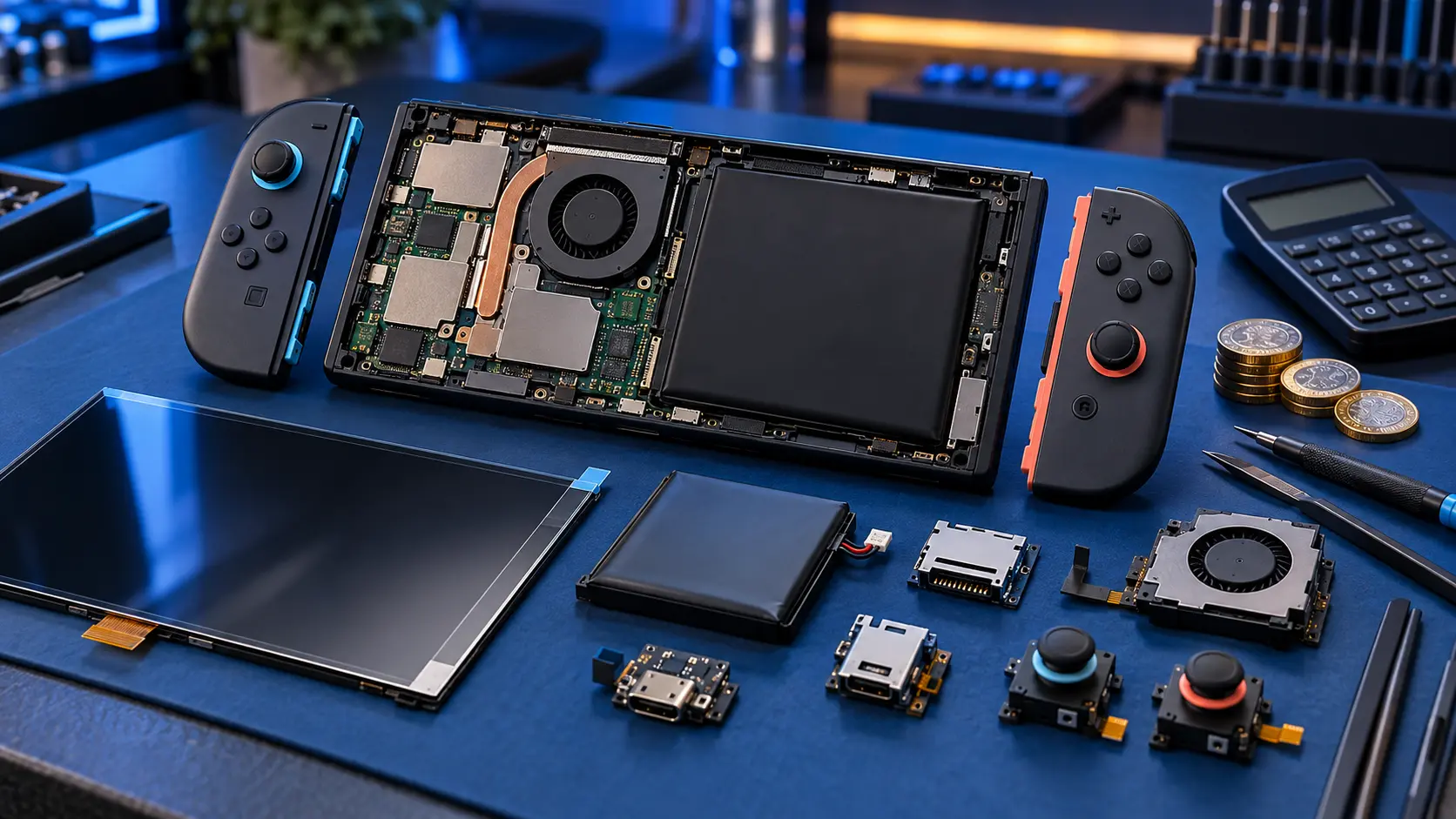
Each Joy-Con connects to the console through a rail with a row of small contacts. If those are dirty or damaged, the console may not register the Joy-Con when it's attached, and it won't pair or charge. With the console switched off:
- Look at the contacts on the console's rail and on the Joy-Con with a torch. Check for dirt, fluff or bent contacts.
- Check the Joy-Con's sliding rail isn't cracked or loose, and that it locks in place with a click.
- Try the Joy-Con on a different console if you can. If another Joy-Con works on the same rail, the fault is in the controller.
Don't push anything metal into the rail. If a contact is bent or missing, leave it for repair.
When it's a repair
If you've tried all of the above and a Joy-Con still won't connect, the likely causes are a damaged rail connector, a worn battery, or a fault on the Joy-Con's board or the console's rail. There isn't a fixed-price service for this, because the cause varies. Get in touch with the model, what you've tried and what happens, and I'll tell you honestly whether it's worth fixing and what it's likely to involve.
If the Joy-Con connects but the stick moves on its own, that's drift, which is a different problem. How to fix Joy-Con drift covers that, and my Joy-Con drift repair fits Hall effect sticks.
Whatever I end up repairing, it's no fix, no fee, and the work carries a 12-month warranty. You pay the postage in, and the insured, tracked return is included. For all my set Switch prices, see the Switch repair cost guide, or browse the Switch repairs page.
Frequently asked questions
How do I pair a Joy-Con to my Switch?
Slide it onto the console's rail until it clicks. The console pairs it automatically. You can then detach it and use it wirelessly.
Why do my Joy-Con stop working in airplane mode?
Airplane mode turns off Bluetooth, which detached Joy-Con use. You can turn controller connection back on in the Airplane Mode section of System Settings while keeping airplane mode on.
Should I send the console as well as the Joy-Con?
Not usually. Tell me what's happening first. If the fault looks like it's in the console's rail rather than the controller, I'll say so before you post anything.