Start with the free checks: update the console and controllers, calibrate the stick, clean around the base of it, and test the Joy-Con in another game or console. If it still drifts, the stick is worn, and Nintendo UK repairs Joy-Con drift free, even out of warranty. If that route is closed to you, a Hall effect stick upgrade is the next step.
Why Joy-Con drift happens
The original Joy-Con stick is a potentiometer. Inside, a small wiper slides over a resistive track to report the stick's position. The track wears with use, and dust gets in. Once the reading is off, the console thinks you're pushing the stick when you aren't, and your character wanders or the menu scrolls on its own.
Some drift is caused by dirt or a bad calibration, which you can sort at home. Wear on the track can't be cleaned away. The checks below help you work out which one you've got.
Step 1: update the console and the controllers
Run a system update from System Settings > System > System Update. Then update the controllers from System Settings > Controllers and Sensors > Update Controllers. It takes a few minutes and rules out a software cause before you do anything else.
Step 2: calibrate the stick
Go to System Settings > Controllers and Sensors > Calibrate Control Sticks. Pick the drifting stick and follow the on-screen steps. Before you calibrate, let go of the stick and watch the test screen. If the cursor moves with nobody touching it, that's drift. If calibration settles it, you may have fixed it. If the cursor creeps off again within a few minutes of play, calibration has only masked the problem.
Step 3: clean around the base of the stick
Dust around the stick base can get into the mechanism. Detach the Joy-Con, then:
- Push the stick fully over to one side so you can see the gap under the rubber skirt.
- Give it a couple of short bursts of compressed air, holding the can upright.
- Rotate the stick through a few full circles, then repeat from the other sides.
- Re-attach it and calibrate again.
Don't pour any liquid into the controller, and don't open it up if you want to use Nintendo's free repair. Nintendo can refuse if the fault comes from modification or an unofficial repair.
Step 4: test in another game and another console
Some games handle small stick movements differently, so drift can show in one game and not another. Test in two or three games, and in a menu that moves with the stick. If you can, attach the Joy-Con to a friend's Switch. If it drifts there too, the fault is in the Joy-Con, not the console.
If you've got a Switch Lite, the sticks are built into the console, so the picture is a bit different. See Switch Lite stick drift.
Step 5: use Nintendo's free drift repair
If you've tried all of that and it still drifts, the stick is worn. Nintendo UK repairs Joy-Con stick drift free of charge, even out of warranty, until further notice. You book it through Nintendo UK's support website. Nintendo says a repair "might take up to 10 working days".
If your Joy-Con has never been opened, this is the route I'd recommend first. It's free, and Nintendo is well set up for it. Nintendo's free drift repair explained covers what to expect.
Step 6: upgrade the sticks
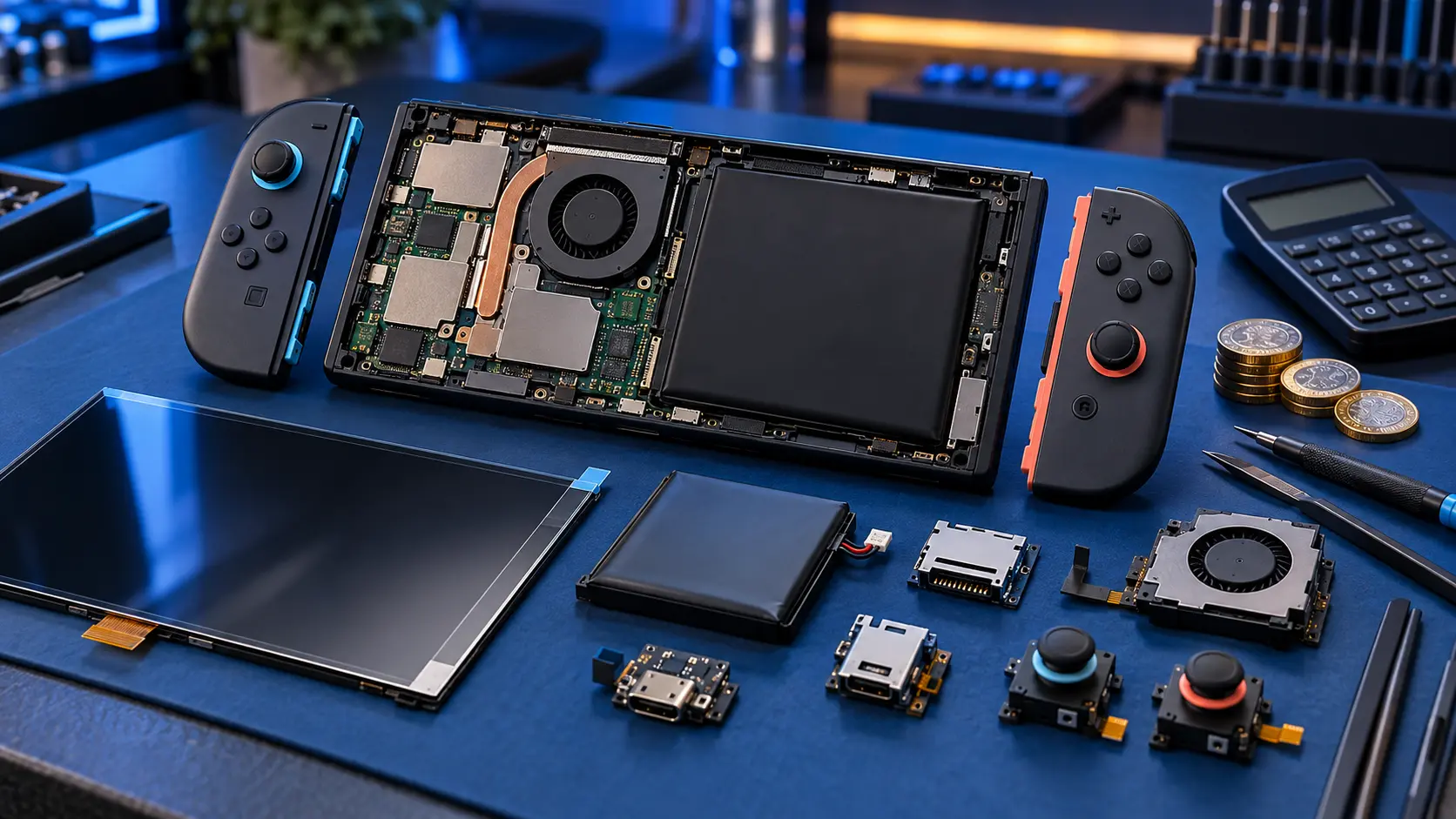
A paid upgrade makes sense when Nintendo's route isn't open to you, for example because the Joy-Con has been opened, or when you don't want the same stick design back. My Joy-Con drift repair fits Hall effect sticks, which read the stick position with magnets instead of a sliding contact. There's no wiper wearing on a track, so they don't wear the same way.
- One Joy-Con: £35
- Both Joy-Con: £59
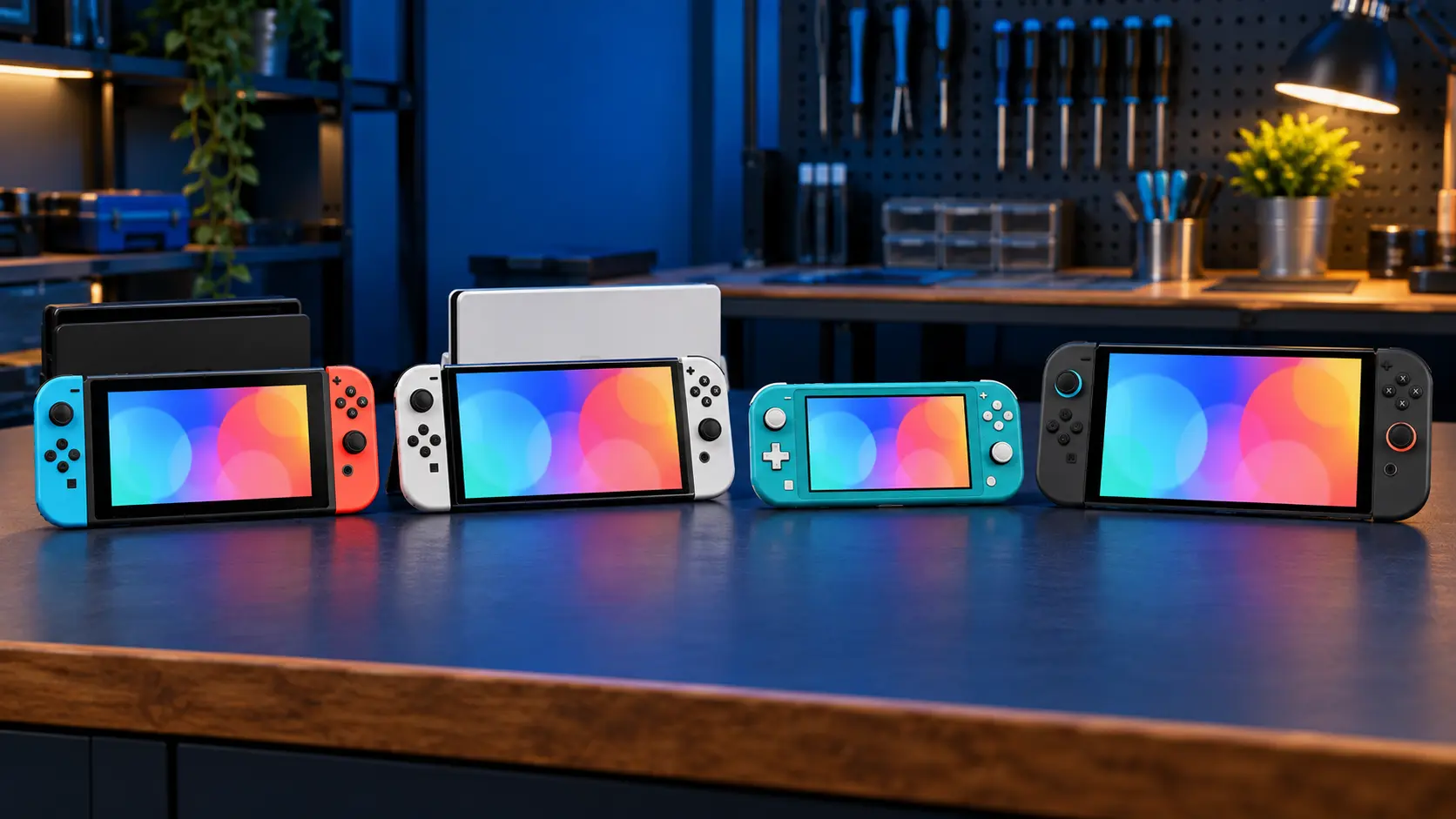
That's for original-style Joy-Con, which work with the original Switch, the OLED and the Lite. Joy-Con 2 use a different stick and a different upgrade, covered in Switch 2 Joy-Con drift.
You pay the postage in, and I send it back insured and tracked. It's no fix, no fee, and there's a 12-month warranty on the work. All my other Switch prices are in the Switch repair cost guide.
Frequently asked questions
Can calibration fix Joy-Con drift?
Sometimes, if the drift comes from a bad calibration. If the stick itself is worn, calibration may hide it for a while, but the drift tends to come back as the track keeps wearing.
Is it safe to use compressed air on a Joy-Con?
Short bursts with the can held upright are fine. Tilting the can can spray cold propellant, so keep it upright, and never pour liquid into the controller.
Will opening my Joy-Con stop Nintendo repairing it?
It may. Nintendo can refuse a repair if the fault comes from modification or an unofficial repair, so leave it closed if you want to use Nintendo's free drift service.