If your Game Boy Advance won't turn on, start with fresh batteries, then check the battery contacts for corrosion, the power switch and the cartridge. Most no-power faults come down to one of those. If the checks don't sort it, a corrosion repair is £35 and a power switch repair is £29.
1. Try fresh batteries
It sounds obvious, but old batteries are the first thing to rule out. Batteries that have sat in a drawer can be flat even if they've never been used. Fit a fresh pair of AA batteries, making sure each one faces the way shown in the compartment.
If you use rechargeable AAs, try a set of fresh disposables to rule them out. If you've had a rechargeable battery mod fitted, charge it fully and try again.
2. Look for corrosion on the battery contacts
This is a common cause. AA batteries left in a console for years leak and corrode the battery contacts and the tracks nearby. The corrosion blocks the power, so the console won't turn on, or it only works if you press or wiggle something.
Take the batteries out and look at the metal springs and tabs. Signs to look for:
- White, green or blue crusty deposits.
- Dull, rusty or blackened metal.
- Contacts that look pitted or eaten away.
Light surface marks can sometimes be cleaned with a cotton bud and a little isopropyl alcohol. Let it dry completely before you put batteries back in. Don't scrape hard or bend the contacts.
If the corrosion is heavy, or it has spread beyond the contacts, cleaning the outside won't reach it. Leaked battery fluid can travel along the tracks on the board inside. That needs the console opening and the damage repairing. It's often repairable, depending on how far the corrosion has spread.
3. Check the power switch
The power switch on the GBA is a small sliding switch that can get dirty or worn over the years. Signs of a switch fault:
- The console only turns on if you hold the switch at a certain point.
- It cuts out when you nudge the switch.
- Nothing happens at all, even with fresh batteries and clean contacts.
Slide the switch firmly on and off a few times. If the power flickers as you do, the switch is a likely suspect. It's a job that means opening the console, so it's not one I'd suggest trying at home without the right tools.
4. Make sure the cartridge is seated properly
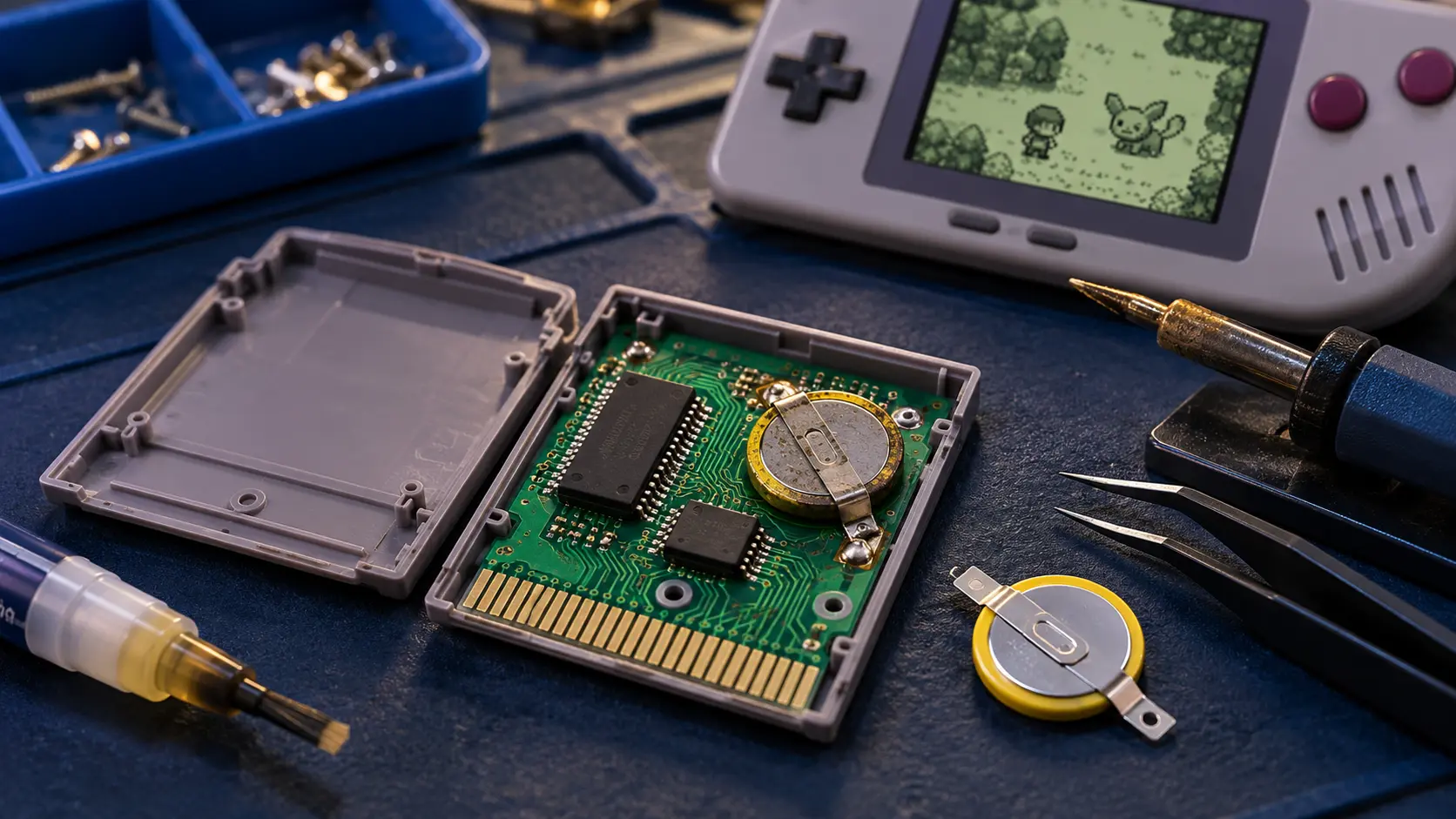
A cartridge that isn't pushed fully home, or has dirty contacts, can make a working GBA look faulty. The power light may come on but the game won't load, or you get a blank or frozen screen.
- Switch off, take the cartridge out and push it back in firmly and straight.
- Clean the cartridge's contacts with a cotton bud and a little isopropyl alcohol, and let them dry.
- Try a different game if you have one.
If the console powers on but won't load games, that's a different fault. My guide to a GBA not reading games covers it.
What if none of that works?
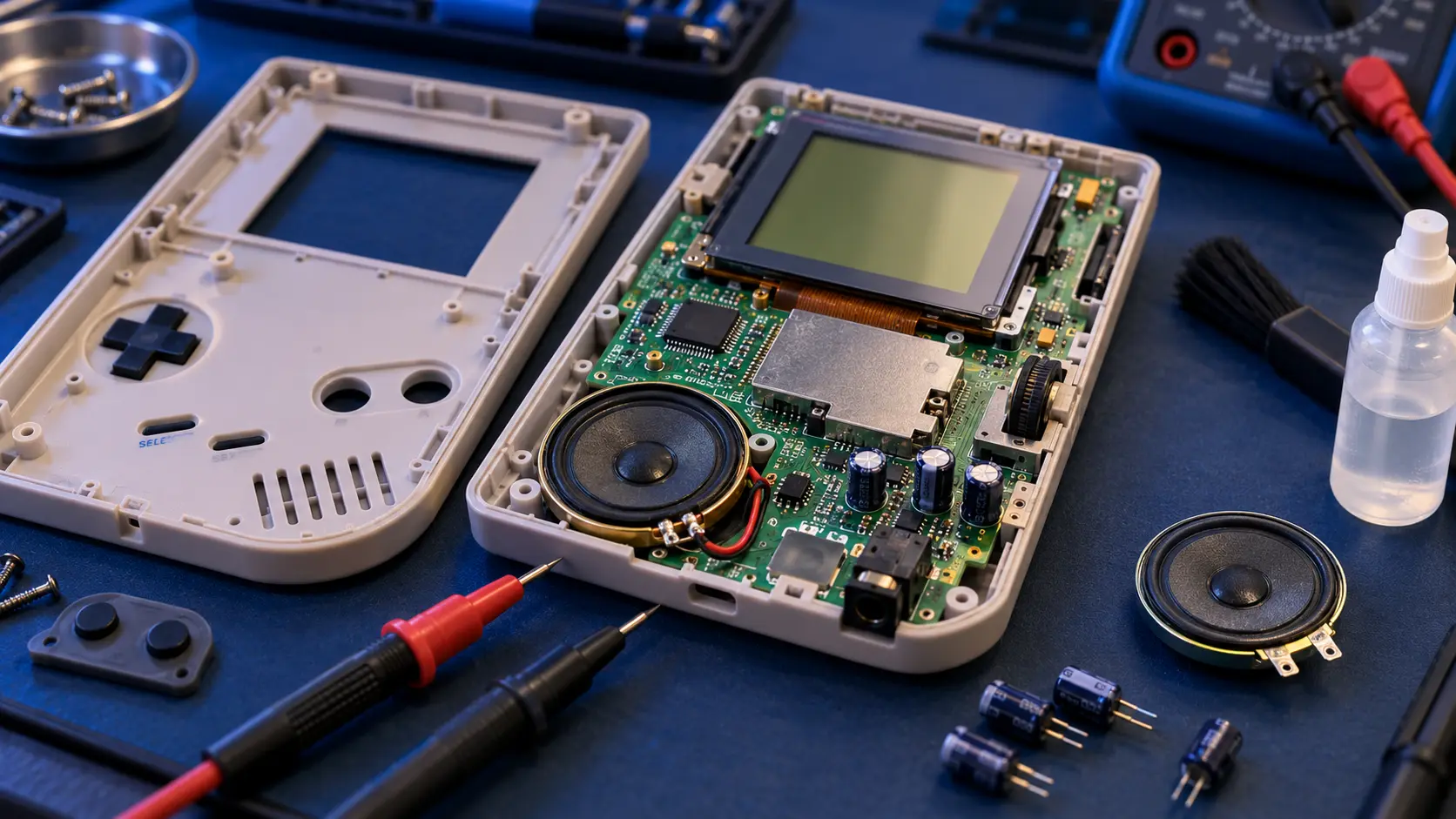
If fresh batteries, clean contacts, the switch and the cartridge all check out and there's still no power, the fault is inside. The two usual repairs are:
- Battery corrosion repair: £35. I open the console, clean the corrosion, and repair the contacts and any damaged tracks.
- Buttons, power switch or cartridge slot repair: £29. A repair to a faulty power switch, dead buttons or a dirty or bent cartridge slot.
Very corroded boards need a look before I can say what's possible, so if yours looks badly affected, get in touch first. You'll find every GBA and SP service on the Game Boy Advance repair page, and all the prices in the Game Boy Advance repair cost guide.
Sending it in
Book and pay online, and your confirmation email gives the address and packing guidance. Please take the batteries and any cartridge out, and pack the console in a sturdy box. You pay the postage to send it to me, and the insured, tracked return is included. I do the repair, test it on my bench and send it back.
Every repair has a 12-month warranty, and it's no fix, no fee. If I can't fix it, I refund what you paid, less return postage.
Frequently asked questions
Can I just clean the battery contacts myself?
For light surface marks, yes. Use a cotton bud with a little isopropyl alcohol and let it dry fully. If the corrosion is heavy or has spread past the contacts, the board inside usually needs repairing.
Why does my GBA only work if I press on the batteries?
That usually points to corroded or weak battery contacts, or a worn power switch. The connection is poor, so pressure makes it touch. A proper clean and repair should sort it.
Should I take the batteries out when I store my GBA?
Yes. Batteries left in for years can leak and corrode the contacts and tracks. Taking them out before storage is the simplest way to avoid that.