When a Game Boy Advance won't read a game, the cause is often dirty contacts on the cartridge, not a faulty console. Clean the cartridge contacts, try a different game, and reseat the cartridge firmly. If none of that works, the pins in the console's cartridge slot may be dirty or bent, which is a £29 repair.
What "not reading" looks like
A GBA that isn't reading a cartridge can show a few different symptoms:
- a white or blank screen after the logo;
- a scrambled or corrupted Nintendo logo;
- the console freezing on start-up;
- the game working only if you press or wiggle the cartridge.
All of these point to a poor connection between the cartridge and the console. The job is to work out which side the problem is on.
Step 1: Clean the cartridge contacts
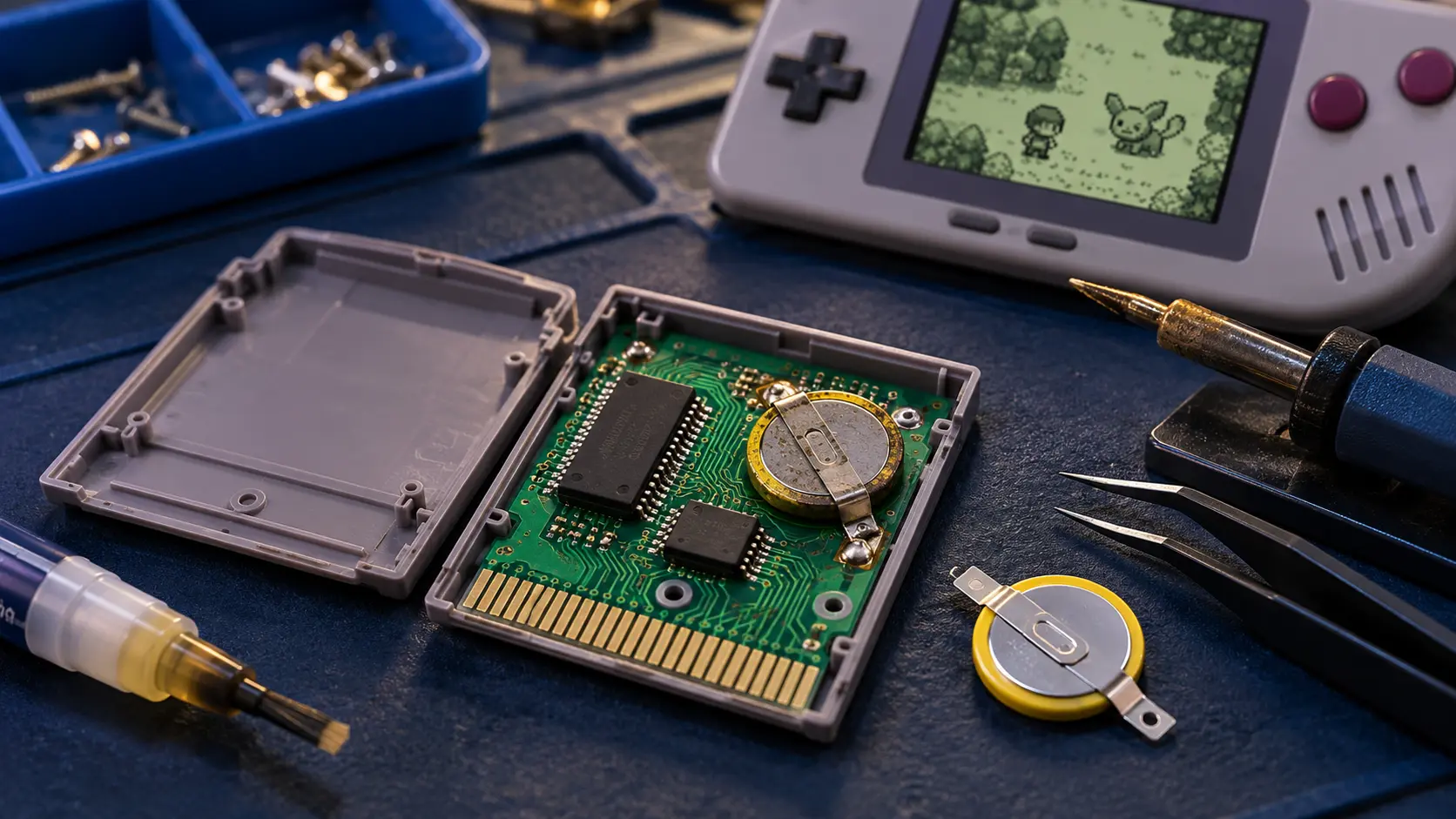
This is the first thing to try, and it sorts a lot of cases. Over the years, the gold contacts on the bottom edge of a cartridge pick up dirt and oxidation.
- Switch the console off and remove the cartridge.
- Dip a cotton bud in isopropyl alcohol and squeeze out the excess. It should be damp, not dripping.
- Rub it firmly along the contacts on both sides of the cartridge edge.
- Repeat with a clean bud until it stops coming away dirty.
- Let it dry for a few minutes before putting it back in.
Don't blow into the cartridge or the slot. Moisture from your breath can make corrosion worse over time.
Step 2: Try another game
If you have more than one game, try a second one. This tells you a lot:
- Only one game fails: the problem is most likely that cartridge, not the console.
- Every game fails: the console's cartridge slot is the more likely cause.
Try a game you know works in another console, if you can. It takes the guesswork out.
Step 3: Reseat the cartridge
With the power off, take the cartridge out and push it back in firmly and straight, so it sits fully down in the slot. Then switch on. A cartridge that's slightly lifted or at an angle can make poor contact, especially if the slot is worn.
Step 4: Check the slot pins
Shine a torch into the cartridge slot and look at the row of metal pins. You're looking for:
- pins that are bent, pushed together or out of line with the rest;
- dirt, fluff or debris in the slot;
- green or dark discolouration, which can be corrosion.
Bent pins are best left to a repairer. Trying to straighten them with a pin or needle can easily snap one, which turns a simple job into a bigger one.
Step 5: Try a Game Boy or Game Boy Color game
The GBA plays Game Boy and Game Boy Color cartridges as well as its own. There's a small switch inside the slot that detects which type of cartridge is in and sets the console up for it. If you have an older Game Boy or Game Boy Color game, try it:
- Older games work, GBA games don't (or the other way round): the mode switch in the slot may be dirty or sticking.
- Nothing works: the slot pins or the connection to the board are more likely.
Also check that nothing else is stuck in the slot. A small piece of debris can stop a cartridge seating properly.
When it's time for a repair
If you've cleaned the cartridge, tried more than one game and still get nothing, the cartridge slot needs attention. The GBA buttons, power switch or cartridge slot repair is £29 and covers cleaning the slot and dealing with dirty or bent pins. You'll find it with the other options on the Game Boy Advance & SP hub.
If your GBA also has problems powering on, read what to check when a GBA won't turn on first, as battery corrosion can cause similar symptoms. If you have a GBA SP rather than the original GBA, get in touch and I'll let you know the options.
What about games that won't save?
A game that loads but won't save is a different problem, usually on the cartridge side. On Pokémon Ruby and Sapphire, the "internal battery has run dry" message only affects the clock, not saving. There's more in the Ruby and Sapphire battery guide.
Every repair is tested on my bench before it goes back, comes with a 12-month warranty, and if I can't fix it, you don't pay for the repair: no fix, no fee.
Frequently asked questions
Should I blow into the cartridge?
No. It can seem to help for a moment, but the moisture from your breath can encourage corrosion on the contacts. Isopropyl alcohol on a cotton bud is the better option.
Can I use water or window cleaner on the contacts?
Isopropyl alcohol is the better choice because it evaporates quickly and leaves little behind. Keep the cotton bud damp rather than wet.
Do I need to send my games with the console?
No. Please remove any cartridge before posting. I test the slot with my own games.