Game Boy Advance Button, Power Switch & Cartridge Slot Repair
No fix, no fee · 12-month warranty · Insured, tracked returns
Signs you need this repair
- Buttons sticky, stiff or not responding
- A button only works if you press hard
- The power switch is loose, or it only works in one position
- "Not reading games", or a game won't load unless you reseat it
- Games only work if you wiggle the cartridge
Sticky or dead buttons on a Game Boy Advance are usually caused by dirt or worn rubber contact pads under the buttons. A faulty power switch can make the console cut out or refuse to turn on. A GBA that won't read games often has dirty cartridge contacts, either on the game or in the console's cartridge slot, and sometimes bent pins in the slot.
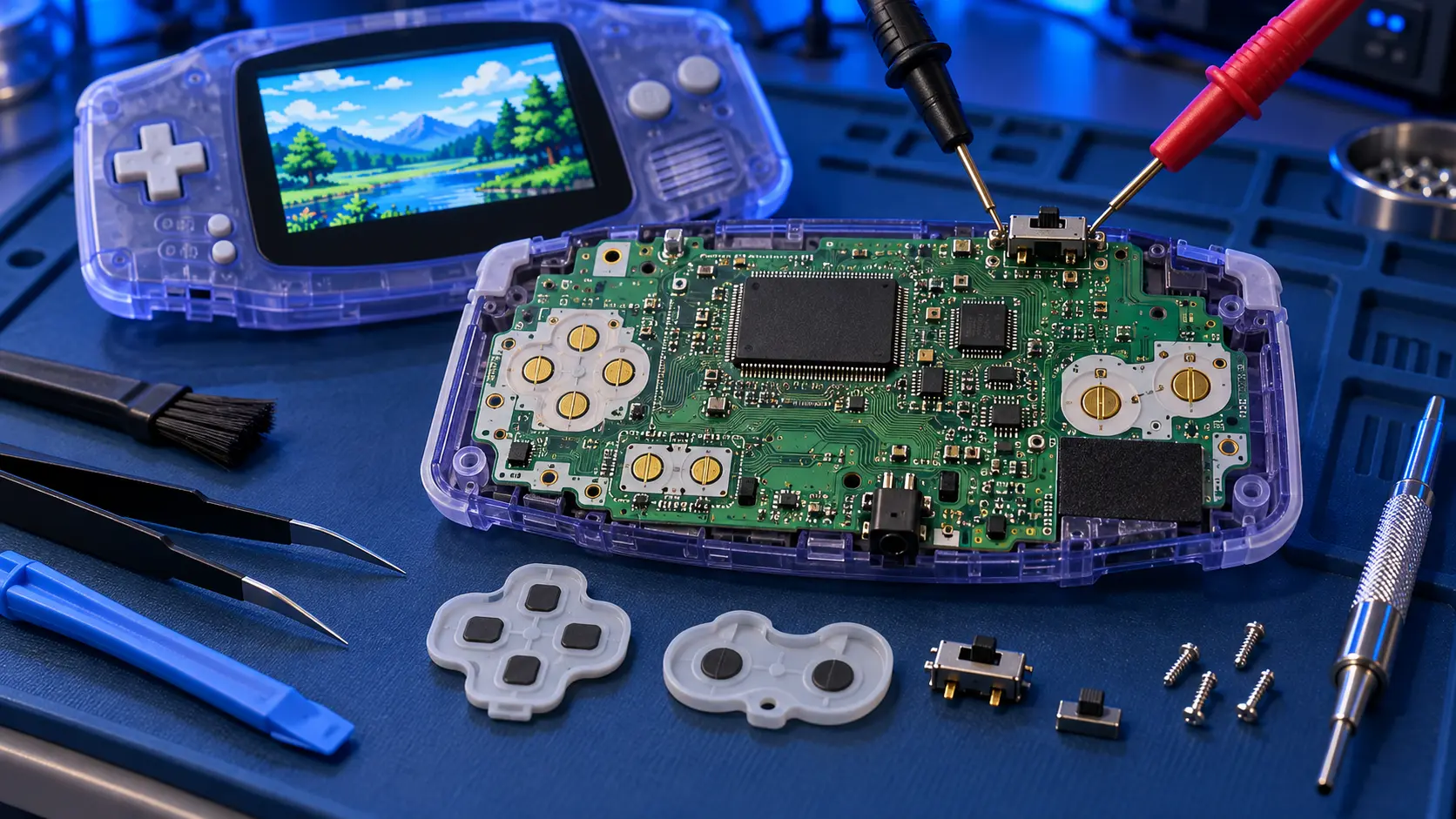
I open the console and clean the button contacts on the board. I fit new rubber pads where the old ones are worn. I check the power switch and clean or replace it as needed. For the cartridge slot, I clean the pins and straighten any that are bent. Then I test every button, the power switch and a few games on my bench before it goes back.
This service is for the original Game Boy Advance, model AGB-001. Button and power repairs for the original Game Boy and Game Boy Color are on the Game Boy hub.
There are a few honest limits. If a game won't load, it's worth cleaning the game first, because the fault can be the cartridge rather than the console. Use isopropyl alcohol on a cotton bud on the cartridge contacts and let it dry. If the power switch problem turns out to be corrosion from old batteries, the battery corrosion repair is the better fit, and I'll tell you before going further. Worn buttons and switches are small parts, but they make a big difference to how a console feels in the hand.
There are guides for both faults: GBA not reading games and GBA buttons sticky or not working.