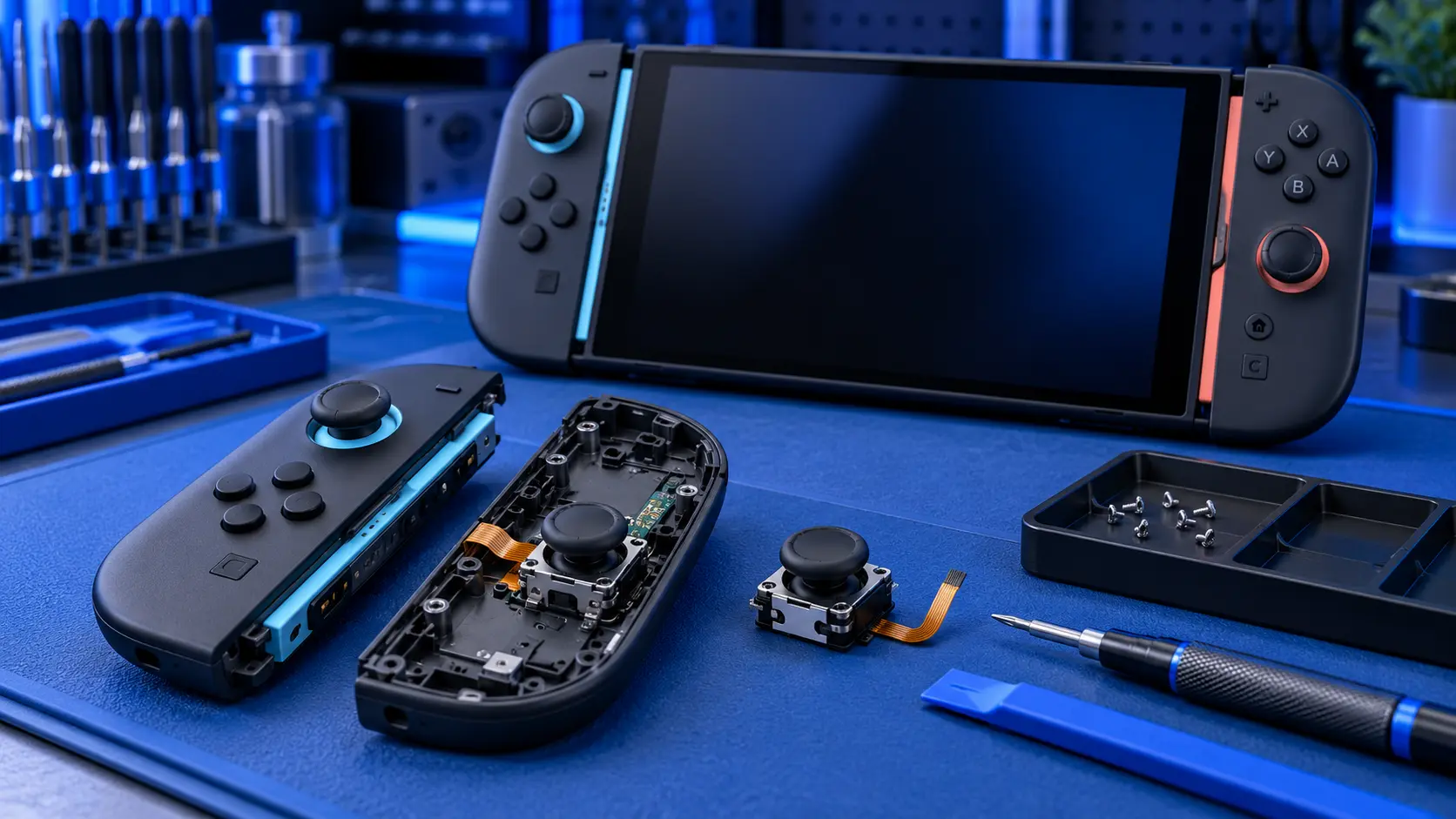
Joy-Con 2 Drift Repair (TMR Stick Upgrade)
No fix, no fee · 12-month warranty · Insured, tracked returns
Signs you need this repair
- Your character or the camera moves when you're not touching the stick
- The menu cursor creeps or scrolls on its own
- Drift comes back soon after you calibrate the stick
- The stick doesn't reach its full range, or reads the wrong direction
- The stick feels gritty, loose or doesn't centre cleanly
Joy-Con 2 sticks work the same way as the originals. Inside each one is a potentiometer: a small wiper slides over a resistive track as you move the stick. Over time the track wears and dust gets in, so the stick reports movement that isn't there. That's drift, and calibration can only hide it for so long.
Check your warranty first. Joy-Con 2 are still young, and Nintendo has a Joy-Con 2 repair request form. If yours are under warranty, try Nintendo first. Bear in mind Nintendo can refuse a repair where the fault comes from modification or unofficial repair, so once a Joy-Con 2 has been opened, they may say no later on. This service is for Joy-Con 2 that are out of warranty, or for people who'd rather have magnetic sticks fitted than a like-for-like replacement.
What I do. I fit TMR (tunnelling magnetoresistance) sticks, not Hall effect. Joy-Con 2 attach with magnets, which can interfere with Hall effect sensors, and TMR sticks are less affected by outside magnetic fields. Both types sense the stick's position magnetically instead of with a wiper on a track, so they don't wear the same way. Opening a Joy-Con 2 is fiddlier than an original: a glued plastic rib hides the screws and the battery is glued in, so it takes care to get in without damage. Once the new stick is in, I calibrate it and test it on my bench.
Being straight about the part. TMR sticks for Joy-Con 2 are a newer part than Hall effect sticks for the original Joy-Con, so I test each one after fitting rather than assuming it's right out of the packet. If you want the detail, I've compared the two in TMR sticks vs Hall effect, and my Joy-Con 2 drift guide covers what to try before posting. For original Joy-Con, see my Joy-Con drift repair.
You only need to post the Joy-Con 2, not the console or the dock. Your saves stay on the console, so there's nothing to back up for this one.