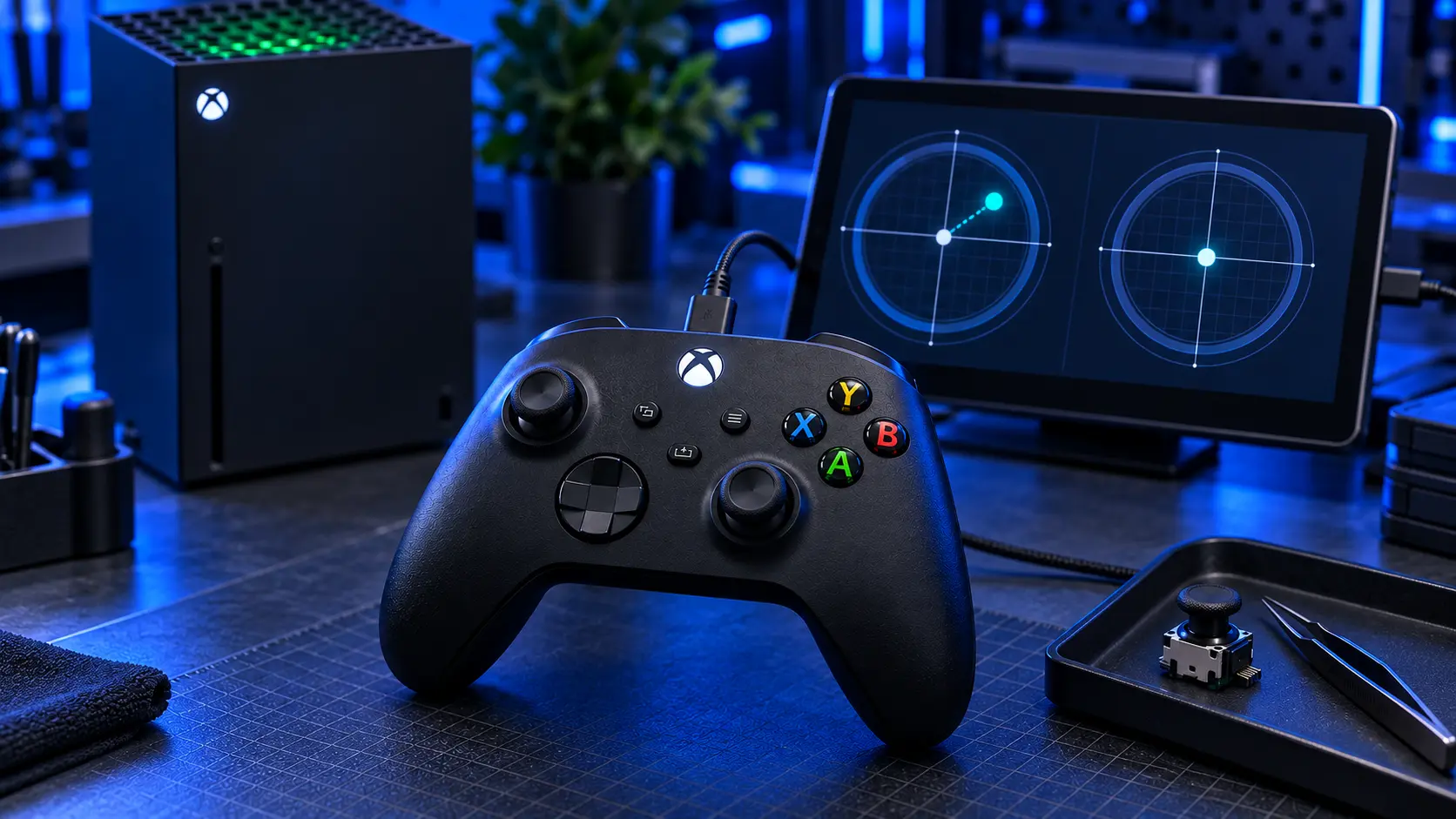
If your Xbox Series X|S controller has started drifting, you're in the best position of any Xbox owner — because yours is the pad Microsoft's free calibration tool actually covers.
That's worth trying before you pay anyone anything, including me.
First, make sure that's what you've got
The Series X|S controller is the one with the Share button — the small square button in the middle, between View and Menu, that the older pads don't have. It also has USB-C rather than micro-USB, and textured dimples on the triggers and grips.
If yours has no Share button, it's an Xbox One controller, and the advice below changes — see Xbox One controller drift repair instead. If you're not sure, which Xbox controller do I have settles it quickly.
The free fix, which works on your pad
Microsoft's recalibration tool lives in the Xbox Accessories app, on console or on Windows. Connect the controller with a USB cable, install any firmware update it offers, then look for the recalibration options and follow the prompts for the affected stick.
What it does is teach the controller what your sticks actually read at rest and at full travel, and use that as its reference. If the sticks themselves are fine and that reference had drifted — after a knock, a firmware update, or the pad being held while it connected — this fixes it properly and costs you nothing.
Microsoft are clear about the limit, and so am I: the tool isn't intended to fix drift caused by normal wear.
The test that tells you which you've got
Recalibrate, then play normally for a few days.
Gone and stayed gone: it was a calibration fault, you've fixed it for free, and that's the end of it.
Back within a few days: the track inside the stick is worn. Each recalibration will buy you less than the last, because the wear keeps progressing underneath. That's the point where it's a repair rather than a setting.
There's more detail on the free options, including the one that often makes things worse, in how to fix Xbox controller drift.
Check the warranty before you pay me
Series X|S controllers are newer than the rest, so there's a real chance yours is still covered — particularly if it came bundled with a console you bought in the last year, or was a replacement pad bought recently.
If it's in warranty, use it. It costs you nothing and I'd be daft to argue.
Why yours is the best-supported Xbox controller
Three things line up in your favour.
The calibration tool covers it, which gives you a genuine free first step that Xbox One owners don't get.
Parts are current. Stick modules for this pad are widely available and will stay that way, because the console is still being sold. That isn't true of every controller.
Both upgrades are on the table. Standard repair, Hall effect and TMR are all offered on this controller, which makes it the only Xbox pad where you get the full choice.
What I do when it arrives
The same process every time.
It comes apart — including the screw hidden under the sticker in the battery bay, which is the one that catches people out. The worn module comes off the board, every through-hole cleared properly rather than forced, and the new one goes in.
Then calibration, using the same Xbox Accessories tool you'd use at home, so the controller learns the new sticks properly rather than inheriting the old reference. Then a bench test: both sticks through their full range, plus buttons, triggers and bumpers, because it would be daft to send back a pad with one fault fixed and another missed.
Then it's packed, posted tracked, and you get an email when it's on its way.
If something else is wrong too
Say so when you book. Bumpers that don't click, a headphone socket that's stopped working, triggers that feel wrong — I'd rather look at everything while it's open than have you post it twice. Most of those are small jobs on top of a stick repair rather than separate ones.
What the repair costs
£19 for one stick, £24 for both. The worn module comes off the board, every hole is cleared properly, a new one goes in, and the controller is calibrated and bench-tested before it's posted back.
Most drifting pads only drift on one stick, usually the left, because that's the one doing the work in most games. If only one side is wandering there's no reason to pay to replace the other — and if you're not sure which it is, send it in and I'll tell you.
Both upgrades are available on this controller
This is the pad where you get the full choice, because the calibration tool covers it.
Hall effect, £34. Both sticks replaced with contactless magnetic modules. No contact track, so the wear that caused the drift has nothing to work on.
TMR, £39. Also contactless, reading position at a finer resolution and drawing less power — closer to the original sticks, which matters on a wireless pad. I only fit TMR to Series X|S controllers, precisely because they're the ones I can calibrate properly afterwards.
At £5 between them neither is a mistake. Hall effect vs TMR sets out which suits which player, and every stick repair page has a table comparing all three against the standard repair.
What's included
Parts, labour and tracked return postage on every price. Twelve months on the work, and no fix, no fee — if I can't fix it you don't pay for the repair and I refund what you paid, less £4.99 return postage.
Full pricing, including how it compares with a new controller, is in what Xbox controller drift repair costs.
Try the recalibration tool first — it's free, it's official, and on a Series X|S pad it genuinely clears some faults. If the drift is back inside the week, book the repair and tell me which stick and which direction.
The Repair Works is an independent UK repair service, run by me, Paul — 25 years of hands-on repair experience, working by post for customers across the whole country. Not affiliated with or endorsed by Microsoft.


