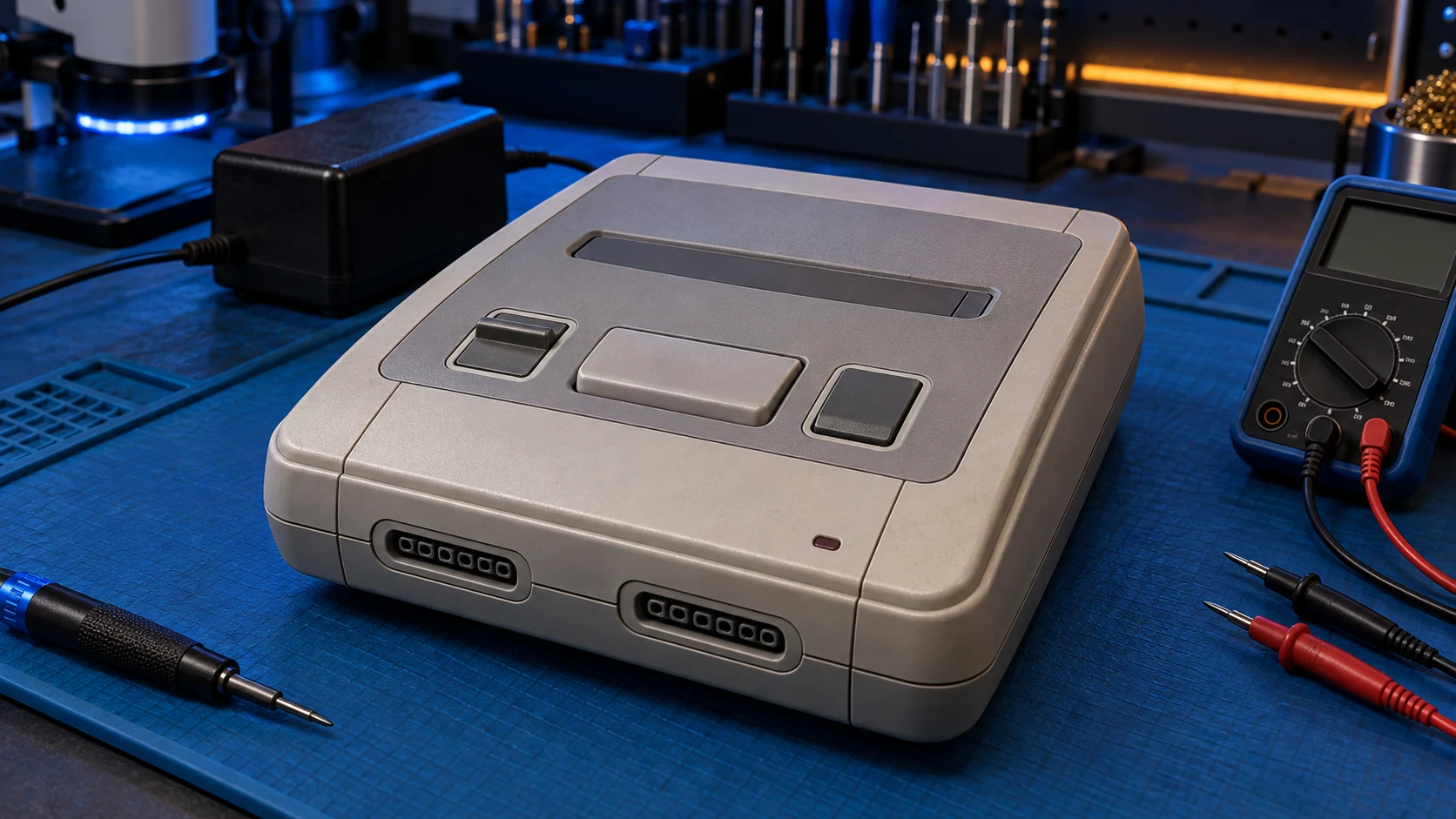
If your Super Nintendo won't turn on, check the power supply first, and make sure it's one made for a PAL SNES, then check the power socket and clean the cartridge contacts. If it's still dead, the fault could be in the power supply, the socket or the power section of the board, and an assessment will find it. Send the power supply with the console.
The SNES is a well-built console, but it's now decades old, and the parts that handle power age. These checks cost nothing, so work through them before you book anything.
First: no power, or no picture?
- No power at all: the power light stays off when you switch on. That points to the power supply, the socket or the board.
- Power light on, but no picture: start with the cartridge and the cable to your TV, covered below.
1. Check you have the right power supply
The SNES uses an external power supply, a brick that plugs into the wall with a lead to the back of the console. Getting the right one matters.
A UK SNES is a PAL console. PAL is the European TV standard, which runs at 50Hz; NTSC is the American and Japanese one, which runs at 60Hz. The PAL and NTSC versions of the SNES take different power supplies, so a supply made for an American SNES is not the right one for a UK console.
- Check the label on the brick says it's for the PAL Super Nintendo. Replacement supplies for the PAL SNES are often sold as suitable for the PAL NES too.
- If the label is missing or worn, don't guess. Try a supply you know is correct for a PAL SNES.
- Look over the cable and plug. If the lead is cut, kinked or damaged, stop using it.
- If the brick smells of burning or gets unusually hot, unplug it and don't use it again.
- Try a different wall socket, without an extension lead, to rule out the mains side.
Old power supplies fail with age, so an old brick that looks fine can still be the fault. If you can borrow a known-working PAL SNES supply, that's the quickest test there is.
2. Check the power socket on the console
The power lead plugs into a socket on the back of the SNES. Over the years these sockets can work loose, or the plug can stop making a good contact.
- Push the plug in firmly and switch on.
- Note whether the power light comes on only when you hold the plug at a certain angle. That's worth mentioning when you book.
- Look into the socket with a torch for any obvious damage or debris. Don't push anything metal into it.
3. Clean the cartridge contacts
Old cartridges get dirty contacts. A poor connection is more likely to give a black screen than no power at all, but it's quick to rule out.
- Try a different game. If one works and another doesn't, the console is probably fine.
- Clean the cartridge contacts with a cotton bud lightly dampened with isopropyl alcohol, then let it dry fully.
- Push the cartridge straight down so it's fully seated before you switch on.
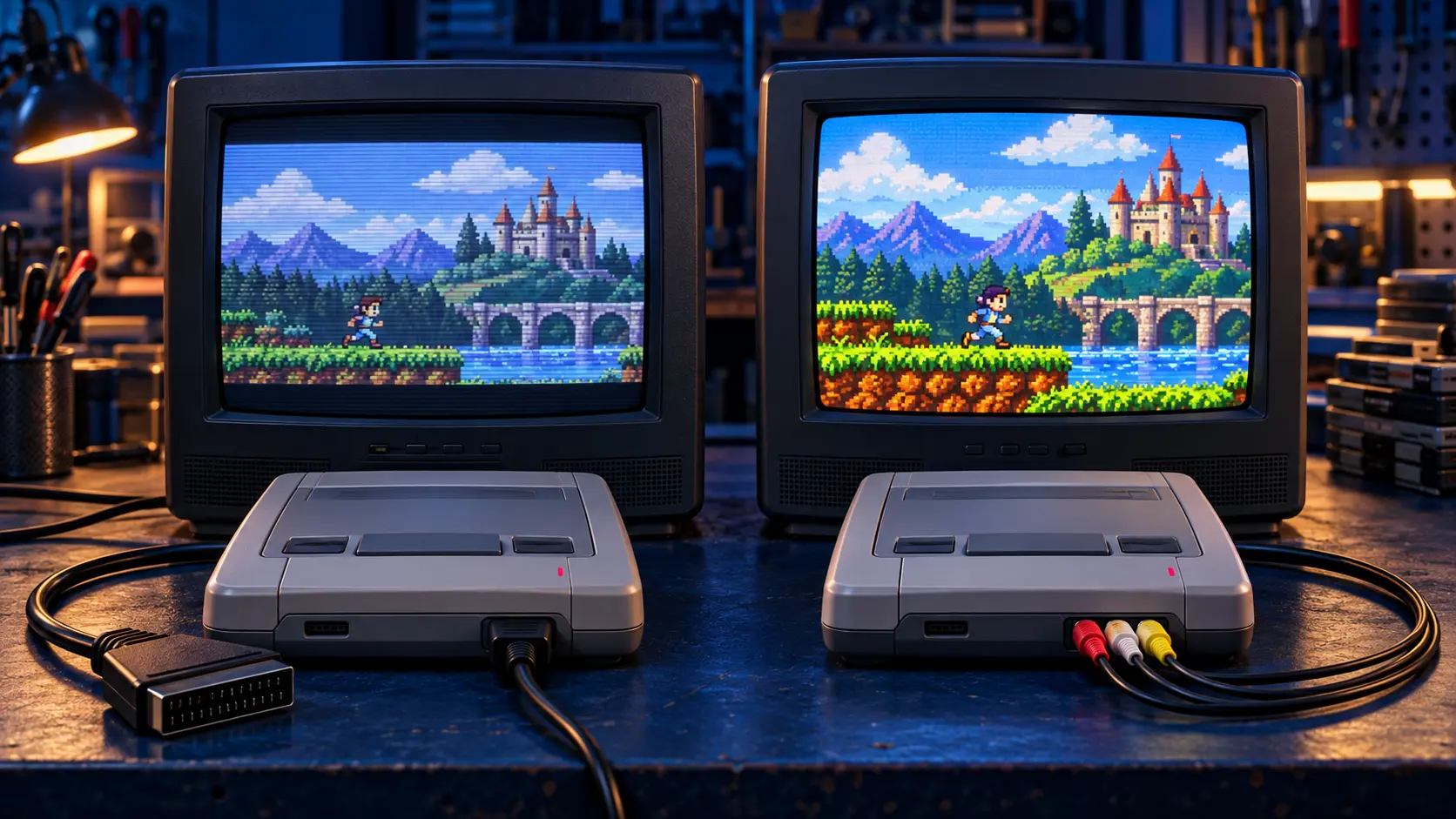
If the power light comes on and a game loads but the picture is soft or smeary, that's a different problem. See why a SNES picture looks blurry and how RGB helps.
Still dead? Book an assessment
If none of that works, the fault is most likely in the power supply, the power socket or the power section of the board. That needs the console opening and testing, which is what the SNES repair assessment is for:
- You book and pay £4.99.
- Send the console with its power supply. Old power supplies fail too, and I need to test both.
- I assess it on my bench and send you a quote before any work. Repairs start from £39.
- If you go ahead, the £4.99 comes off the repair. If you decline, it covers the return postage.
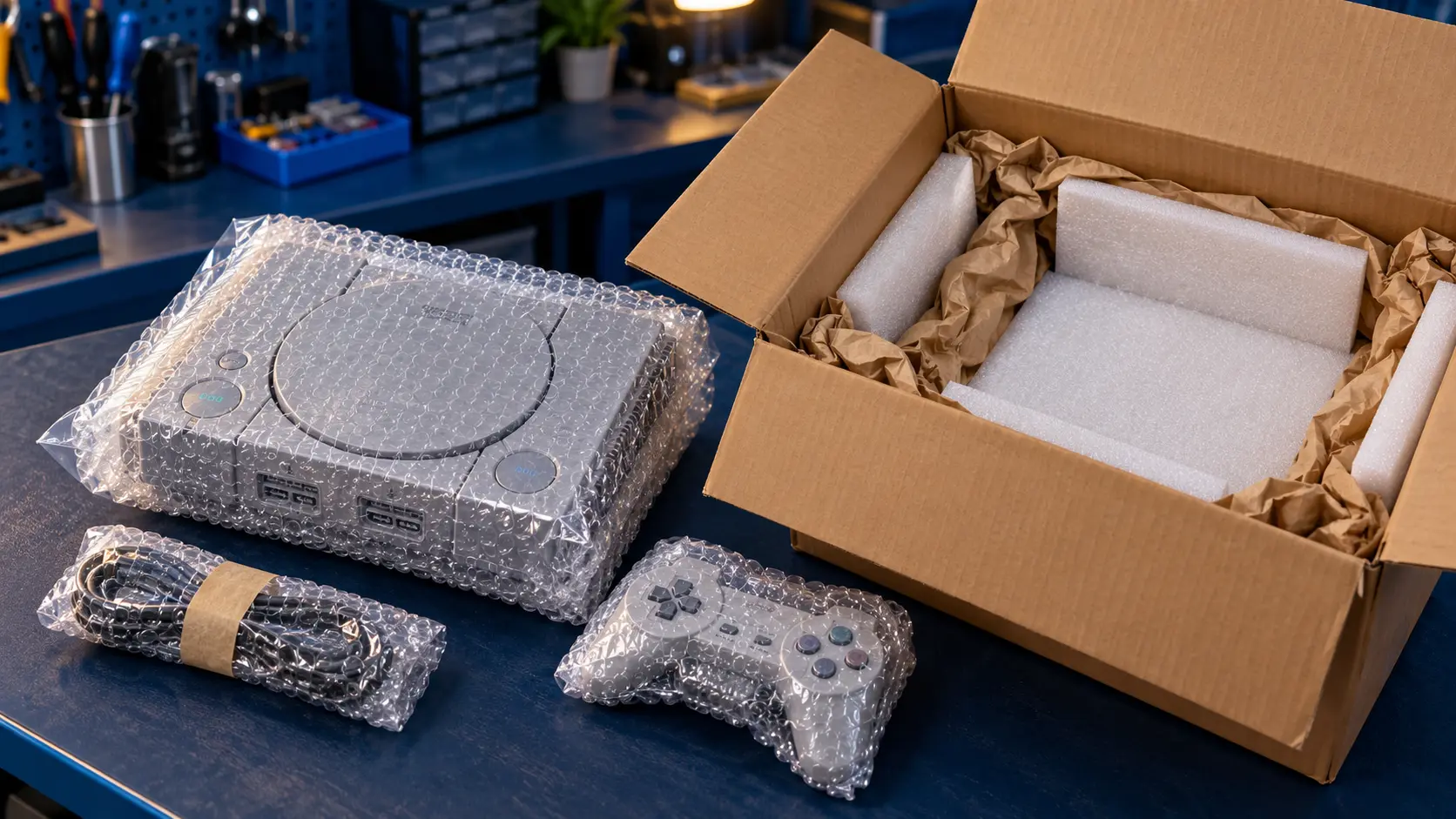
Please take out the cartridge before you post it. The confirmation email gives you the address and packing guidance. For every price across the consoles I work on, see what a retro console repair costs or the retro console repairs page.
You pay the postage to send it in, and the insured, tracked return is included. Every repair comes with a 12-month warranty, and it's no fix, no fee: if I can't fix it, I refund what you paid, less return postage.
Frequently asked questions
Can I use an American SNES power supply on a UK console?
No. The PAL and NTSC versions take different power supplies, so use one made for a PAL SNES. Replacement PAL SNES supplies are often sold as suitable for the PAL NES as well.
Do I need to send the power supply with my SNES?
Yes, for a console that won't turn on. The power supply is one of the likely causes, and I need to test it alongside the console.
Why won't my SNES turn on with some games but not others?
If the power light comes on, the console has power, and a game that won't start usually has dirty contacts. Clean the contacts and try another game to check.