A PS1 that won't read discs usually has a dirty or scratched disc, a dirty lens, sled rails that need cleaning, or a worn laser, which is the part that reads the disc. Try a known-good original game and a clean disc first; if it still won't load, the drive needs a replacement laser and a service.
The laser does wear over the years, but it's not always the laser. The lens, the rails it moves on and the drive's alignment can stop discs reading too. Here's how to narrow it down.
What "not reading discs" looks like
A PS1 with a disc read problem can show it in a few ways:
- it goes to the console's own menu screen instead of starting the game;
- the game starts but freezes, skips or stops at loading screens;
- the disc spins, stops and spins again without loading;
- it reads some games but not others.
The possible causes are:
- a dirty, scratched or damaged disc;
- dust inside the console;
- a worn laser (on the PS1 it's from the KSM-440 series);
- a dirty lens;
- the sled rails that the laser moves on, which need cleaning and fresh grease;
- the drive's alignment.
1. Test with a known-good original disc
Start with the simplest check. Put in an original game that you know works and that's in good condition. If it loads but your other game doesn't, the problem is most likely that disc rather than the console. Try two or three games if you can. A console that reads nothing at all points more towards the drive.
2. Clean the disc
Old discs pick up fingerprints, dust and scratches. Hold the disc by its edges and wipe the shiny side gently with a soft, lint-free cloth, in straight lines from the centre outwards. Don't wipe in circles, and don't use anything abrasive. Deep scratches can't be wiped off, so test with a different disc if one is badly marked.
3. Check for dust
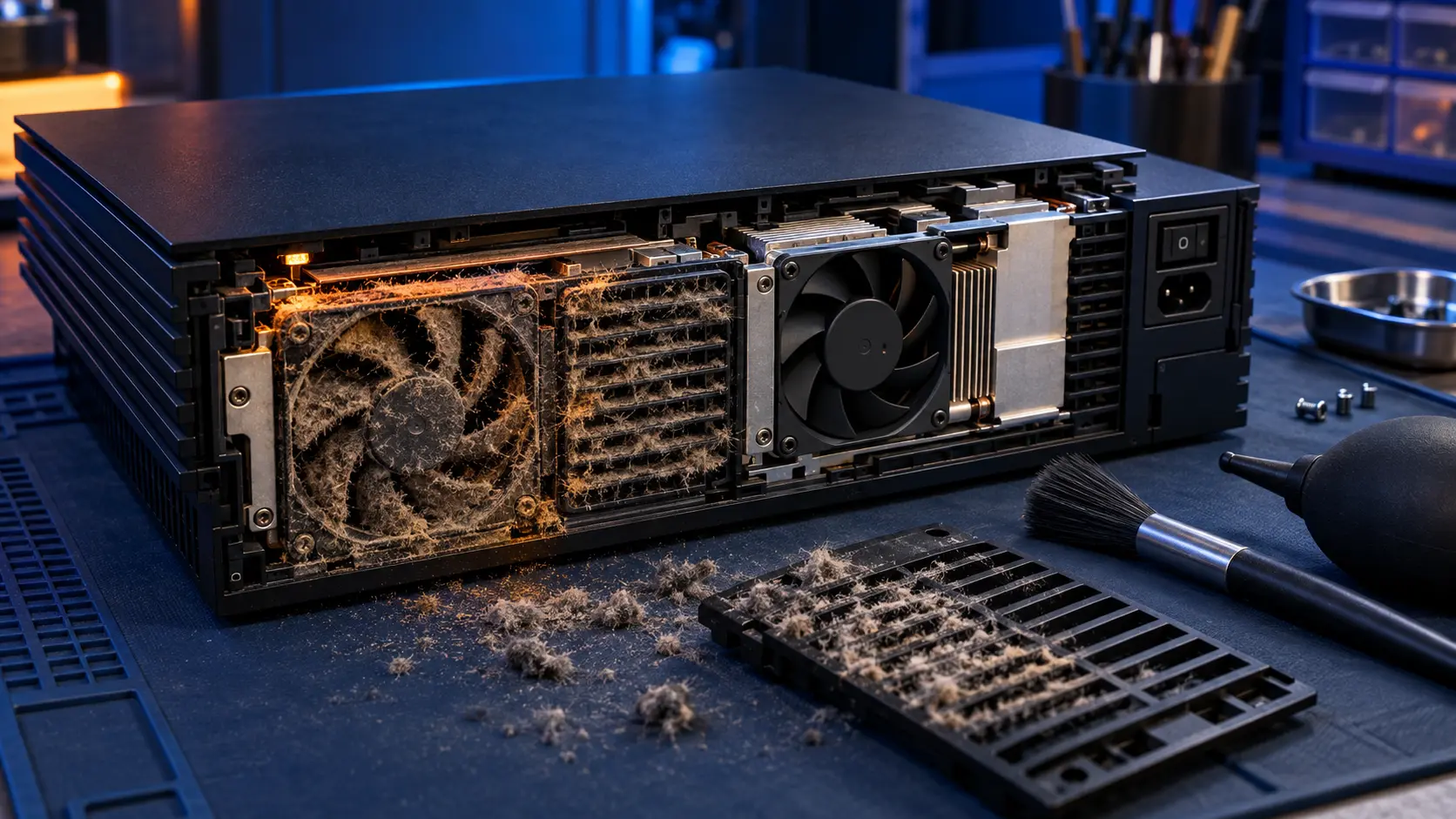
Dust builds up inside any console that's been in a loft or on a shelf for years. With the PS1 unplugged, check the disc area and the vents from the outside and clear any loose dust gently. Keep the lid closed when you're not using it, so less dust gets onto the lens.
4. The laser and the sled
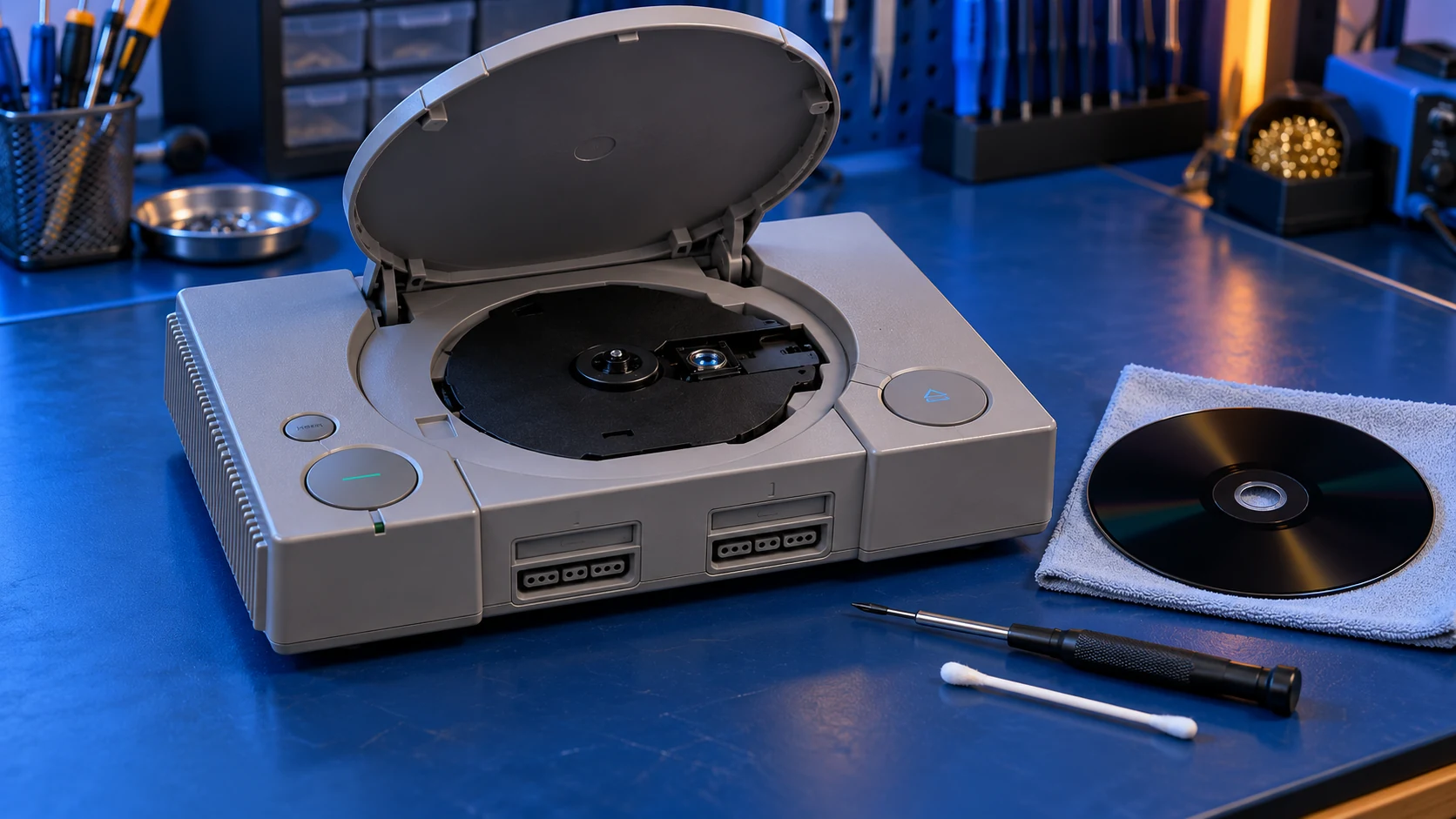
If a clean, known-good game still won't load, the fault is most likely inside the drive. The laser wears with age and use, and its lens can get dirty. The laser moves across the disc on the sled rails, and over decades the grease on them dries out and collects dirt, so the laser can't travel smoothly. The drive's alignment also has to be right for it to read.
The lens and sled are delicate, so I'd leave them alone rather than work on them yourself.
A word on adjusting the laser's power
You may find guides that suggest turning a small adjuster on the laser to push more power through it. I wouldn't try that as a DIY fix. It's easy to set it wrong, it can shorten the laser's life or damage it, and it doesn't deal with a dirty lens, dry rails or alignment. Changing the laser's settings by hand is best left alone.
When it's not a disc problem
If your PS1 won't turn on at all, that's a different fault. It's usually in the power supply board inside the console. The PS1 repair assessment covers that: you pay £4.99, I send a quote before any work, and repairs start from £39.
The repair: replacement laser and drive service
If the home checks don't sort it, book the PS1 disc read repair. It's a fixed price of £49 and covers:
- a replacement laser;
- cleaning the lens area and the drive;
- cleaning the sled rails and applying fresh grease;
- checking the drive's alignment;
- testing it with discs on my bench before it goes back.
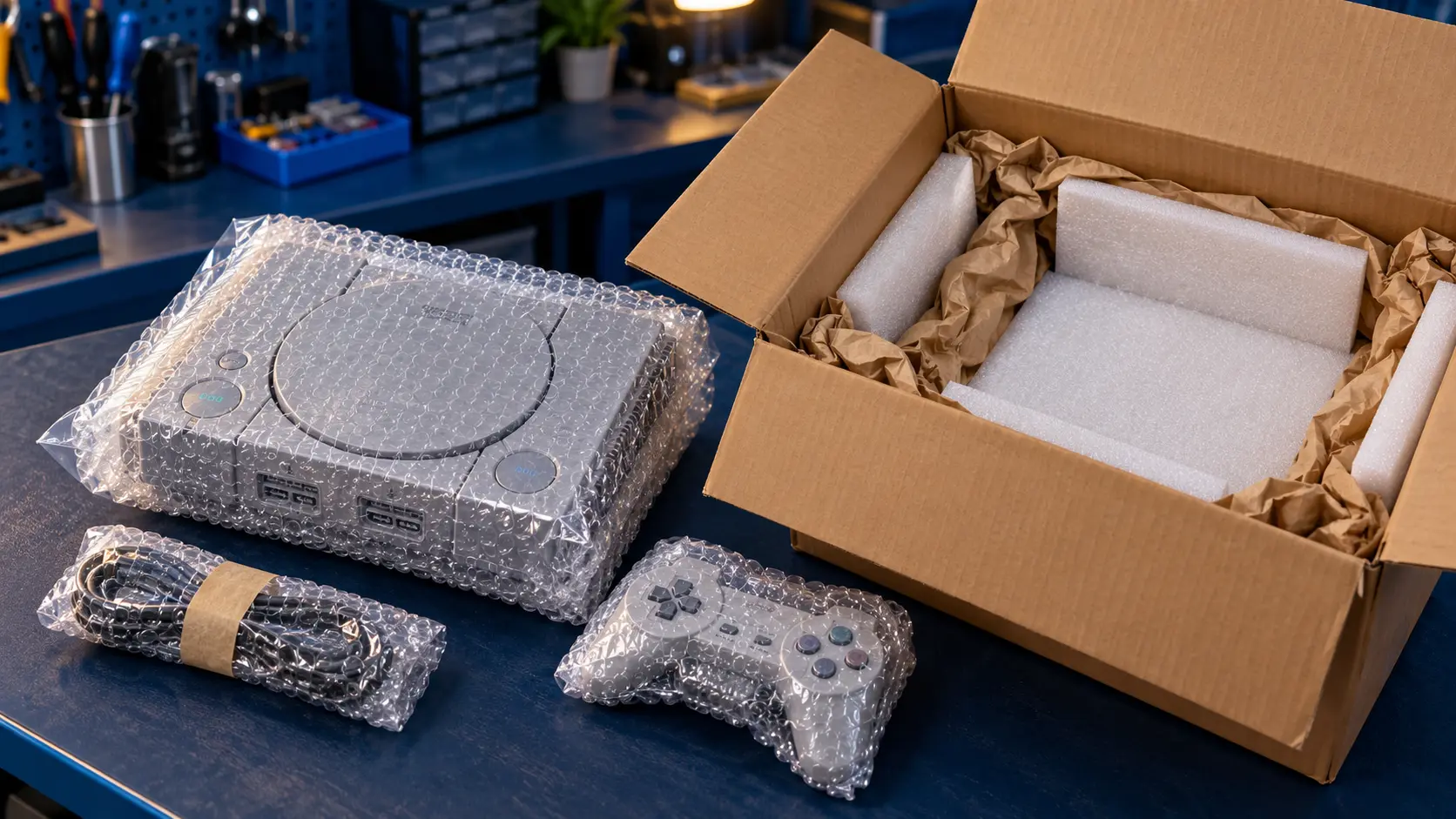
Because it's not always the laser, the drive service and test are part of the job. Please take any disc out before you post the console.
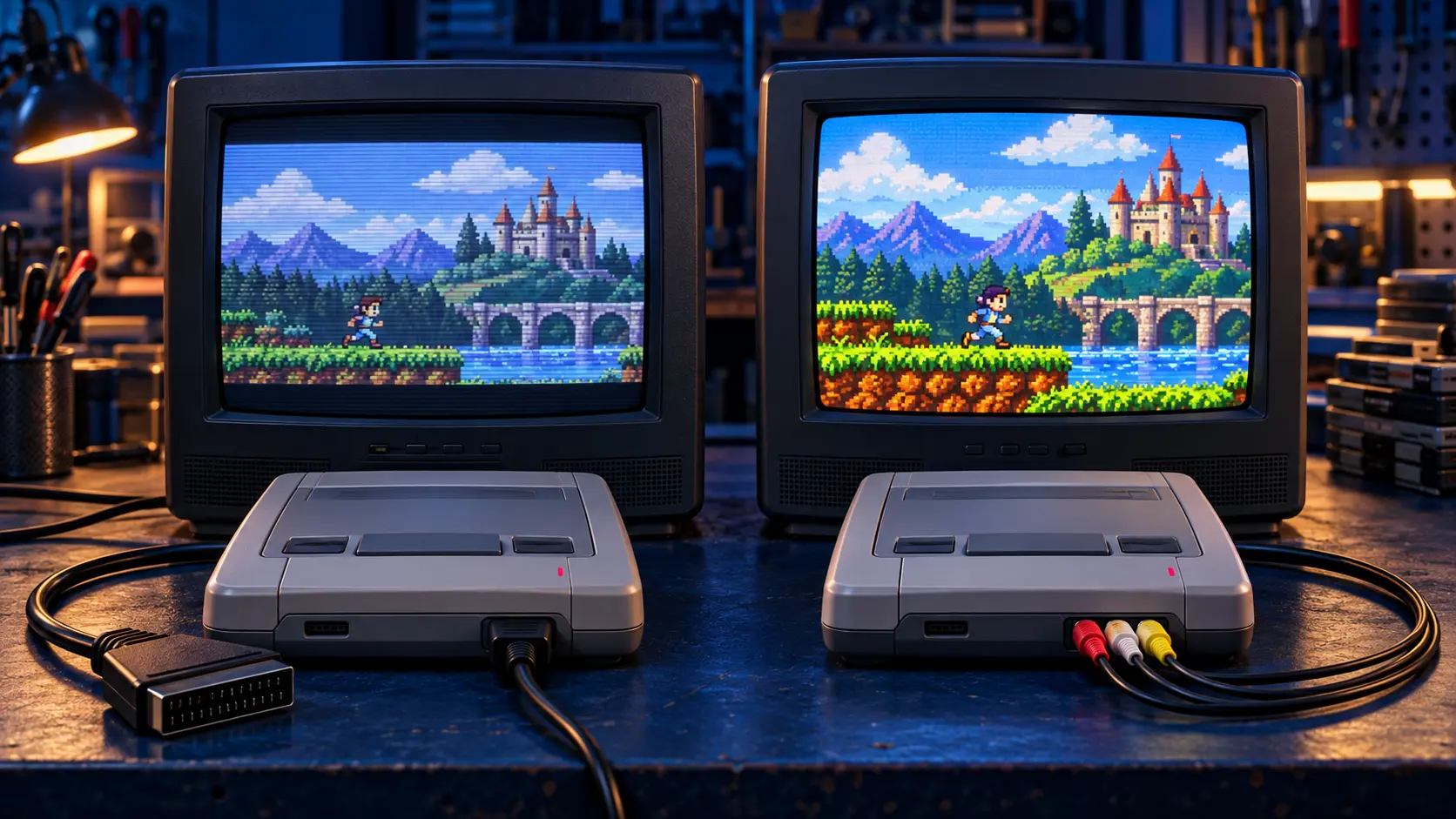
Once it's reading again, you may want a sharper picture on a modern TV. The Retro GEM HDMI mod fits an internal board that outputs digital video straight to HDMI. You can see every price on the retro console repairs page, and if you also own a PS2 with the same problem, read what a PS2 Disc Read Error means.
You pay the postage to send it in, and the insured, tracked return is included. The repair comes with a 12-month warranty, and it's no fix, no fee: if I can't fix it, I refund what you paid, less return postage.
Frequently asked questions
Is it always the laser when a PS1 won't read discs?
No. A dirty lens, dry sled rails, the drive's alignment or simply a bad disc can all stop it reading. That's why the repair includes a drive service and a test, not just a new laser.
Why does my PS1 read some games but not others?
A worn laser or a dirty lens can struggle with some discs before others, and a scratched disc may fail on a healthy console. Test with a known-good original game first.
Do I need to send the power supply with a PS1 disc repair?
No. The PS1's power supply is inside the console, so you only need to send the console itself. Please take out any disc before you pack it.