Short answer: yes. Cloud Nine irons switch themselves off after 30 minutes of non-use, on purpose. So before you assume yours is faulty, it's worth working out which of the two you've got.
Cloud Nine irons are designed to switch themselves off after a period of inactivity. It's a safety feature, it's deliberate, and it's the most likely reason an iron "turns itself off". It's easy to send a perfectly healthy iron off for repair if nobody's told you that.
So before anything else, work out which of the two you've got. It takes one session to find out and it costs nothing.
What the auto-off actually does
Leave the iron switched on and untouched for 30 minutes and it goes into what Cloud Nine call hibernation mode: it cools down, and the temperature panel may flash green now and then. Switch it off and back on again, and it heats up as normal.
The point of it is obvious once you think about what it's protecting against: an iron left on a bed, a towel or a bathroom shelf, at around 200°C, with nobody in the room. It's there so that a forgotten iron becomes a cold iron rather than a fire.
Cloud Nine's own quick-start manual gives 30 minutes of non-use, and reviews of the New Original Iron say the same. If yours seems to switch off noticeably sooner while it's sitting unused, read the section on faults below. What matters most, though, is the pattern rather than the exact number of minutes.
Do all Cloud Nine straighteners do it?
Hibernation mode is described in Cloud Nine's quick-start manual for its irons, and the New Original Iron has it too. If yours is an older or less common model and you're not sure it has it, the test further down this page will tell you in half an hour.
Telling the two apart
It's the auto-off if:
It goes off after you've left it sitting there, not while you're actually using it
It heats normally again once you switch it off and back on
It does the same thing every time, after roughly the same sort of gap
It doesn't beep. The only sign is the temperature panel flashing green now and then
It's a fault if:
It goes off while you're actively using it, mid-section
It won't come back on, or takes several goes
It beeps when it goes off
It happens after a few minutes of use rather than after a spell of no use
It's tied to how you're holding it or moving it rather than to time
That last pair is the most useful distinction of the lot. The auto-off responds to you not using the iron. A fault responds to you using it.
If it is a fault, what's causing it
Three possibilities, and two of them are covered properly elsewhere.
It cuts out after a few minutes of use, consistently. That's thermal protection tripping rather than hibernation — the heating circuit is running hotter than it should and the iron is shutting itself down to be safe. It usually gets worse over time, with the cut-outs arriving sooner.
It cuts out when you move it. That's the cable circuit, and on Cloud Nine irons it's usually the connector inside the handle rather than the cable you can see. Both of those are covered here, because the way to tell them apart is simply whether movement or time triggers it.
It switches off at random, with no pattern at all. Not time, not movement, not a beep. That's the one that points at the switch itself or the board. Years of heat and product residue work into the switch mechanism, and a switch that's become unreliable can register a press you never made. Often it's a clean rather than a replacement.
And if it beeps when it goes off, that's a different fault again — the board has spotted a problem in the heating circuit and shut down on purpose. There are four causes of that beep, all of them repairable.
The version of this worth worrying about
Here's the one people rarely think to ask about, and it's the one that matters most.
If your iron never switches itself off — if you've left it on for an hour and come back to find it still hot — that's a fault, and it's the more serious direction for this fault to go in.
People rarely send an iron in for that, because from the user's side it looks like nothing is wrong. But the auto-off is a safety feature, and a safety feature that's stopped working is worth more attention than one that's working slightly too eagerly.
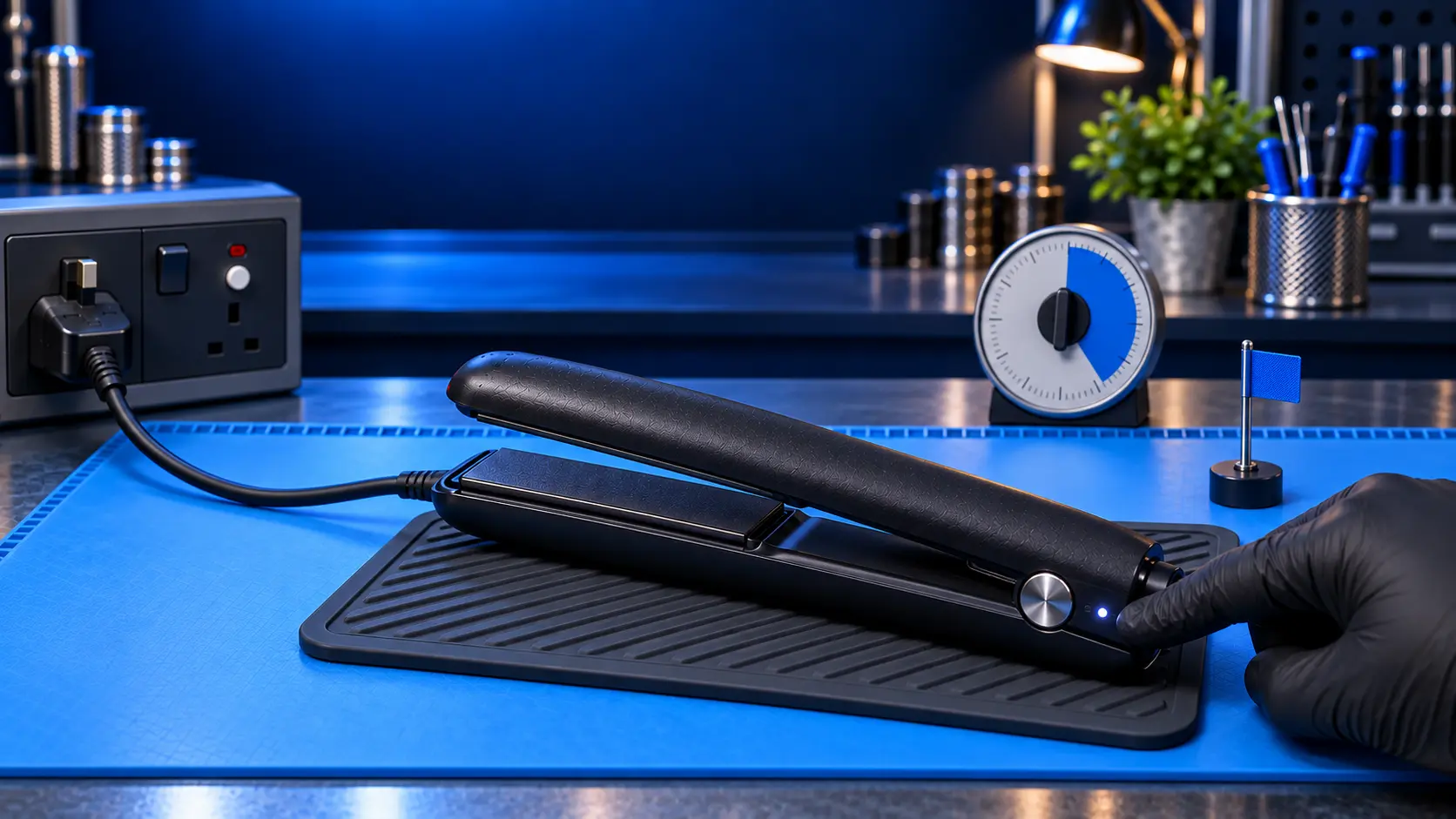
If you're not sure whether yours does it, test it deliberately. Switch it on, put it somewhere safe and heatproof where you can keep an eye on it, and leave it alone. If it's still hot well after half an hour, get it looked at.
Which models I can repair
The Original, Wide, Slim, Pro and Contouring irons. Switch faults, thermal faults and cable faults on any of those are standard work.
I don't take on the Touch, Micro or Cordless — the parts position on those won't let me stand behind a twelve-month warranty.
What it costs
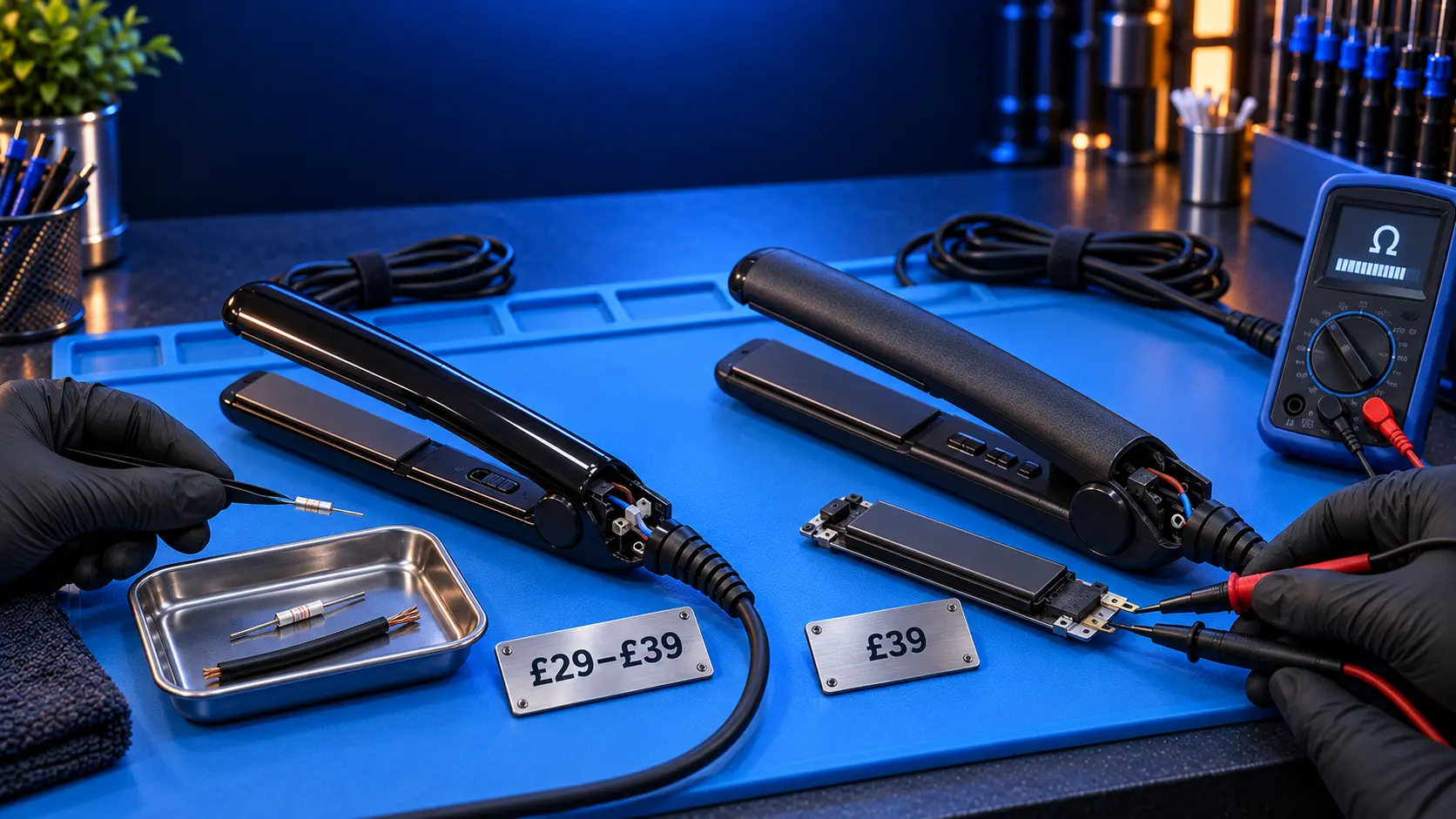
£39, all in, if it turns out to be a genuine fault. Parts, labour, return postage, a PAT safety test and a twelve-month warranty on the work.
If you send me an iron that turns out to be behaving exactly as designed, I'll tell you that, post it straight back to you, and refund what you paid less the £4.99 return postage. That's not a good outcome for either of us — you're down the postage and I've spent bench time proving nothing is wrong. Which is precisely why this article leads with the auto-off rather than burying it below a booking button.
Cloud Nine's own repair service is £99. It includes a replacement if the iron can't be fixed, which I can't match. But it's an expensive way to find out your iron was fine all along.
Common questions
How long should it take to switch itself off?
Cloud Nine's manual says 30 minutes of non-use. If yours goes off noticeably sooner while it's sitting unused, it's worth having a look at. If it goes off while you're using it, that's a fault rather than hibernation.
Can the auto-off be turned off?
Cloud Nine's manual doesn't give a way to, and you wouldn't want it to. It's there to stop a forgotten iron becoming a fire.
It's started going off much sooner than it used to. Is that normal?
That's worth having looked at. A genuine shift in behaviour — the same iron, the same use, noticeably shorter — points more at thermal protection becoming marginal than at hibernation.
It goes off and takes three or four presses to come back. Is that the switch?
Probably, yes. A switch that's become unreliable with residue and heat is a common and straightforward repair.
My straightners switch off halfway through doing my hair. Auto-off or fault?
Fault. Auto-off only ever triggers when the iron has been left alone. If it dies mid-section while you're holding it, something is wrong.
How long does a repair take?
The current turnaround is shown when you book. If a part needs ordering, I'll tell you as soon as I've diagnosed it and give you a realistic date.
Before you send anything anywhere, run one deliberate test. Switch it on, leave it somewhere safe and don't touch it, and watch what it does. If it cools down after about half an hour and then heats normally when you switch it off and on again, your iron is working exactly as it was designed to and there's nothing to fix. That costs you one session and nothing else.
If it's going off while you're using it, taking several goes to come back, or beeping when it does it, send it in and I'll sort it. £39 all in — parts, labour, return postage, a PAT safety test and a twelve-month warranty — with a full refund less £4.99 return postage if I can't fix it. Every repair is done by me personally, on my own bench, start to finish. And if yours never switches itself off at all, that's the one I'd want to see sooner rather than later.
The Repair Works is an independent UK repair service, run by me, Paul — 25 years of hands-on repair experience, working by post for customers across the whole country. Not affiliated with or endorsed by Cloud Nine.