The quickest way to tell is the label on the back of the console: AGS-001 is the frontlit model and AGS-101 is the backlit one. If the label is worn, press the light button with the console on. On an AGS-001 the light switches off completely; on an AGS-101 it only steps between two brightness levels and never goes fully dark.
Why there are two versions of the SP
The Game Boy Advance SP launched as the AGS-001. It was the first Game Boy with a built-in light, which was a big deal after years of angling an original GBA towards a window. Later, Nintendo released the AGS-101 with a different screen. From the outside the two are almost identical: same clamshell shape, same buttons, same charge port. The difference is all in how the screen is lit.
Frontlit: the AGS-001
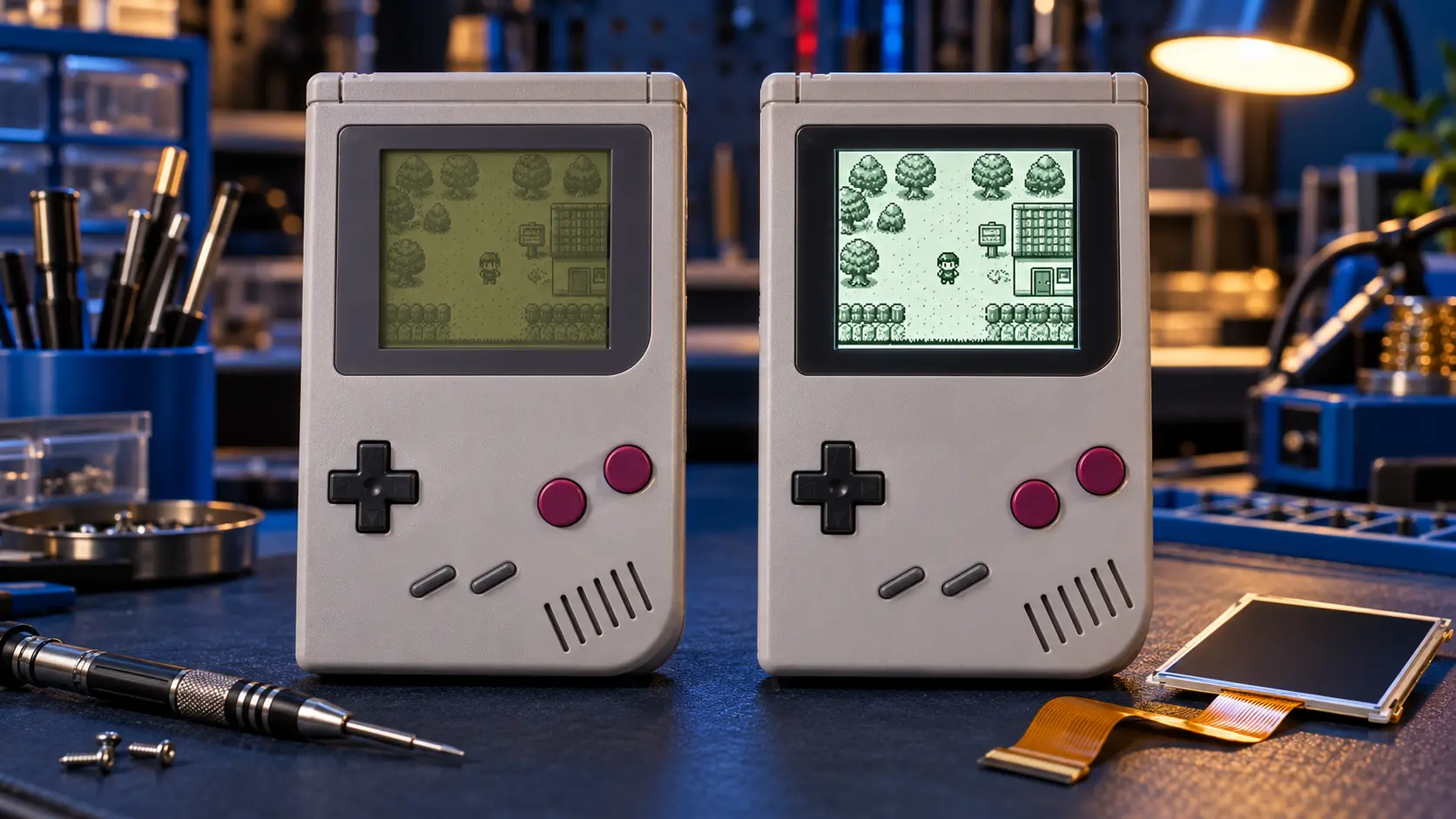
On the AGS-001, the light sits along the edge of the screen and shines across the front of it. That's what "frontlit" means. It works, and it was a clear step up at the time, but the light has to pass over the screen rather than through it. The picture can look washed out, blacks look grey, and you may notice faint lines or uneven brightness across the display.
Backlit: the AGS-101
On the AGS-101, the light sits behind the screen and shines through it, like most modern displays. The result is noticeably brighter, with stronger colours and better contrast. For a lot of people, it's how they remember GBA games looking in their heads.
How to tell which one you have
1. Check the label
Turn the SP over and look at the label on the back. It lists the model code: AGS-001 or AGS-101. This is the most reliable check, as long as the label is still readable and hasn't been swapped onto a replacement shell.
2. Test the light button
Switch the console on and press the small light button above the screen.
- AGS-001: the button switches the light on and off. With it off, the screen goes very dark and you need strong room light to see anything.
- AGS-101: the button switches between a normal and a brighter setting. The light never switches off completely.
This test is handy because it works even if the shell has been replaced, which happens a lot with second-hand SPs.
3. Look at the screen with the console off
With the power off, an AGS-101 screen tends to have a slight grey-green tint compared with an AGS-001. It's a subtler clue than the other two, so use it to back them up rather than on its own.
Why the AGS-101 is sought after
The AGS-101 combines the SP's folding, rechargeable design with a screen that's really pleasant to play on. It's brighter, colours pop more, and it doesn't have the washed-out look of the frontlight. It was also made in smaller numbers than the AGS-001, so good examples tend to cost more on the second-hand market. If you've got one, it's worth looking after.
That said, an AGS-101 is still a console from the mid-2000s. Its built-in battery may be tired, and the charge port is the old-style Nintendo connector rather than USB-C. A backlit screen doesn't fix either of those.
Upgrade paths if you have an AGS-001
If yours turns out to be a frontlit AGS-001, you don't need to hunt down an AGS-101 to get a better screen. There are two routes through my Game Boy Advance & SP repairs.
The SP IPS screen mod (£95)
An IPS panel is a modern backlit LCD, the same type of technology used in many phone screens. The SP IPS screen mod replaces the original screen with one of these panels. It's typically brighter and sharper than an AGS-101, and most kits have an on-screen menu (OSD) that lets you adjust brightness and colour settings.
The SP full upgrade (£119)
The SP full upgrade bundles the IPS screen, a USB-C charging port and a new battery. That's about £50 less than booking the three separately, and it deals with the age-related issues as well as the screen. If your SP's battery is already struggling, this is usually the better-value route.
If you're weighing up the mod against buying a backlit SP, I've written a more detailed piece on whether an SP IPS mod is worth it. And if you're not sure which Game Boy you've got at all, see which Game Boy do I have.
A note on AGS-101 consoles
I can fit an IPS screen to an AGS-101 too, but think about it first. Mods can't easily be undone, and a boxed or rare AGS-101 may be worth more to collectors left as it is. All mods need a working console, so if your SP has a fault as well, that needs fixing first. Every job comes with a 12-month warranty, and if I can't fix it, you don't pay for the repair: no fix, no fee.
Frequently asked questions
Can I tell the model from the charge port or buttons?
No. The AGS-001 and AGS-101 share the same charge port, buttons and shell shape. The label on the back and the light button behaviour are the reliable checks.
Is an IPS mod brighter than an AGS-101?
In most cases, yes. A modern IPS panel is typically brighter and sharper than the AGS-101 screen, and most kits let you adjust the brightness through an on-screen menu.
Does the model affect which games I can play?
No. Both models play the same Game Boy Advance, Game Boy and Game Boy Color cartridges. The difference is only in how the screen is lit.