When a Game Boy won't turn on, the cause is usually the batteries, corroded battery contacts, a worn power switch, or a cartridge that isn't seated properly. Most of these are quick to check at home. If none of them help, a battery corrosion repair is £35 and a power switch repair is £29.
1. Start with fresh batteries
It sounds obvious, but old batteries are the first thing to rule out. Rechargeables that have sat in a drawer can be flat even if they're marked full, and some give a slightly lower voltage than disposable cells.
- Fit a fresh set of new disposable batteries from a sealed pack.
- Check each one is the right way round against the marks in the compartment.
- Make sure the battery cover clicks shut, as the batteries can move if it's loose.
If the power light comes on but the screen stays blank, the fault is elsewhere, and it's worth getting in touch with a description of what you see.
2. Look for corroded contacts
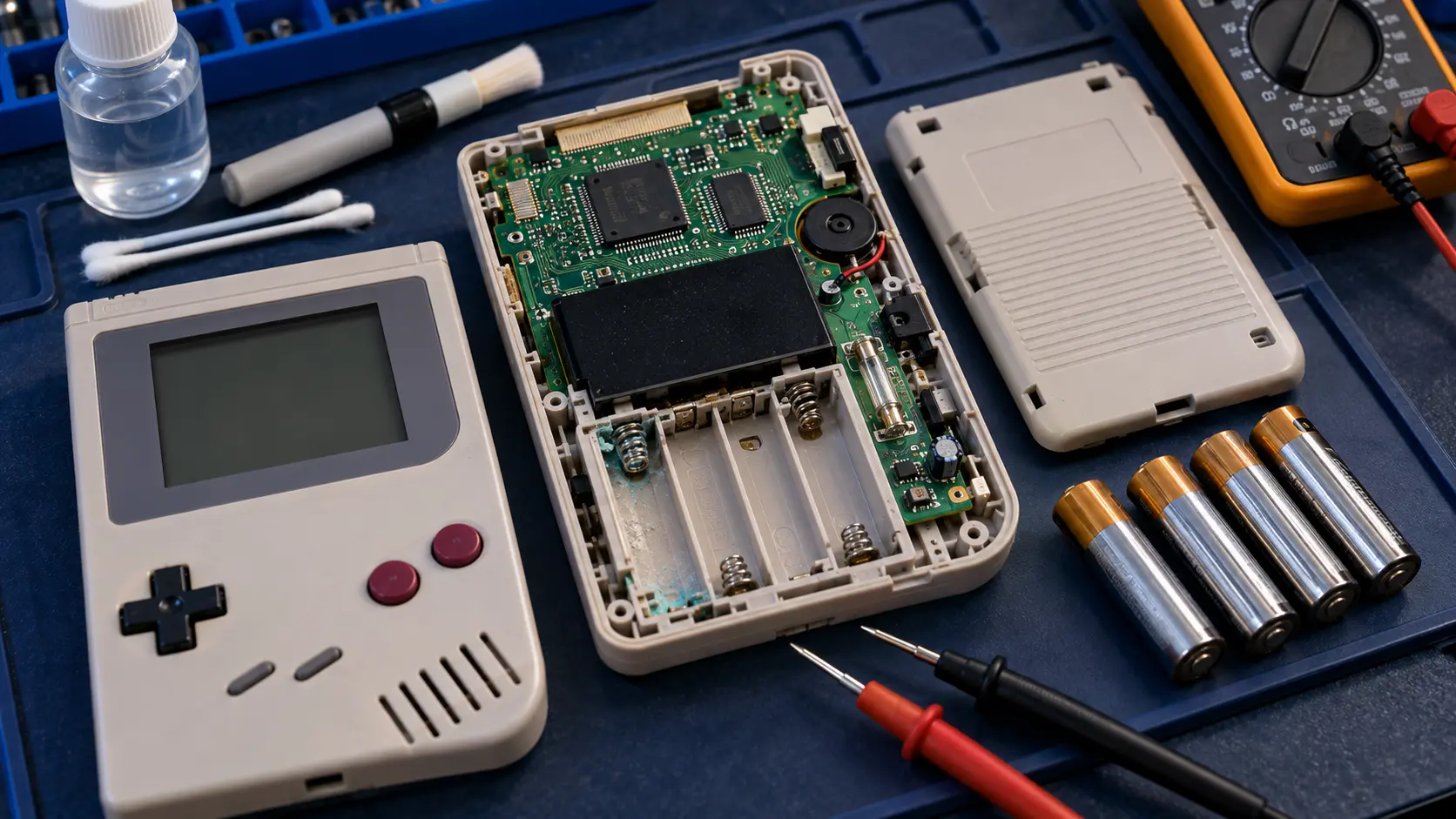
AA or AAA batteries left in for years leak and corrode the battery contacts and the tracks nearby. It's one of the most common reasons an old Game Boy won't power on, or only works when you wiggle it.
Take the batteries out and look at the metal springs and plates:
- Clean, shiny metal is a good sign.
- White, green or crusty deposits mean the batteries have leaked.
- Rust-coloured or eaten-away contacts mean the corrosion has gone further.
Light deposits on the contacts can sometimes be cleaned carefully with a cotton bud and isopropyl alcohol, with the batteries out. Don't scrape hard or bend the springs. If the contacts are badly eaten away, or it still won't power on after cleaning, the corrosion may have reached the tracks inside, which is a job for the battery corrosion repair. It's often repairable, depending on how far the corrosion has spread.
3. Try the power switch
The power switch on these consoles has now been flicked on and off for decades. The contacts inside it can wear or get dirty, so power becomes patchy or stops altogether.
- Slide the switch firmly and fully to on.
- Watch whether the power light flickers as you move the switch slightly.
- If a light touch on the switch makes the console turn on and off, the switch is the likely culprit.
A worn switch is covered by the buttons, power switch or cartridge slot repair.
4. Check the cartridge is seated properly
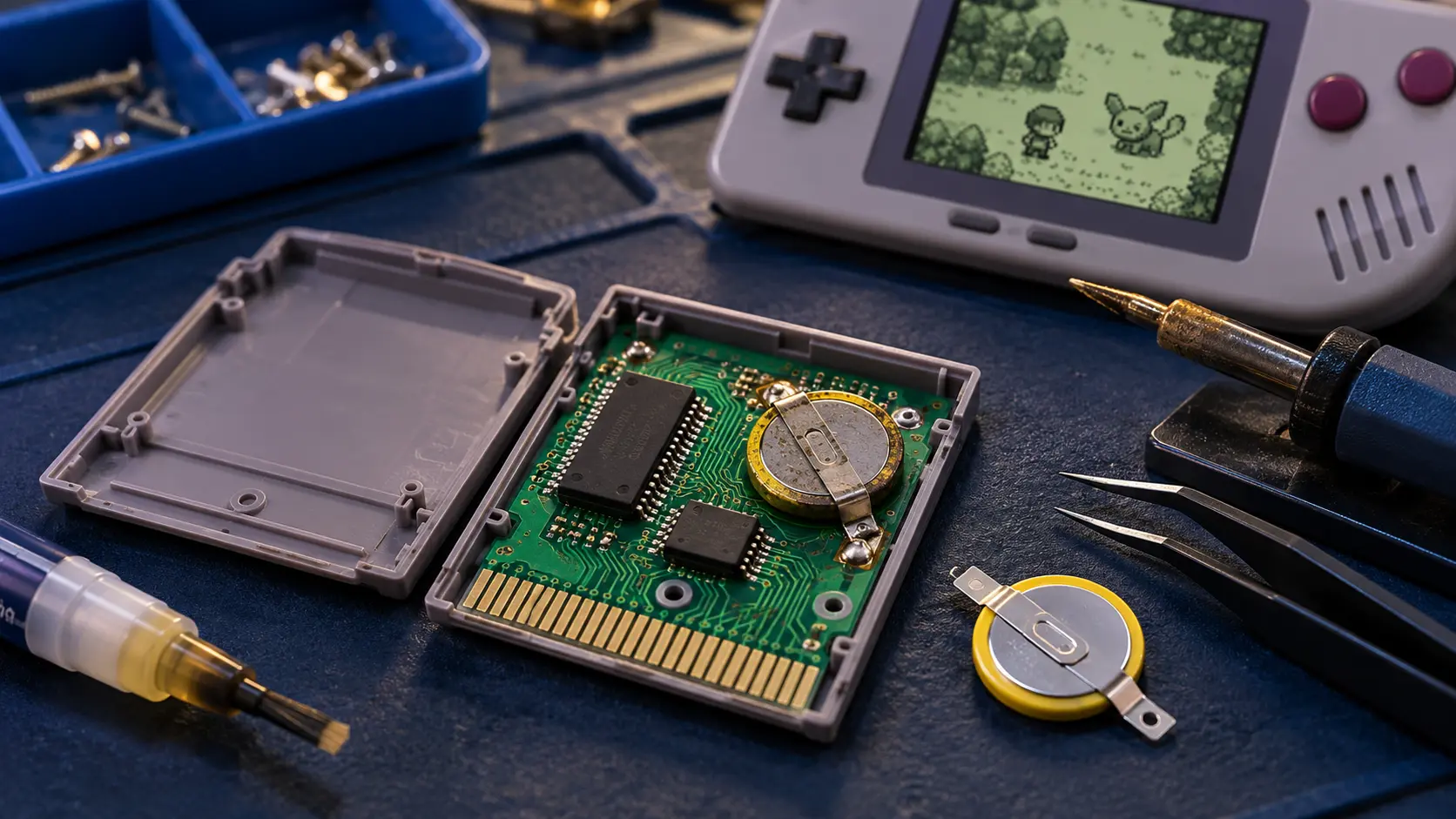
A console can look dead when the real problem is the game. Try a different cartridge if you have one, and make sure it's pushed fully home and sits straight before you switch on.
On the original Game Boy (DMG-01), there's an extra reason to check. When you switch it on, the power switch slides a small plastic tab into a notch at the top of the cartridge to lock it in place. So seat the cartridge properly first, then slide the switch across. Later models, including the Pocket and Color, dropped this lock.
If the console powers up but shows a blank screen or garbled logo with a game in, the cause is often dirty cartridge contacts. Clean the game's contacts with isopropyl alcohol on a cotton bud and let it dry. If that doesn't help, the pins in the console's cartridge slot may be dirty or bent.
When it's worth a repair
If you've tried fresh batteries, checked the contacts, worked the switch and tried another game, the fault is inside the console. The usual repairs are:
- Battery corrosion repair: £35. Cleaning out the corrosion and repairing damaged contacts and tracks.
- Power switch repair: £29. The same price covers buttons and the cartridge slot.
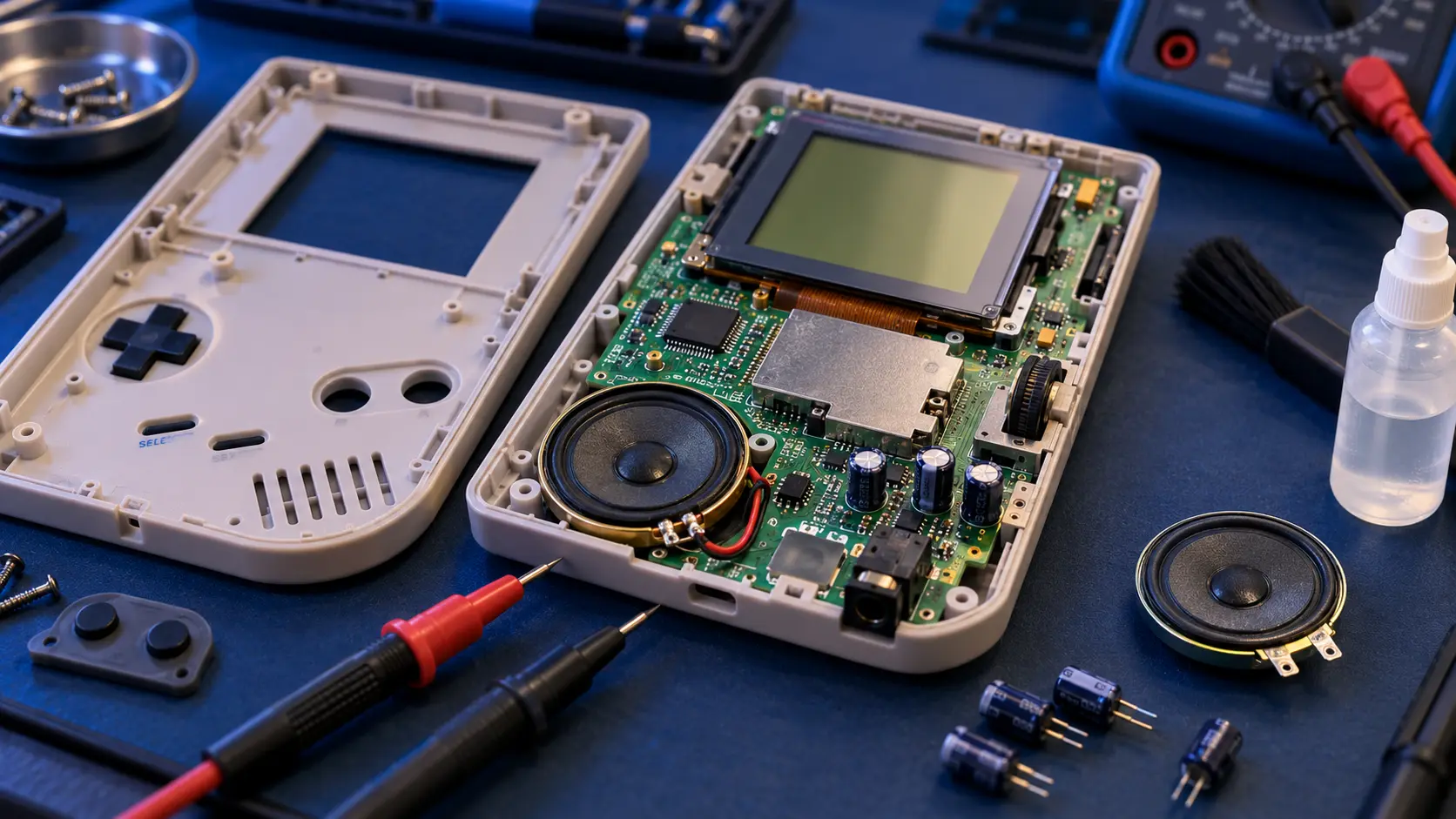
If it's been through years of leaking batteries, a recap may also be worth considering. That means replacing the ageing electrolytic capacitors, small components that smooth the power and wear out over time. Very corroded boards need a look first, so get in touch if yours is badly affected. All the prices are on the Game Boy repairs page, and the Game Boy repair cost guide explains what each includes. If the console turns on but has no sound, these sound checks are the next step.
Sending it in
Book and pay online, and the confirmation email gives the address and packing guidance. Take out the batteries and any cartridge before you post it. I do the repair, test it on my bench, and send it back insured and tracked. You pay the postage to me; the return is included. Every repair carries a 12-month warranty, and it's no fix, no fee: if I can't fix it, I refund what you paid, less return postage.
Frequently asked questions
Can I use rechargeable batteries in a Game Boy?
You can, but make sure they're fully charged. When you're checking a console that won't turn on, a fresh set of disposable batteries rules out a flat or tired rechargeable.
Why does my Game Boy only work when I press on the batteries?
That usually points to corroded or loose battery contacts, or a worn power switch. Cleaning light deposits can help; if not, it's a repair job.
Should I leave batteries in my Game Boy when I store it?
It's best to take them out. Batteries left in for years can leak and corrode the contacts and the tracks nearby.